
Smartphone Hidden Sensors: Did you know your phone can double as a tape measure and a thermometer? Check out these hidden tricks..
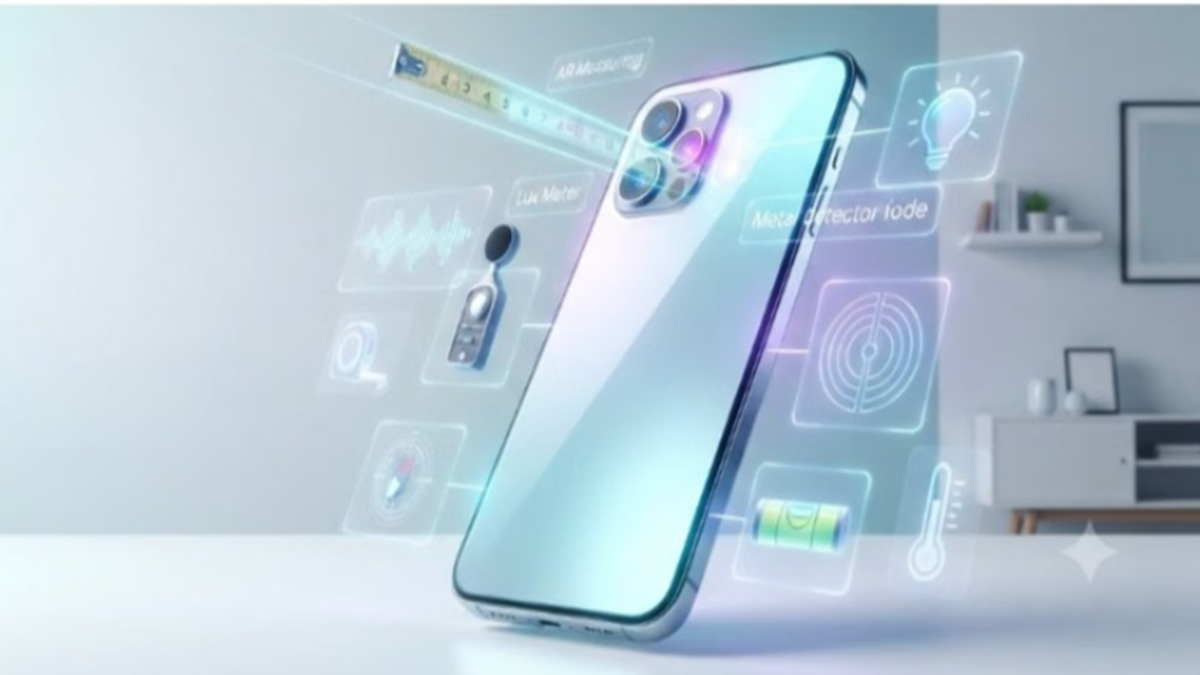
Modern smartphones come equipped with various built-in sensors that most users are unaware of. These sensors not only facilitate basic features like the camera, GPS, and auto-brightness but—when paired with the right apps—can transform your phone into a variety of other gadgets. You no longer need to buy separate tools to measure the length of a room or check a surface; your smartphone can handle these tasks in moments. Here’s how:
1. Use it like a measuring tape with AR technology
Whether you are buying new furniture, measuring a wall, or calculating the area of a room, you can now do it all with your smartphone instead of a physical measuring tape.
Android phones use the camera and AR (Augmented Reality) technology to measure the length, width, and height of objects. Apps available on the Google Play Store—such as Tape Measure, AR Ruler, or the Quick Measure app on Samsung Galaxy phones—can be used for this purpose.
How does it work? Open the app, point the camera at a flat surface, and select the starting and ending points. An estimated measurement will instantly appear on the screen. Flagship phones equipped with LiDAR sensors provide precise results, while standard phones rely on ARCore technology. However, for professional-grade work, a traditional tape measure remains the better choice.
2. Light and noise level meters
Is the lighting in your study room adequate? What are the noise levels in your surroundings? Your phone can answer these questions too. Here is how:
Light Meter: The ambient light sensor—which usually controls auto-brightness—can measure surrounding light in Lux units when used with light meter apps. This is particularly useful for those working from home or for maintaining indoor plants.
Sound Meter: The phone's microphone measures noise levels in decibels (dB) via sound meter apps. This allows you to determine whether music volume is at a safe level. Keep in mind that it may not provide complete accuracy in the presence of very loud noises.
3. Turn your phone into a metal detector
Almost every Android phone is equipped with a magnetometer sensor, which determines direction for apps like Compass and Google Maps:
How to use it? By installing apps like Physics Toolbox Magnetometer or Metal Detector, your phone can detect surrounding magnetic fields.
When you bring the phone close to metal, a magnet, or a speaker, the reading on the screen increases. This feature can be used to locate metal objects hidden inside walls or for science projects.
4. Hang photo frames straight using a spirit level
Checking whether a surface is level—while mounting photo frames, TVs, or shelves—is now incredibly easy:
Sensors: The accelerometer and gyroscope sensors inside the phone detect its orientation and tilt.
To use this, download a bubble level app and place your phone on the frame or table. It will instantly indicate the angle of the surface's tilt.
Which phones offer this feature?
If you own a Google Pixel 8 Pro or a newer Pro model, your phone can even measure temperature without physical contact:
Temperature Sensor: Using the dedicated thermometer sensor located near the camera module and the pre-installed thermometer app, you can measure the heat of cookware, water, or a laptop from a distance of a few inches.
Body Temperature: Google has also included a feature to measure body temperature by holding the phone near the forehead.
This functionality depends entirely on your phone's hardware and sensor support. While AR-based tape measure tools require ARCore or LiDAR, the temperature measurement feature is currently limited to the Pixel Pro series. Therefore, before using any app, verify whether your phone supports the necessary sensors.
