
Smartphone Battery Tips: Is your phone's battery draining in just a few hours? Change these settings immediately..
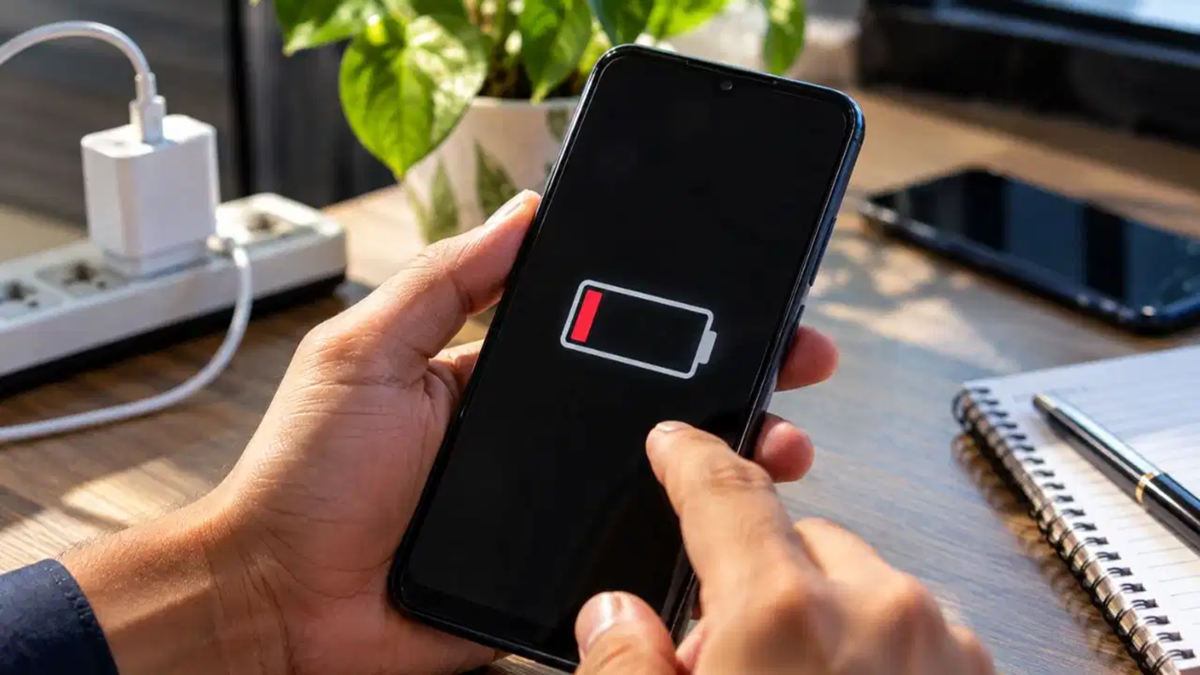
Smartphone Battery Tips: Modern smartphones have advanced significantly in terms of features. However, while phones have become incredibly smart, their batteries haven't quite kept pace. You might leave home with a 100% charge in the morning, only to find the battery level dropping to 30% by midday. This is a common frustration for almost every smartphone user. Every new app, software update, and incoming notification gradually drains your battery.
Running out of battery becomes a major headache, especially when you are traveling, out and about, or facing a power outage at home. It is particularly distressing when your phone dies during an emergency. Relying on battery-saving mode every day isn't a permanent solution. If you are dealing with this issue, you can make life easier by adopting a few simple yet highly effective methods—small tricks that we often overlook.
Turn off the auto-brightness feature immediately
Most people keep the auto-brightness setting enabled on their phones. While the feature sounds smart, it is actually a major battery drainer. It often makes the screen brighter than necessary, causing the battery level to drop rapidly. For better battery life, always set the brightness manually—keep it at a low or medium level. Increase the brightness only when you genuinely need intense light.
Keep background apps in check
We often close an app on the screen after using it, assuming it has shut down completely, but it continues to run in the background. These background apps silently consume your phone's battery. To prevent this, go to your phone's settings and check the battery usage. Use the "Force Stop" option for apps that you do not need running. You can also completely stop the background usage of such apps via your phone's settings.
**Adjust Location and Bluetooth Settings**
We often turn on location services to book cabs or use maps, and enable Bluetooth to connect earbuds. While we close the apps after use, these services often remain active. Some apps automatically activate these features in the background as soon as they are launched. Leaving them on unnecessarily drains the phone's power. Make it a habit to turn off settings like Location, Wi-Fi, and Bluetooth when they aren't needed; this will significantly reduce the strain on your battery.
**Vibration Causes Significant Battery Drain**
Your phone vibrates with every incoming notification. This vibration is powered by a small internal motor that consumes a significant amount of battery. Haptic feedback while typing also drains power. A ringtone alone is sufficient for calls and messages, so consider turning off vibration alerts entirely or keeping them to a minimum.
**Manage Power-Hungry Apps Effectively**
Some apps on your smartphone can be real battery drainers. Apps like Facebook and Snapchat, as well as many resource-intensive games, deplete the battery rapidly. If you use these apps infrequently, consider downloading their "Lite" versions. You can also access apps like Facebook and Instagram directly through your mobile browser. If you must keep resource-heavy apps, restrict their background usage; this ensures they shut down completely in the background as soon as you exit the app.
Disclaimer: This content has been sourced and edited from TV9. While we have made modifications for clarity and presentation, the original content belongs to its respective authors and website. We do not claim ownership of the content.
