
SIR Form: Has the BLO submitted your SIR form? Check it from home using your phone...
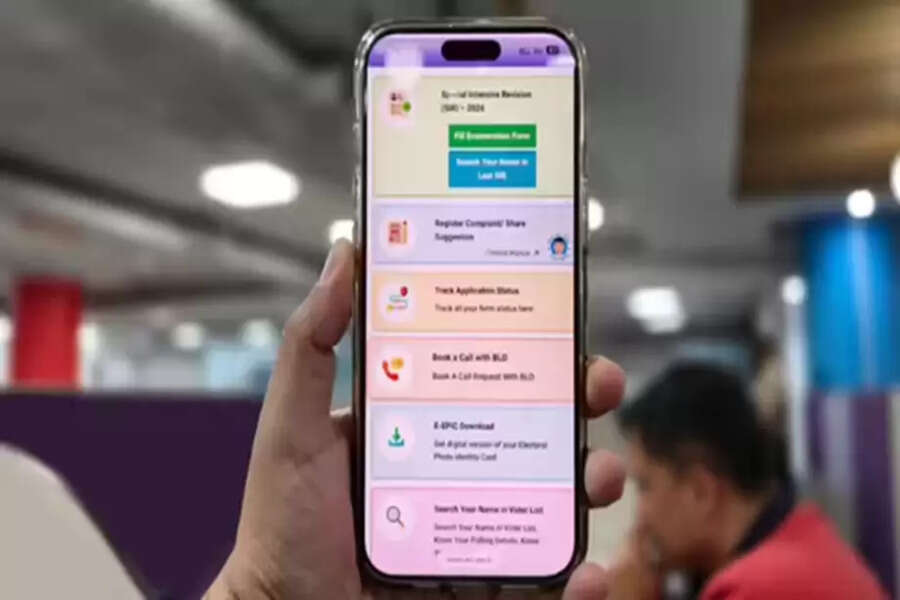
Have you completed your enumeration form under the SIR process currently underway in 9 states and 3 union territories? This begs the question: has the BLO submitted your form? If you wish, you can easily check from your phone at home whether your enumeration form has been submitted. Follow a few simple steps, and within seconds, you'll know whether your enumeration form has been submitted. Let's explore the details.
What is an enumeration form?
This is a document used to compile voter lists. It is being filled out by voters door-to-door. Through this form, the Election Commission of India ensures that no eligible voter is left out of the voter list and no ineligible voter is included.
Check your form status:
If the BLO hasn't reached you with the enumeration form, you can fill it out online and submit it. If you've already filled out this form, you can easily check its status online. To do this, you'll need to:
First, search for "Sarkari CSC" on Google and click on the first link.
Next, click on the "Government Work" option on the website.
Then, tap on "Fill SIR Form Online."
If you're a new user, click on "Sign Up" and complete your registration by entering your details, such as your mobile number, email address, and captcha, and then log in.
After scrolling down a bit, click on "Fill Enumeration Form."
Select your state, enter your EPIC number, and submit.
The page that opens will indicate whether your form has been submitted.
If your form has been submitted, you'll see "Your form has already been submitted." If you don't see this, your form hasn't been submitted yet.
What to do if your form hasn't been submitted?
If you don't see "Your form has already been submitted" after following the steps above, you have two options. You can contact your area's BLO and inquire about your form's status.
How to Fill the Form Online
To fill your enumeration form online, first:
Go to the Voter Services Portal at voters.eci.gov.in.
Click on Special Intensive Revision (SIR)-2026.
Then log in with your registered mobile number/email ID/EPIC number.
Now, click on the Fill Enumeration Form option.
Further Steps to Fill the Enumeration Form
Select your state and search using your EPIC number.
You will now see your voter details and BLO information.
Here you can carefully check details such as your name, EPIC number, serial number, part number, and Assembly/Lok Sabha constituency.
After this, enter your mobile number and perform OTP verification.
Be sure to carry your Aadhaar card with you to fill out the online enumeration form. Your Aadhaar number and the mobile number linked to it will be useful when filling out the online form. After filling out the form, you will need to generate an OTP using Aadhaar to complete your verification. After submitting the form, you will receive a SIR 2026 Receiver Slip/Receipt.
Disclaimer: This content has been sourced and edited from Navbharat Times. While we have made modifications for clarity and presentation, the original content belongs to its respective authors and website. We do not claim ownership of the content.
