
Secret Trick to View WhatsApp Status: Your Name Won't Appear in the List—Here Are 2 Methods..
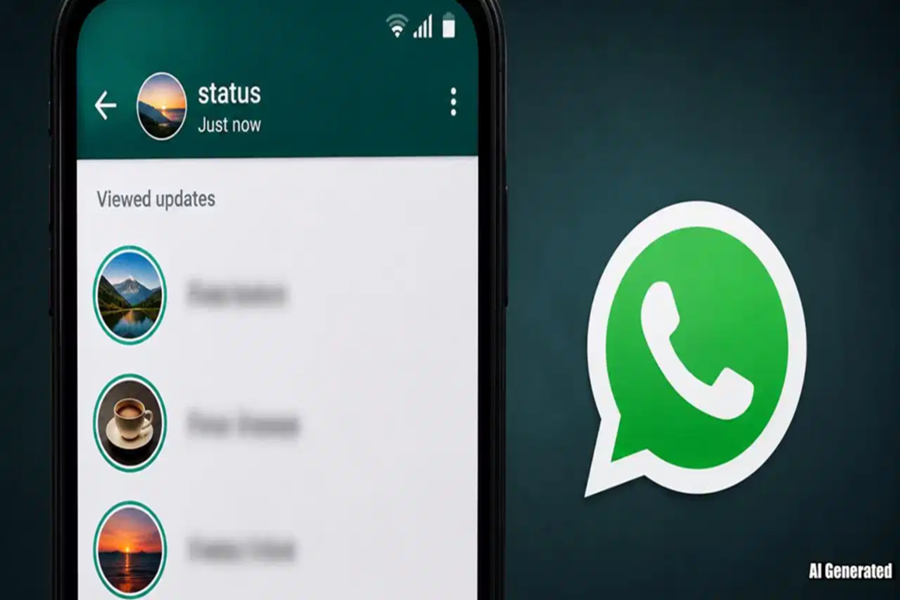
Do you want to view someone else's WhatsApp Status, but also wish to ensure that your name does not appear in the list of viewers? Today, we will share two amazing methods that allow you to view a Status while keeping your identity hidden. One trick is tucked away within the app's settings, while the other requires you to navigate to your phone's system settings. Let's walk through both methods, one by one.
Method 1: Disable This Feature in the App Settings
First, open WhatsApp on your phone.
Next, tap on the three dots to access the app's settings.
Once inside the app settings, navigate to the 'Privacy' option.
In the Privacy section, toggle off the 'Read Receipts' option.
After disabling this option, clear WhatsApp from your phone's RAM (recent apps), and then proceed to view the other person's Status. By doing this, your name will not appear in the list of viewers.
Note: Keep 'Read Receipts' disabled until the Status expires (typically after 24 hours). If you re-enable the option before the Status disappears, your name may still appear in the viewer list.
Method 2: Enable This Feature in Your Phone's System Settings
Open WhatsApp. If you wish to view someone's Status, you must first go to your phone's system settings and turn off both Mobile Data and Wi-Fi.
Next, switch your phone to Airplane Mode.
Once your phone is in Airplane Mode, reopen WhatsApp and view the Status of the person you wish to see.
Important: This method works only if WhatsApp is completely closed before your device reconnects to the internet.
