
Scanning a QR Code Could Get Your Phone Hacked! Learn the Safest Way to Stay Protected—Right Now
QR Code Scam: Scammers often paste fake stickers over genuine QR codes, causing users to fall directly into their trap
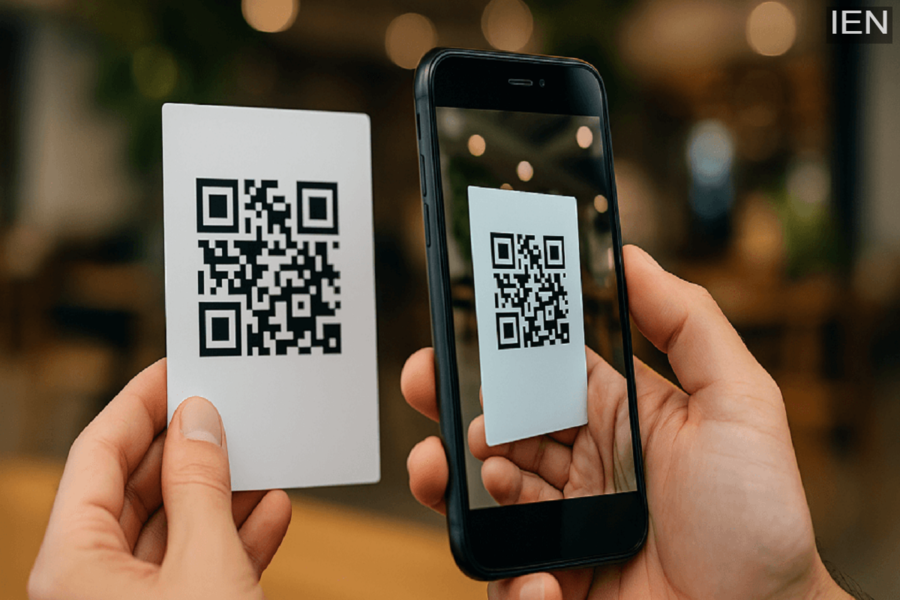
QR Code Scam: In today’s world, QR codes are ubiquitous. Whether it’s a restaurant menu, parking payment, grocery store checkout, UPI transaction, or event ticket, people are increasingly using QR codes to complete tasks quickly. However, cyber scammers are now exploiting this very convenience. Through fake QR codes, sensitive information—such as bank details, passwords, and OTPs—is being stolen from unsuspecting individuals.
According to cybersecurity experts, the safest way to scan QR codes in 2026 is remarkably simple: do not click on the link immediately after scanning. First, carefully examine the link; only then should you proceed.
Fake QR Code Scams Are on the Rise
Cyber experts refer to this new threat as “Quishing.” It is a QR-based phishing attack in which users are redirected to fraudulent websites via QR codes that appear to be legitimate. With standard web links, the URL is immediately visible; however, within a QR code, the link remains hidden. This is precisely why people often open them without a second thought.
Scammers frequently paste fake stickers directly over authentic QR codes, causing users to walk straight into their trap. Parking machines, restaurants, public posters, retail shops, and payment counters are among the locations where these types of fraudulent QR codes are being spotted with increasing frequency.
The Safest Way to Scan QR Codes
If you wish to protect yourself from online fraud, always keep one simple rule in mind:
Scan it, Check the Link, Verify it, Then Open it.
Nowadays, almost all Android and iPhone smartphones display a website preview after a QR code is scanned. Therefore, before opening any link, be sure to check the following points:
- Does the website address appear correct and trustworthy?
- Does the URL contain any misspellings, extra characters, or unusual words?
Be wary of shortened or suspicious-looking links. If, immediately upon scanning, you are prompted to enter a password, OTP, card details, or to download an app, stop immediately. Examine QR codes located in public places carefully. If you notice a sticker pasted over another sticker, it could be a warning sign.
Be Wary of Third-Party QR Scanner Apps
Security agencies advise using only your phone’s default camera app to scan QR codes. Many unofficial QR scanner apps request excessive permissions and can compromise a user’s personal information.
Exercise Extra Caution When Scanning QR Codes in These Locations
Public Payment Systems
QR codes found on parking meters, store payment boards, and public payment kiosks are frequently targeted. Scammers often affix fake QR stickers in these locations to redirect users to fraudulent payment websites.
QR Codes Received via Email or Parcels
If you encounter a QR code in an unsolicited email, message, or parcel, think twice—or even three times—before scanning it. Cybersecurity agencies have issued warnings to steer clear of such QR codes.
Convenience Must Be Paired with Vigilance
QR codes have made digital payments and online services incredibly convenient; however, this very speed and ease are now becoming a weapon for cybercriminals. Therefore, treat every QR code as you would an unknown link: verify it first, establish trust, and only then click.
