
Scam Alert: Receiving calls from unknown numbers on WhatsApp? Do this to protect yourself from scams..
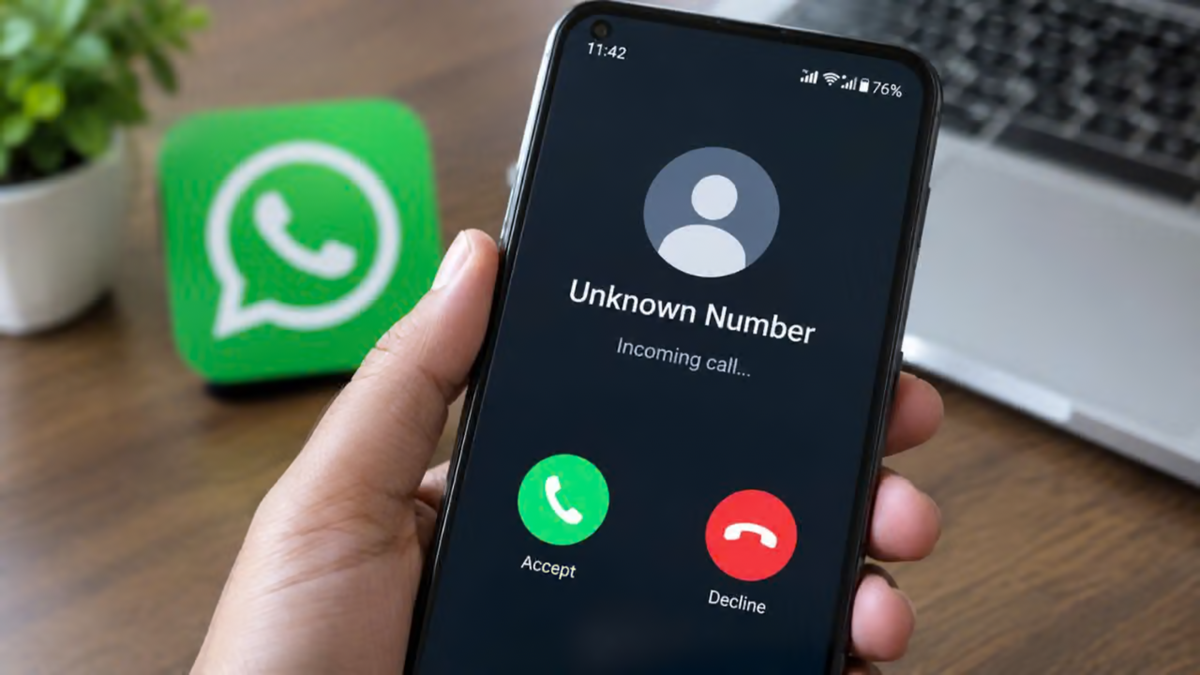
WhatsApp Settings: In today’s world, the term "smartphone" has become almost synonymous with WhatsApp. From the moment we wake up until we go to bed at night, we rely on this app for everything—from messaging to making calls. However, it is no longer just a tool for staying in touch with loved ones; cybercriminals have turned it into their primary weapon. If you suddenly receive a call on your phone from a number with a country code belonging to Pakistan, Vietnam, or any other unfamiliar nation, you need to be on high alert immediately. A single moment of oversight or carelessness could lead to your entire life’s savings—held in your bank account—being wiped out in an instant.
Cybercriminals are now using this platform to intimidate and threaten people. Many believe that answering an unknown call couldn't possibly cause any harm, but the reality is quite the opposite. Even a single call from an unknown source can expose sensitive information, ranging from your live location to your personal data.
A New Trap Set by Cybercriminals
Nowadays, people are frequently receiving missed calls or direct video calls from unknown numbers. Fraudsters wait for someone to answer. As soon as you pick up, the person on the other end claims to be a police officer, a CBI official, or an agent from the Customs Department. They then begin leveling false accusations against you, claiming that a parcel addressed to you has been intercepted containing illegal items. This tactic is now referred to as a "digital arrest." In this scheme, victims are kept on the line for hours, subjected to constant intimidation. The call is not disconnected until the victim is completely terrified. Subsequently, the perpetrators demand large sums of money—often lakhs of rupees—under the pretext of "settling" the matter.
Hackers Can Access Your Data
From a technical standpoint, answering calls from unknown individuals is extremely dangerous. When you answer a call from an unknown person, a peer-to-peer connection is established between the two phones. Through this connection, your IP address—essentially your internet location—can be easily traced by the other party. Such an IP leak puts your device's privacy at permanent risk, making you a direct target for hackers.
Silence calls from unknown numbers
The easiest way to avoid the trouble caused by calls from unknown numbers is a feature already built into your phone, known as "Silent Unknown Callers." Once enabled, if someone not in your contact list calls you, your phone will not ring at all. This ensures that calls from scammers cannot disrupt your activities. Furthermore, since the phone doesn't ring, you avoid the risk of accidentally answering a fraudulent call in a rush.
Enabling this feature is very simple. First, open the app and go to the settings menu. Tap on the "Privacy" option, then scroll down slightly and select "Calls." You will see the "Silent Unknown Callers" option—simply turn it on. Now, calls from unknown numbers will appear only in your call log, without triggering a ringtone.
Protect your location by hiding your IP address
For the sake of cyber safety, there is a crucial setting you should change today: "Protect IP Address in Calls." Typically, when two people communicate via this app, data is transferred directly between their devices. In this peer-to-peer system, malicious hackers can easily identify your actual IP address using network tools. They can even determine your precise location.
However, once you enable this specific setting, all your calls are routed through Meta’s highly secure servers. The primary advantage of this is that the other person will never be able to discover your private network details, ensuring your privacy remains completely secure.
To enable this feature, navigate to your settings and open the 'Privacy' section. From there, scroll to the bottom and select 'Advanced.' You will see an option labeled 'Protect IP address in calls'—simply toggle it on. Doing this will keep your phone out of reach of hackers and protect you from various forms of digital tracking. By following these steps, you can keep yourself safe.
Disclaimer: This content has been sourced and edited from News18 Hindi. While we have made modifications for clarity and presentation, the original content belongs to its respective authors and website. We do not claim ownership of the content.
