
Say goodbye to long queues at Aadhaar Seva Kendras! Here’s how to book an appointment in minutes using the mAadhaar app..
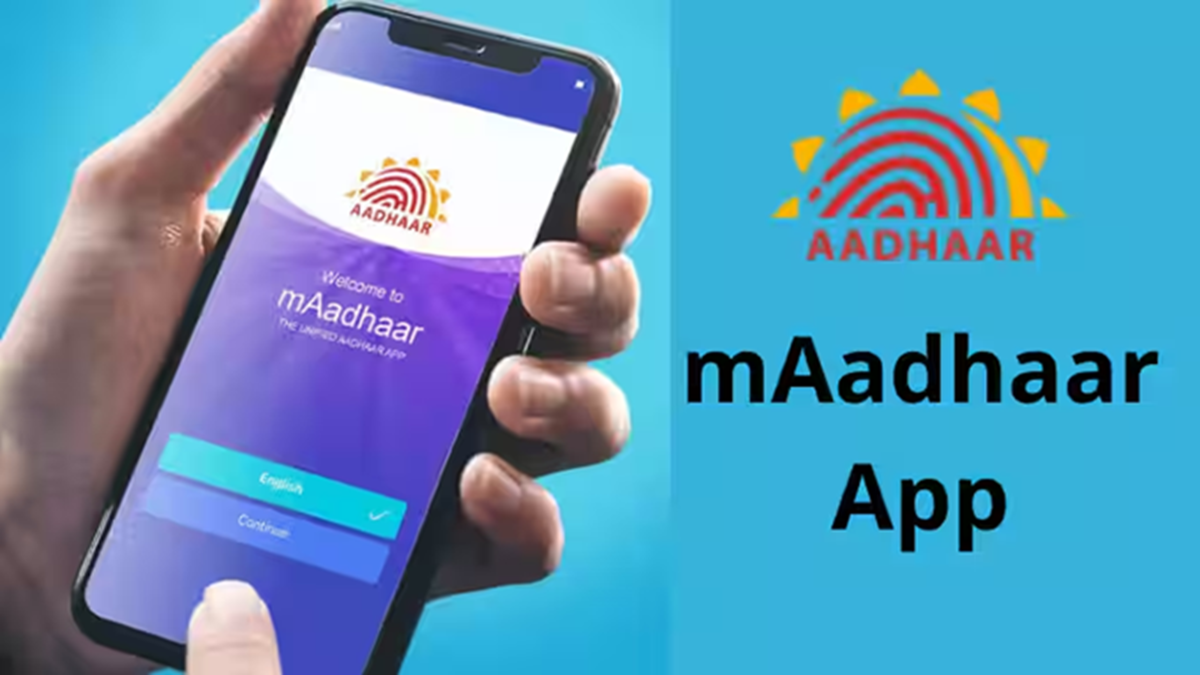
Nowadays, the Aadhaar card is essential for everything from opening a bank account to availing the benefits of government schemes. Consequently, if there are errors in your name, address, or mobile number on your Aadhaar card, several of your tasks could get stalled.
To rectify these errors, you typically need to visit an 'Aadhaar Seva Kendra' (Aadhaar Service Center). However, booking an appointment online is a simple way to avoid the long queues and overcrowding often found there. You can schedule your appointment—choosing both the day and time—from the comfort of your home using the official UIDAI app, 'mAadhaar'.
What services are available at the Aadhaar Seva Kendra?
By booking an appointment, you can visit the center to get the following tasks done:
* New Aadhaar enrollment
* Updating name, address, and date of birth (DOB)
* Linking or updating mobile number and email ID
* Biometric updates (photograph, fingerprints, and iris scan)
* Gender update
Step-by-step process to book an appointment via the mAadhaar app:
1. Open the 'mAadhaar' app on your phone and log in using your 6-digit PIN or fingerprint.
2. Click on the 'Services' tab located in the app's bottom navigation bar.
3. Scroll down to the 'Other Services' section and tap on 'Book an Appointment'.
4. You will be redirected to the UIDAI appointment portal. Enter your mobile number or email ID and verify it by entering the OTP received on your mobile.
5. Select the service you require (New Aadhaar or Update). Then, search for and select the nearest 'Aadhaar Seva Kendra' using your city or PIN code.
6. Choose an available date and time slot from the calendar that suits your convenience.
7. Tap on 'Confirm'. Now, enter the applicant's required details, review the information, and submit it.
Once the booking is successful, you will receive an appointment slip. Visit the selected Aadhaar center on the scheduled date and time with the original copies of the required documents.
Disclaimer: This content has been sourced and edited from Dainik Jagran. While we have made modifications for clarity and presentation, the original content belongs to its respective authors and website. We do not claim ownership of the content.
