
Running out of storage on your mobile? Identify the app taking up the most space with just one setting..
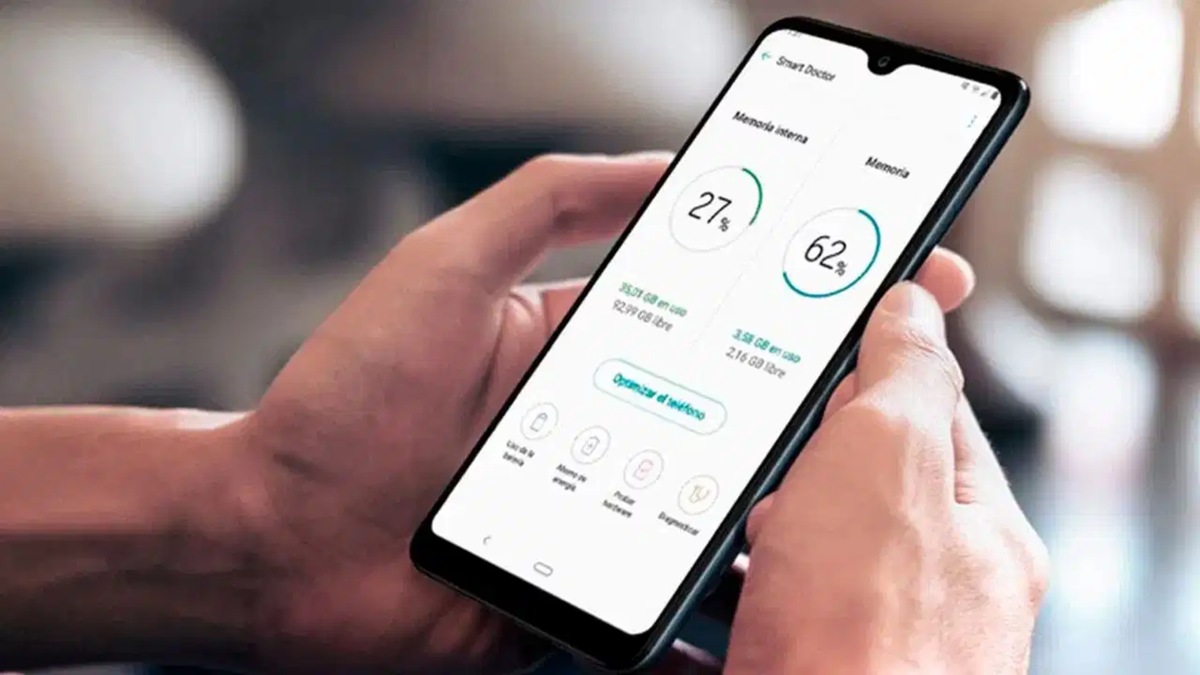
If your Android phone's storage keeps filling up and the device feels slower than usual, you don't necessarily need to buy a new phone immediately. Often, the cause of low storage is simply certain apps installed on your device. Some apps consume significant space over time as they accumulate cache, downloaded files, and other data. Fortunately, you can easily identify which apps are taking up the most space by following a few simple steps. You can then free up storage by removing unnecessary data or uninstalling apps you no longer use.
**How to identify space-consuming apps via Settings**
First, open your Android phone's Settings. Then, navigate to the 'Storage' option. Note that the name or location of this setting may vary slightly depending on the phone manufacturer. In the Storage section, you can view the total storage capacity and the amount of space currently in use. Look for an option labeled 'Apps' or 'Apps and Games' and tap on it.
You will now see a list of apps installed on your phone. If you see a 'Sort by' option (or something similar), select 'Size' to arrange the list; this will bring the apps consuming the most storage to the top. You can now easily see which apps are taking up the most space. Tapping on a specific app will also provide details about its storage usage.
**Free up space by clearing the cache**
If an app is consuming excessive space, you may find a 'Clear Cache' option within its settings. The cache stores temporary files that the app saves to speed up its operations; these can be cleared safely when needed. However, exercise caution when using 'Clear Storage' or 'Clear Data,' as these actions can erase saved app data, login details, and other information. Always check what you are deleting before proceeding.
**The 'Files' app can also help**
You can also use the 'Files' app to free up storage space on your phone. Open the 'Files' app on your phone and look for options related to storage cleanup or apps. Some Android phones may display sections like 'Large Apps,' 'Unused Apps,' and 'Games' here. These make it easy to identify apps that are consuming a lot of space or haven't been used for a long time.
If an app is no longer useful to you, you can select and uninstall it. This will free up the storage space occupied by that app.
An easy way to keep your phone uncluttered
It is a good habit to check your phone's storage periodically. Remove apps you don't use and clear out unnecessary downloads or large files. Keep in mind that every app has different storage requirements; therefore, do not delete an app simply because it takes up a lot of space. First, consider whether or not it is essential for you.
In short, be sure to check your current phone's storage before buying a new one. Simply removing a few large or redundant apps and clearing out unnecessary data might free up a significant amount of space on your phone.
Disclaimer: This content has been sourced and edited from TV9. While we have made modifications for clarity and presentation, the original content belongs to its respective authors and website. We do not claim ownership of the content.
