
Run 2 WhatsApp Accounts on 1 Mobile: Here’s the Simple Method
What Is Samsung’s Dual Messenger Feature?
Samsung includes a special option in its One UI interface called Dual Messenger. This feature allows users to create a second version (clone) of supported apps directly within the phone.
Once enabled, the phone installs a duplicate version of the selected app. You can then log in using a different mobile number or account, allowing you to run two accounts simultaneously.
Apps that usually support Dual Messenger include:
-
WhatsApp
-
Facebook
-
Telegram
-
Snapchat
-
Messenger
This feature is particularly helpful for people who want to separate work and personal communication on the same device.
How to Set Up Dual WhatsApp on Samsung Phones
Setting up a second WhatsApp account on Samsung phones is simple. Follow these steps:
-
Open Settings on your Samsung smartphone.
-
Scroll down and tap Advanced Features.
-
Select Dual Messenger.
-
You will see a list of apps that support this feature.
-
Toggle the switch next to WhatsApp.
-
A prompt will appear asking if you want to install a second version of the app. Tap Install.
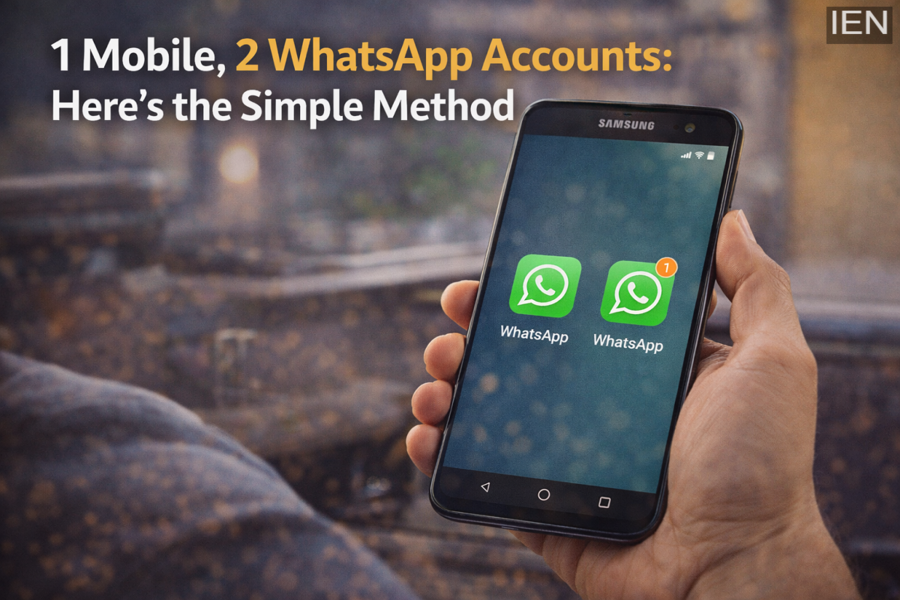
After installation is complete, a second WhatsApp icon will appear in your app drawer or home screen. This icon usually has a small orange or duplicate badge to distinguish it from the original app.
You can now register the second WhatsApp with another mobile number.
What Happens to Data and Storage?
One important advantage of Dual Messenger is that both WhatsApp accounts operate independently.
This means:
-
Chat histories are separate
-
Media files are stored separately
-
Contacts can be different for each account
There is no interference between the two apps, so your personal and professional chats remain completely separate.
Which Samsung Phones Support Dual Messenger?
Most Samsung smartphones running One UI 3.0 or later support the Dual Messenger feature.
This includes popular device series such as:
-
Samsung Galaxy A Series
-
Samsung Galaxy M Series
-
Samsung Galaxy S Series
-
Samsung Galaxy Z Fold and Z Flip Series
If your phone runs a recent version of One UI, the feature should already be available in your settings.
Why Dual WhatsApp Is Useful
Running two WhatsApp accounts on a single phone can be extremely convenient. It allows users to:
-
Separate personal and professional conversations
-
Manage multiple phone numbers easily
-
Avoid carrying two phones
-
Keep chats and files organized
For business owners, freelancers, and professionals, this feature can significantly simplify communication.
Conclusion
Samsung’s Dual Messenger feature provides a simple and effective way to run two WhatsApp accounts on a single smartphone. With just a few steps in the settings menu, users can install a second version of WhatsApp and manage two numbers independently.
If you regularly use multiple phone numbers, this built-in feature can save time and make communication much more convenient—without needing any third-party apps or complicated tricks
