
Rising Temperatures Can Degrade Phone Performance: Here's How to Take Care—Otherwise, You Could Face These 3 Major Risks..
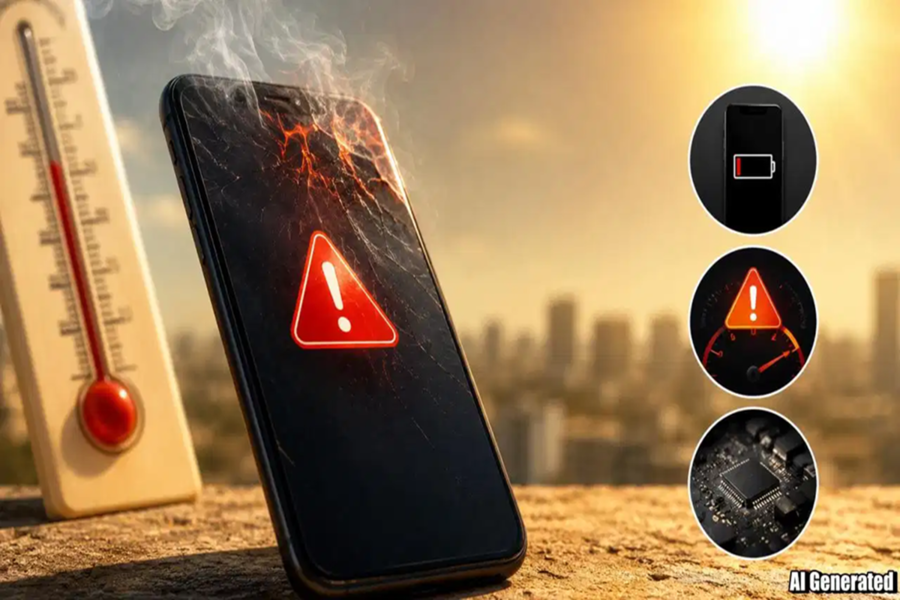
Mobile Tips: India is currently experiencing record-breaking heat—a trend expected to continue—with temperatures in regions like Rajasthan, Delhi, Chhattisgarh, and others hovering around 45 degrees Celsius. While protecting yourself from the heatwave is essential, safeguarding your smartphone from the heat is equally important. With many people investing in expensive phones these days, the prevailing heatwave in India poses a risk of device damage; should this occur, the cost of repairs can be substantial. To protect your smartphone this summer, it is crucial to follow a few essential tips.
**Potential Damages Caused by Rising Heat**
Rising temperatures can significantly increase the risk of overheating and subsequent damage. Specifically, excessive heat can damage the phone's battery, degrade processor performance, and even cause harm to internal hardware components.
**Dos and Don'ts**
According to *Telecom Talk*, users are advised to avoid placing their phones in direct sunlight—particularly on car dashboards, park benches, or other hot surfaces. Thick phone cases can trap heat; if the device becomes excessively hot—especially while charging—the case should be removed immediately. If the phone becomes too...
**How to Protect Your Smartphone from the Heat?**
**Never leave your phone in direct sunlight:** Leaving your phone on a park bench or a car dashboard where it is exposed to direct sunlight is a bad idea. This can cause irreparable damage to your device; always keep it in the shade and shield it from direct sun exposure. This precaution applies to any electronic device.
**Avoid using your phone in direct sunlight:** If you are outdoors in an open area and cannot find any shade, minimize your usage of the phone.
**Avoid thick cases:** If you keep your phone inside a thick case while in the sun, the case will trap the heat inside. This causes your device to remain hot for an extended period; therefore, immediately remove the device from any thick case or cover.
**What to Do If Your Phone Overheats?**
First, turn off the phone.
Remove it from its case (if it is inside one).
Close all app activity running in the background and clear the apps from RAM.
Stop any downloads and turn off the Wi-Fi connection for a few minutes.
Place the phone under a fan and let it cool down naturally.
Disclaimer: This content has been sourced and edited from TV9. While we have made modifications for clarity and presentation, the original content belongs to its respective authors and website. We do not claim ownership of the content.
