
Receiving calls from unknown numbers on WhatsApp? Adjust these two settings on your phone to avoid scams...
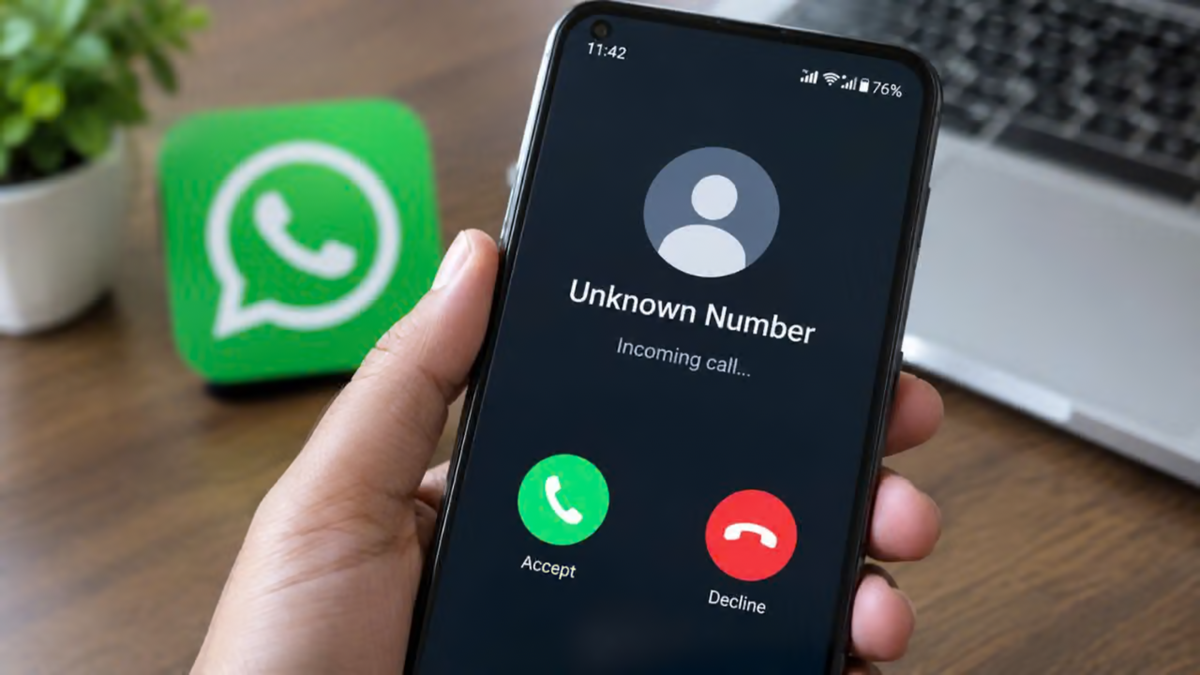
WhatsApp Settings: In today's world, the smartphone has become synonymous with WhatsApp. From the moment we wake up until we go to sleep, we use this app for everything from messaging to calling. However, it is no longer just a means to communicate with loved ones; cyber fraudsters have turned it into a major weapon. If you suddenly receive a call on your phone from a number with a country code belonging to Pakistan, Vietnam, or any other unfamiliar nation, you need to be immediately alert. A single moment of oversight or negligence on your part could wipe out your life's savings from your bank account in an instant.
Cybercriminals are now using this platform to directly intimidate or threaten people. Most people believe that answering an unknown call won't cause any real harm, but the reality is quite the opposite. Even a single unknown call can lead to the leakage of everything from your phone's live location to your personal data.
A New Trap Set by Cyber Fraudsters
Nowadays, people are frequently receiving missed calls or direct video calls from unknown numbers. Fraudsters wait for someone to answer the call. As soon as you pick up, the person on the other end identifies themselves as a police officer, a CBI official, or a Customs Department officer. They then begin leveling false accusations against you, claiming that a parcel containing illegal items has been intercepted in your name. This tactic is currently known as "digital arrest." In this method, victims are kept on the call for hours while being intimidated; the call is not disconnected until the person is thoroughly panicked. Subsequently, lakhs of rupees are extorted under the pretext of settling the matter.
Hackers Can Access Your Data
From a technical standpoint, answering calls from unknown individuals is also extremely dangerous. When you answer a call from an unknown person, a peer-to-peer connection is established between the two phones. Through this connection, your IP address—essentially your internet location—can be easily traced by the other party. This IP leak permanently compromises your device's privacy, making you a direct target for hackers.
**Silence Calls from Unknown Numbers**
The easiest way to avoid the hassle of calls from unknown numbers is a feature built right into your phone, known as "Silence Unknown Callers." Once enabled, if a number not saved in your contact list calls you, your phone will not ring at all. This means scammer calls won't interrupt your day, and since the phone doesn't ring, you avoid the risk of hastily answering a fraudulent call.
Activating this feature is very simple. First, open the app and go to the settings menu. Tap on the "Privacy" option, then scroll down slightly to select "Calls." You will see the "Silent Unknown Callers" button there; simply turn it on. Now, unknown calls will only appear in your call log without triggering the ringtone.
**Protect Your Location by Hiding Your IP Address**
There is a crucial setting for cyber safety that you should enable today: "Protect IP Address in Calls." Typically, when two people converse on this app, data is transferred directly between their phones. In this peer-to-peer system, malicious hackers can easily detect your real IP address using network tools, thereby pinpointing your exact location.
However, once you enable this specific setting, all your calls are routed through Meta's highly secure servers first. The primary benefit of this is that the other person never discovers your private network details, ensuring your privacy remains fully protected.
To enable this feature, go to Settings, select Privacy, and then tap on the 'Advanced' option at the bottom. There, you will find a toggle labeled 'Protect IP address in calls'; simply turn it on. Doing this places your phone beyond the reach of hackers and keeps you completely safe from various forms of digital tracking attacks. By following these steps, you can ensure your security.
Disclaimer: This content has been sourced and edited from Money Control. While we have made modifications for clarity and presentation, the original content belongs to its respective authors and website. We do not claim ownership of the content.
