
Reasons Why Charging Ports Become Loose – Don't Ignore This!
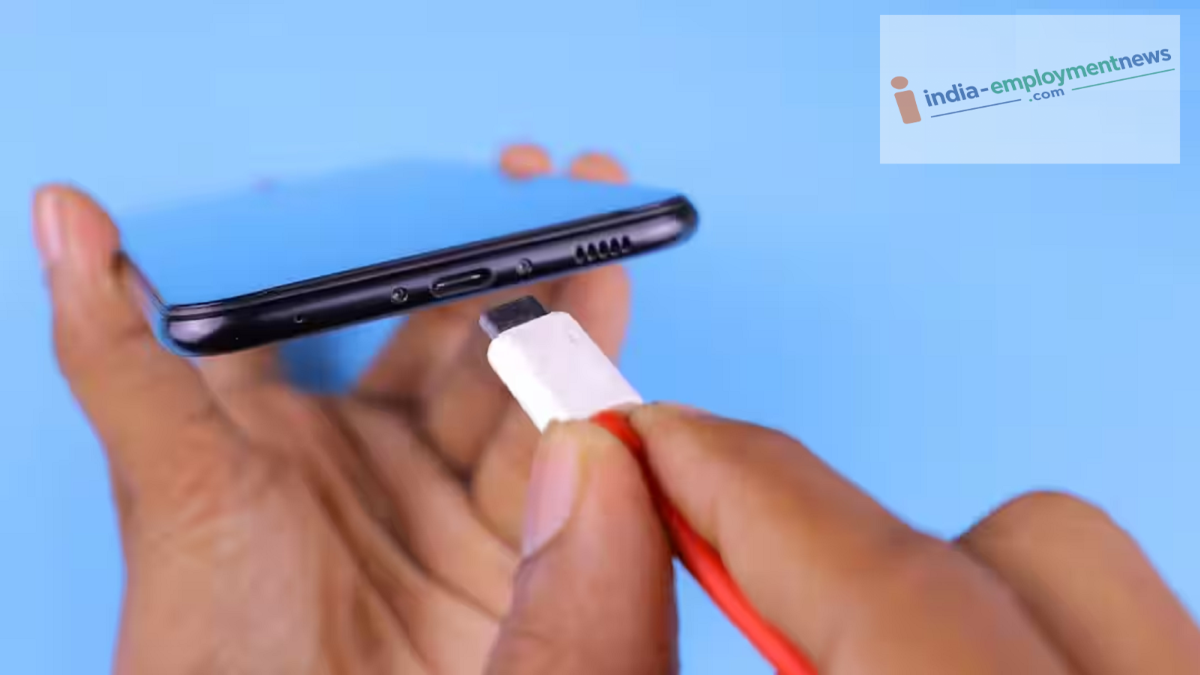
The primary reason for a charging port becoming loose is the accumulation of dirt and debris inside it. Dust and tiny fibers from pocket linings often collect in the port.
Charging Port: Smartphones have become essential devices for people, yet they often come with a host of issues. Naturally, the more a smartphone is used, the more frequently it needs to be charged. Consequently, repeatedly plugging the phone in to charge can cause the charging port to loosen over time. If your phone's charging port has become loose or the cable keeps slipping out, you should certainly not ignore it.
Dirt Accumulation in the Port
In fact, the main reason a charging port becomes loose is the buildup of dirt inside it. Dust and tiny fibers from pocket fabrics often accumulate in the port. This prevents the charging cable from inserting fully, leading to a weak connection. As a result, plugging in the cable doesn't provide the same secure feel it once did. Users often assume the port itself has become loose, but the actual problem lies in the debris inside the port.
A Faulty Cable Could Also Be the Cause
It is worth noting that the problem doesn't always lie with the phone's port. Often, a damaged, worn-out, or poor-quality charging cable can be the culprit. Such cables may feel loose in the port, causing the charging connection to drop repeatedly. Therefore, before assuming the port is faulty, try charging the phone with a different, high-quality, compatible cable.
Constant Use Can Damage the Port
Keep in mind that daily use of the charging port leads to normal wear and tear. Repeatedly plugging and unplugging the cable causes the internal connectors to gradually wear down. Forcing the cable out or pulling it at an awkward angle carries the risk of completely damaging the port. This issue is more common in older smartphones, especially those that have been in use for a long time.
Exercise caution when cleaning the port yourself.
Additionally, if you notice dust in the port and wish to clean it yourself, you must take certain precautions. Never use a pin, needle, or any sharp object to clean the port.
Doing so can damage the internal contacts and increase the risk of a short circuit. It is best to use a safe method for cleaning the port. If debris has accumulated deep inside, taking the device to a service center for cleaning is the better option.
