
Ram Navami 2026: Step-by-Step Guide to Download and Share WhatsApp Stickers
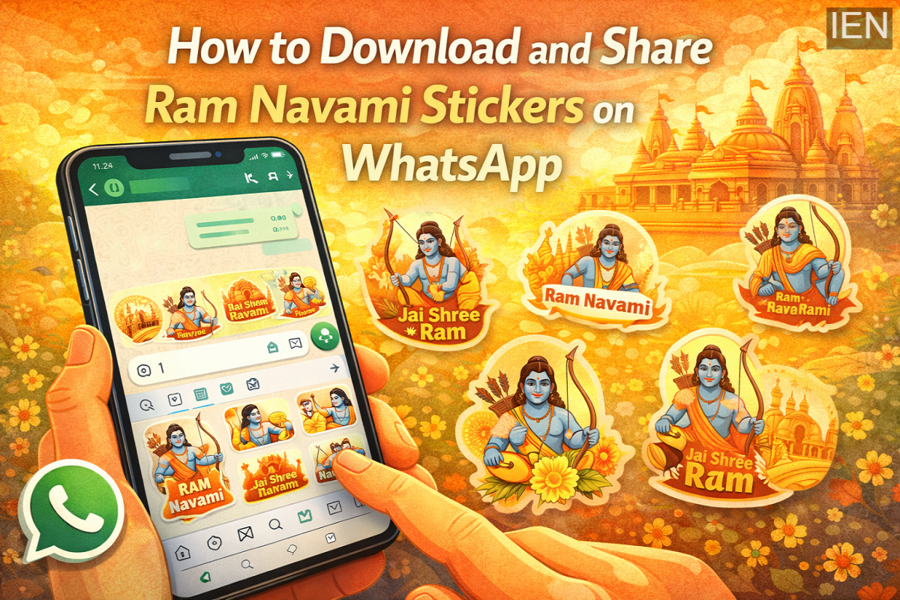
Ram Navami is one of the most significant Hindu festivals celebrated across India. The day marks the birth anniversary of Lord Rama, who is regarded as the seventh incarnation of Vishnu and a central figure in the epic Ramayana. Devotees observe the occasion with prayers, temple visits, processions, and devotional songs.
In today’s digital era, festive greetings are also widely shared through messaging apps. One of the most popular ways to send festival wishes is through **WhatsApp stickers. These colourful graphics allow users to convey greetings in a more expressive and engaging way.
For Ram Navami, many developers release themed sticker packs featuring images of Lord Rama, bows and arrows, temples, and festive messages. If you want to send Ram Navami greetings to friends and family, here’s a detailed guide explaining how to download and share Ram Navami WhatsApp stickers on your smartphone.
Why WhatsApp Stickers Are Popular During Festivals
WhatsApp stickers have become a widely used feature for communication. Instead of typing long messages, users can share festive emotions instantly with creative visuals.
During festivals like Ram Navami, stickers help users:
-
Send quick and visually appealing greetings
-
Share devotional or festive imagery
-
Make conversations more lively and interactive
-
Express emotions without long messages
Many sticker packs are available for free and can be added directly to WhatsApp within minutes.
Important Things to Know Before Downloading Stickers
Before downloading Ram Navami sticker packs, keep the following points in mind:
-
Most third-party WhatsApp sticker apps are available primarily for Android devices.
-
iPhones often do not support external sticker pack apps directly.
-
However, iPhone users can still save and reuse stickers received from other WhatsApp users.
Make sure your phone has the latest version of WhatsApp installed to ensure sticker compatibility.
How to Download Ram Navami WhatsApp Stickers (Android)
Android users can easily install Ram Navami sticker packs from the Google Play Store.
Follow these steps:
Step 1: Open the Google Play Store on your smartphone.
Step 2: Tap the search bar and type “Ram Navami WhatsApp Stickers.”
Step 3: Browse the results and choose a sticker pack that you like.
Step 4: Tap Install or Download to install the sticker pack app.
Step 5: After installation, open the sticker pack application.
Step 6: Select the sticker pack and tap “Add to WhatsApp.”
Step 7: Confirm the action to add the stickers to your WhatsApp library.
Once completed, the sticker pack will be available in your WhatsApp stickers section.
How to Send Ram Navami Stickers on WhatsApp
After adding the sticker pack, sending festive stickers is very simple.
-
Open WhatsApp and go to the chat where you want to send greetings.
-
Tap the emoji icon next to the message typing field.
-
Select the stickers tab at the bottom of the screen.
-
Browse the Ram Navami sticker pack you added.
-
Tap the sticker you want to send.
The sticker will instantly appear in the chat.
Can iPhone Users Use Ram Navami Stickers?
Due to Apple’s restrictions, iPhone users cannot easily download many third-party WhatsApp sticker apps from external sources.
However, there is still a simple workaround:
-
Ask a friend using an Android phone to download the Ram Navami sticker pack.
-
Have them send the stickers to you on WhatsApp.
-
Tap the sticker and add it to your favourites.
After saving it, you can reuse and forward that sticker in other chats.
Managing Your WhatsApp Sticker Packs
Once you add a sticker pack to WhatsApp, it remains stored in the stickers section. You can access it anytime while chatting.
If you no longer want a particular sticker pack, you can remove it from the sticker manager in WhatsApp settings.
Final Thoughts
Ram Navami is a joyful and spiritual occasion celebrated by millions of devotees. Sharing greetings with loved ones through WhatsApp stickers is a simple yet creative way to spread festive cheer.
By downloading Ram Navami-themed sticker packs, you can easily send colourful wishes and devotional messages through WhatsApp chats, making your festival greetings more engaging and memorable.
