
Printer Buying Guide: 3 Important Things To Check Before Buying a New Printer For Home Office..
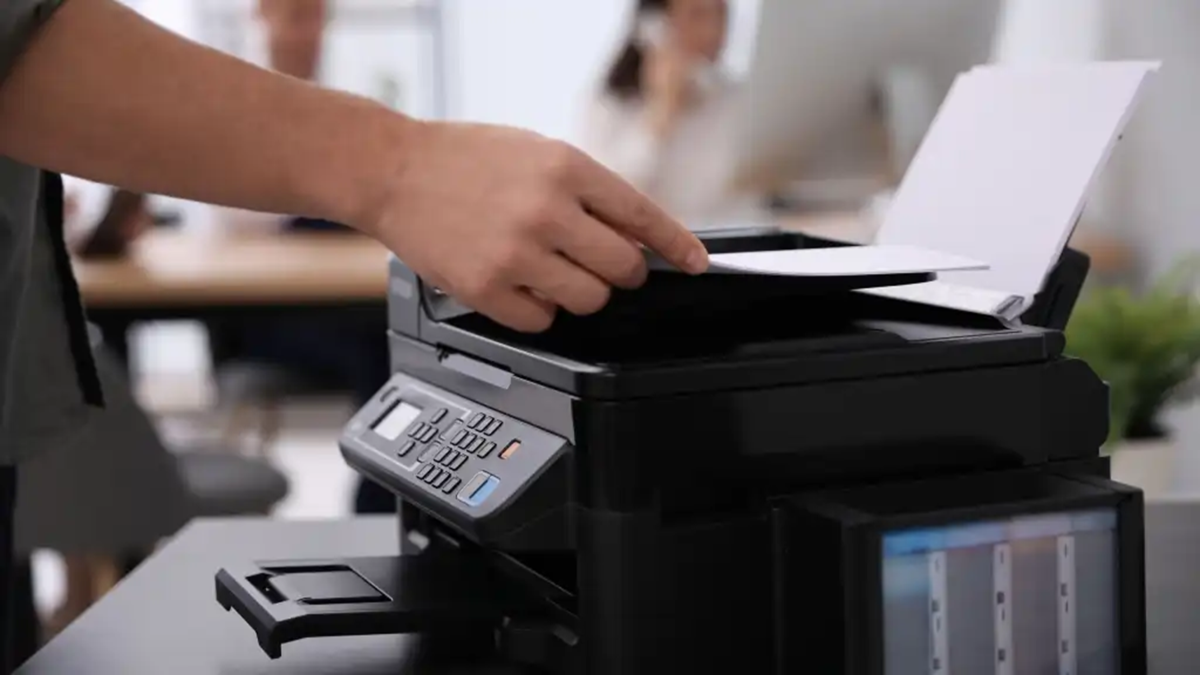
No matter how digital the world has become today, the importance of paper and printouts remains undiminished. From children’s school assignments at home to office reports and government forms, a printer has become a household necessity. Constantly going out to get documents printed is not only a waste of time but also proves costly in the long run. This is why many people now prefer to keep a printer at home.
However, the real challenge begins when you encounter the countless models available in the market or online. Often, people purchase a printer simply because it is "cheap," only to find that within a few months, the cost of ink and maintenance becomes a major headache. In some cases, the cost of printing a single page can even exceed the rates charged by commercial print shops. If you are planning to buy a new printer, keep these three factors in mind to avoid any future regret.
1. Inkjet, Ink Tank, or Laser: What are your needs?
One of the biggest mistakes people make when buying a printer is failing to understand the underlying technology. There are primarily three types of printers available in the market:
Cartridge-based Inkjet Printer: If you only need to print about 10–15 pages a month, this affordable option might suffice. However, the cartridges are quite expensive and run out quickly. Furthermore, if the printer is left unused for long periods, there is a risk that the ink may dry up.
Ink Tank Printer: If your household requires frequent printing—both in color and black-and-white (such as for school projects)—an ink tank printer is the best choice. These printers use very cost-effective ink bottles. A single refill allows you to print thousands of pages with ease. Laser Printer: If your primary requirement is to print black-and-white documents quickly, there is nothing better or more cost-effective than a laser printer.
2. Wireless Connectivity (Wi-Fi and Mobile Printing)
Nowadays, most of us prefer to avoid the hassle of cables and wires. We often receive PDFs, photos, and documents directly on our smartphones via WhatsApp or email. Given this, it is not wise to purchase a printer that lacks wireless features.
When buying a new printer, always ensure it includes built-in Wi-Fi, 'Wi-Fi Direct,' and support for cloud printing. With these features, you can send a print command from your phone with a single click—from anywhere in your home. A major advantage of 'Wi-Fi Direct' is that even if you do not have a router or an internet connection at home, your phone can connect directly to the printer to get your documents printed.
3. All-in-One Functionality and Auto-Duplex Feature
The 'running cost' (the cost of printing per page) is often more important than the initial price of the printer. Before making a purchase, check the cost of an ink bottle and how many pages it can print. Additionally, opt for an 'all-in-one' printer rather than one that only prints. These devices combine printing, scanning, and photocopying, allowing you to easily make copies of documents like your Aadhaar or PAN card from the comfort of your home.
Another smart feature you should look for is 'auto-duplex.' This feature automatically prints on both sides of the paper, eliminating the need for you to stand by the machine and manually flip the pages. This saves both your time and 50% of your paper usage.
Disclaimer: This content has been sourced and edited from NDTV India. While we have made modifications for clarity and presentation, the original content belongs to its respective authors and website. We do not claim ownership of the content.
