
Planning to buy a second-hand mobile? Do a KYM verification first to find out if the phone is genuine or not..
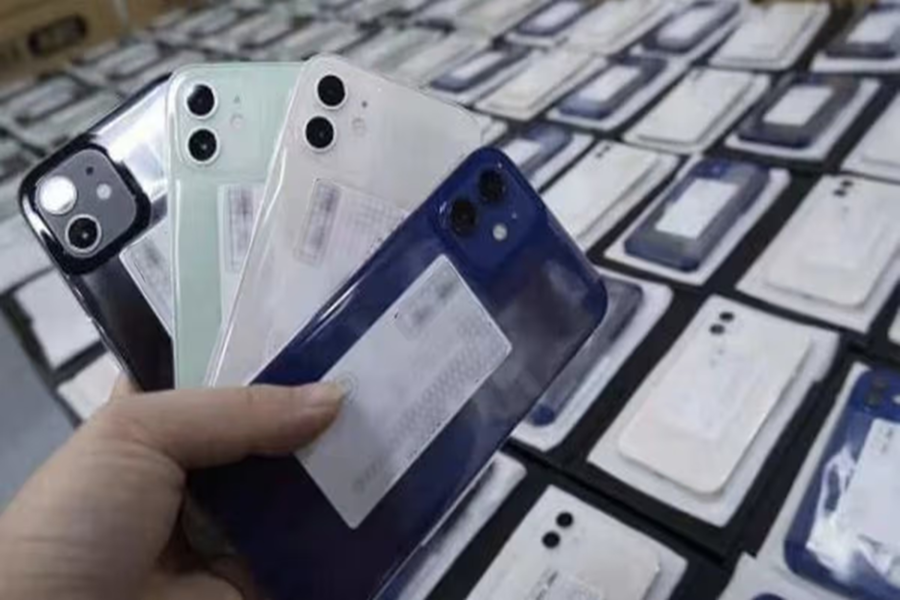
The trend of buying second-hand or used mobile phones is growing rapidly these days. Many people prefer buying used phones to get a good smartphone at a lower price. However, purchasing a mobile phone without proper verification can prove costly. Often, the phone turns out to be stolen, blocked, or cloned. In such cases, the buyer not only loses money but may also face legal complications.
To avoid such risks, it is crucial to verify the mobile phone before purchasing it. To simplify this process, the Department of Telecommunications (DoT) has launched the 'Know Your Mobile (KYM)' service. This service helps determine the actual status of any mobile phone.
What is KYM and why is it important?
KYM, or 'Know Your Mobile,' is a feature that allows you to access complete information about any mobile phone. It helps verify whether the phone is genuine, whether it has been cloned, and if it has been reported as stolen or lost. Information regarding whether a phone is blacklisted or blocked is also available through KYM. Therefore, using this service before buying a second-hand mobile phone can be extremely beneficial.
How to find the mobile's IMEI number?
The IMEI number is essential for verifying any mobile phone; it serves as a unique identification number for every device. To find the IMEI number, simply dial *#06# on the phone. The IMEI number will appear on your screen immediately. This number is used to verify the mobile phone.
How to verify a mobile phone using KYM?
There are three easy ways to check the status of a mobile phone:
Method 1: Via SMS
Type "KYM [space] IMEI number" on your mobile and send it to 14422. You will receive all the details about the mobile phone via SMS shortly.
Method 2: Use the KYM App
Download the 'KYM - Know Your Mobile' app from the Google Play Store or Apple App Store. You can obtain information by entering the IMEI number into the app or by scanning the barcode found on the mobile's box.
Method 3: Check via the CEIR portal
You can also check the status of the mobile phone online. To do this, visit the CEIR portal and enter the IMEI number in the 'IMEI Verification' section. The phone's complete status will then appear on the screen.
Which phones should you avoid buying?
If the mobile's status appears as 'Blacklisted' or 'Blocked' during the check, you should absolutely not buy that phone. Such phones may be linked to theft, loss, or other suspicious activities.
Therefore, if you are planning to buy a used mobile phone, do not base your decision solely on its price or appearance. Make sure to verify the IMEI number before making the purchase. This simple two-minute process can save you from cyber fraud, financial loss, and future legal complications.
Disclaimer: This content has been sourced and edited from NDTV India. While we have made modifications for clarity and presentation, the original content belongs to its respective authors and website. We do not claim ownership of the content.
