
Phone Tips: Updating your phone? Then strictly avoid these 5 mistakes—otherwise, it could end up 'dead'..
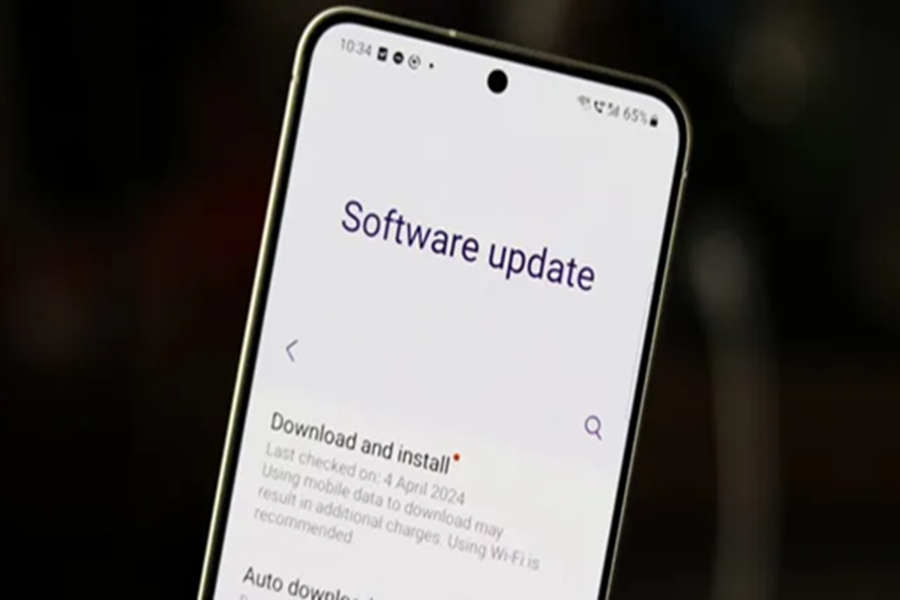
Nowadays, smartphone companies frequently release software updates every month. Given this, while updating your phone is crucial, it is equally important to approach this task with caution.
Indeed, a new software update can enhance your device's performance, security, and features; however, if you make even minor errors during the process, your device could slow down, freeze, or even become completely 'dead'—potentially resulting in data loss. Therefore, keep the following points in mind before proceeding with an update...
Updating on Low Battery
Some users, in their haste, initiate an update even when their phone's battery is low. If the phone were to shut down midway through the update, it could lead to a system crash. Always ensure your phone has at least 50–60% battery charge, or keep it connected to a charger, before beginning an update.
Poor Internet Connection
While monthly security patches are often small in size, full software updates can sometimes be quite large. Consequently, a slow or unstable internet connection can cause issues during the update process. Furthermore, if the update files do not download correctly, you may encounter difficulties during installation.
Neglecting Data Backup
Many users do not consider it necessary to back up their data before updating their phones. As a result, updates can sometimes lead to data deletion or even a complete factory reset of the device, potentially resulting in the permanent loss of your photos, videos, and important files.
Insufficient Storage Space
If your device lacks sufficient free storage space, you may encounter difficulties during the update process, and the update may fail to install correctly. In fact, a lack of storage can even cause your phone to slow down. Therefore, before updating, free up space by deleting unnecessary files and applications.
Using the Phone During an Update
Many users continue to actively use their phones or launch applications while an update is in progress. This can interrupt the installation process and may even cause the update to fail. It is, therefore, best to leave your phone undisturbed until the update is fully completed.
Disclaimer: This content has been sourced and edited from Dainik Jagran. While we have made modifications for clarity and presentation, the original content belongs to its respective authors and website. We do not claim ownership of the content.
