
Phone stolen and money deducted via UPI! A new type of cyber fraud is spreading rapidly.
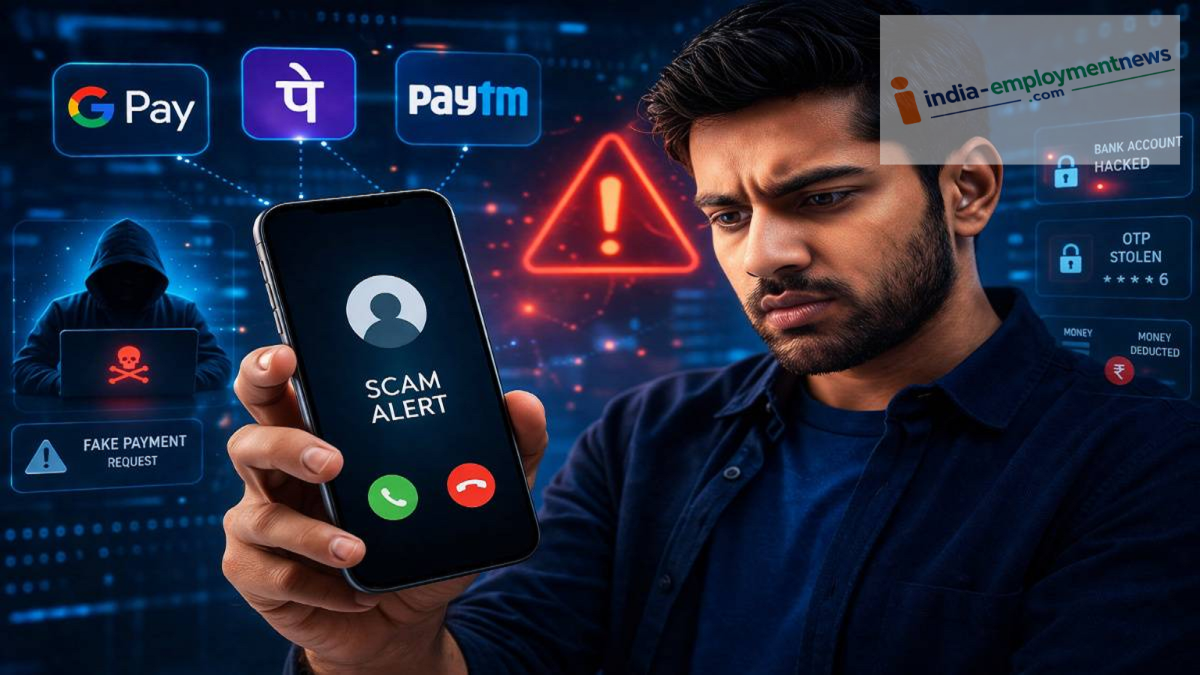
Cyber Fraud: A UPI PIN is required for any UPI transaction. However, it is not strictly necessary to use a smartphone to make a UPI payment.
Cyber Fraud: Cases of cyber fraud are rising rapidly in India. With advancing technology, fraudsters have also become more sophisticated, employing various methods to dupe people. In this context, a new type of fraud has recently gained significant attention. Indeed, there have been numerous instances where money is deducted via UPI after a phone is stolen. The question arises: how is money stolen from the bank when the phone has biometric locks and a UPI PIN? Let us understand how this fraud is being perpetrated.
How does the fraud occur after the phone is stolen?
As mentioned, a UPI PIN is required for any UPI transaction. However, UPI payments are not limited to smartphones; the NPCI offers UPI payment options for feature phones as well. UPI payments can be made on feature phones by dialing a specific code, though a UPI PIN is still required.
It is worth noting that the system offers an option to reset the UPI PIN while entering it. Cybercriminals exploit this feature. In fact, it is possible to reset the UPI PIN without entering the old one.
Once the process to reset the UPI PIN begins, an OTP is sent to the smartphone. Even if the phone is locked, this OTP often appears as a notification on the display. Fraudsters can see this OTP, reset the UPI PIN, and steal money from the account.
Not just the phone—the SIM card also poses a risk.
After a phone is stolen, criminals often attempt to misuse the SIM card and mobile number. Since mobile numbers are linked to banking and UPI services, securing them immediately is crucial. As soon as you lose your phone, the first step is to contact your telecom operator and have the SIM card blocked. Additionally, it is advisable to call your bank to temporarily block or secure services like mobile banking, UPI, and others.
Enable these phone settings to protect yourself from fraud
To safeguard against such cyber fraud, you should always keep certain essential settings enabled on your smartphone. The first step is to enable the SIM lock feature.
Yes, you can lock your SIM card so that it prompts for a PIN whenever it is inserted into another phone. To enable the SIM lock, go to your phone's settings, navigate to 'Security and Privacy,' then 'Advanced Settings,' and turn on the 'SIM Lock' option.
Furthermore, you should disable notifications on the lock screen. Typically, incoming SMS messages appear on the display even when the phone is locked. If your phone is stolen, fraudsters could easily view any incoming OTPs. Therefore, it is best to turn off lock-screen notifications.
You can also opt for an eSIM. It protects you against SIM swap scams and is considered a more secure option than a physical SIM card in today's times.
What to do if your phone is stolen
Do not delay taking action if your phone is stolen or lost. First, get your SIM card deactivated. Next, contact the customer care departments of your bank and UPI apps. If money has been deducted from your account without authorization, immediately file a complaint with the cybercrime helpline at 1930. According to the National Cyber Crime Reporting Portal, you can report cyber fraud instantly by calling the 1930 helpline number.
