
Phone Screen Warning: Is your phone screen showing these 5 signs? Do not ignore them at all; it could lead to major damage..
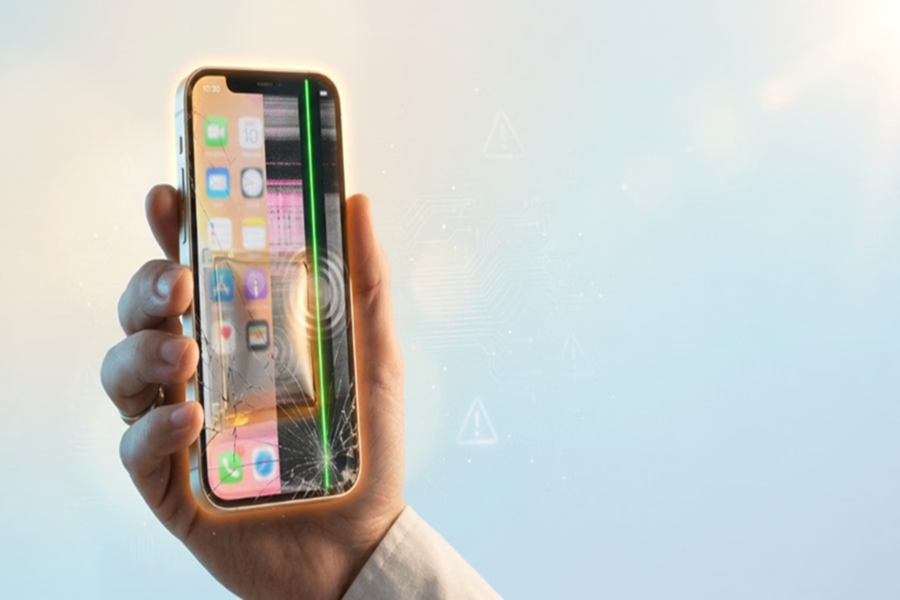
Phone Touch Not Working: A smartphone's screen is not merely a display; it is the most crucial component of the entire device. However, internal malfunctions often begin to occur, with the first signs appearing on the screen. People frequently dismiss issues like green lines, touch malfunctions, or screen flickering as minor inconveniences, yet these very signs can lead to expensive repairs down the line. Let’s look at five such warning signs related to the screen that require timely recognition.
1. Appearance of green or other colored lines on the screen
If green, pink, or black lines suddenly appear on your screen, do not mistake it for a trivial issue. This often indicates a fault in the display panel or its internal connections. Initially, the line may be small, but over time, it can spread across the entire screen.
2. Phone operating on its own without being touched
Has your phone ever started operating or typing on its own without any physical contact? This phenomenon is known as "Ghost Touch."
This issue is usually caused by a faulty touch controller or internal screen damage. If not repaired promptly, using the phone can become difficult.
3. Screen lifting or bulging outwards
If the screen begins to lift away from the phone's body or appears to bulge in the middle, do not ignore it.
This could indicate a swollen battery or a weakening of the display adhesive. Such a situation increases the risk of the screen cracking or severe damage related to the battery.
4. Touch function stops working
If certain parts of the screen fail to respond to touch, or the entire display becomes unresponsive, it could be the result of hardware failure, water damage, or a drop.
Continuing to use the phone in this state can aggravate the problem.
5. Screen Flickering or Color Discoloration
If the screen flickers repeatedly, suddenly goes black, or displays abnormal colors, it could indicate an issue with the internal display connections or the Graphics Processing Unit (GPU).
It is advisable to get the device checked promptly in such cases.
What to do if you encounter such issues?
If you notice any of these signs, take your phone to an authorized service center as soon as possible. Do not attempt to replace or repair the screen yourself, as doing so could void the warranty.
Additionally, to keep the screen safe in the future, always use a high-quality screen protector and a sturdy case. It is also important to protect the phone from water, excessive heat, and frequent drops.
Disclaimer: This content has been sourced and edited from Amar Ujala. While we have made modifications for clarity and presentation, the original content belongs to its respective authors and website. We do not claim ownership of the content.
