
Phone Screen Freezing Problem: Does your phone screen freeze repeatedly? Check this before visiting a service center.
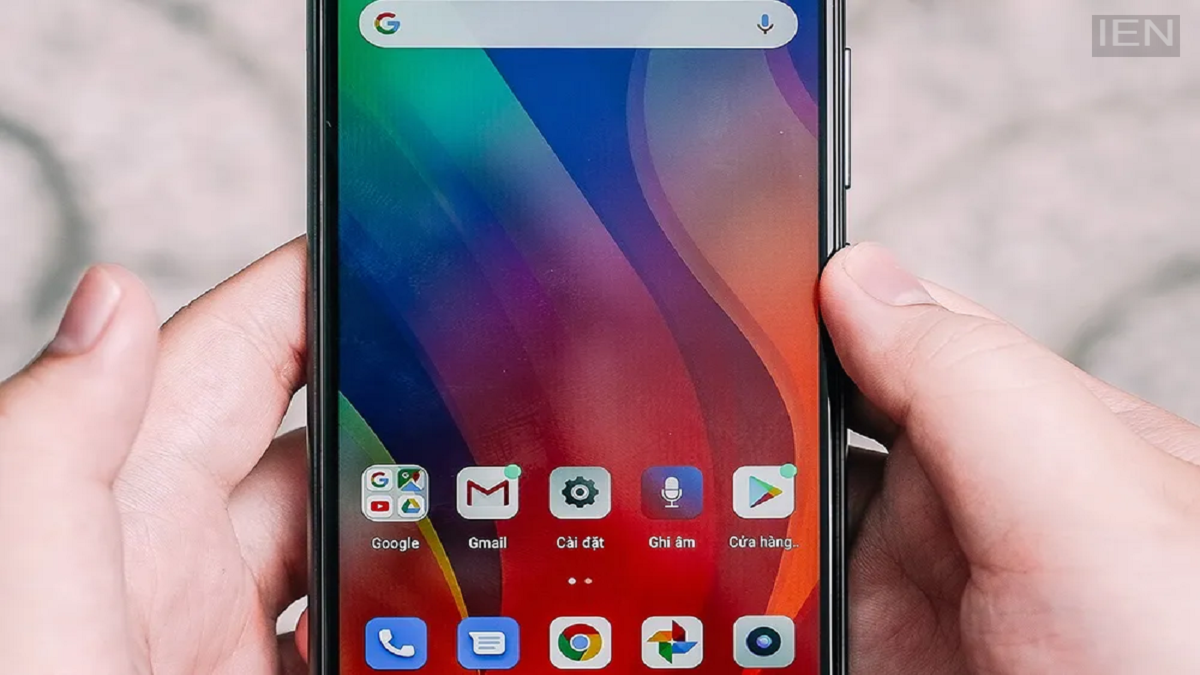
Phone Screen Freezing Problem: There are often other reasons for a screen freezing that you can resolve at home by following a few simple steps.
When a phone suddenly hangs, the touchscreen stops responding, and apps fail to open, most people panic and rush straight to a service center. However, a hardware malfunction isn't always the cause. There are often other reasons for screen freezing that can be fixed at home with simple steps. Let’s look at what you should check before heading to a service center.
There can be several reasons why a phone screen freezes. While this issue is more common in older smartphones, even new phones can experience sudden screen unresponsiveness due to software bugs, the use of heavy apps, full storage, excessive cache data, or overheating. There is no need to panic in such situations; often, the problem is simply software-related.
If the screen stops working completely, the first step is to "Force Restart" the phone. On Android devices, press and hold the Power button and Volume Down button simultaneously for 10 to 15 seconds. On an iPhone, press the Volume Up button, then the Volume Down button, and finally press and hold the Power button until the Apple logo appears. This refreshes the phone's memory, and often, the screen begins to function normally again.
Sometimes, a phone freezes because the battery level is critically low. In this case, connect the phone to a charger and let it charge for a few minutes. Then, try performing a force restart.
If the problem started after installing a new app, try turning on the phone in "Safe Mode." Only system apps run in this mode. If the phone works correctly in Safe Mode, uninstall the recently installed apps one by one to identify the culprit. Gaming, continuous charging, or prolonged use can cause the phone to heat up. Overheating can also lead to the screen freezing. In such cases, turn off the phone, place it in a cool, dry spot for a while, and then turn it back on.
The device may also slow down or freeze when its storage is nearly full. To address this, delete unused apps, photos, and videos; clear app caches; and aim to keep at least 10 percent of the storage space free. Additionally, update the phone's operating system and all apps to their latest versions.
If the issue persists despite trying these steps, you can perform a factory reset. Be sure to back up all your important data beforehand, as a reset will erase everything on the phone. To perform a factory reset, go to Settings, open System, tap on Reset, and select Factory Reset. A factory reset restores the phone to its original state and resolves most software-related issues.
