
Phone overheating repeatedly: How these mistakes are gradually damaging your battery—change your habits today..
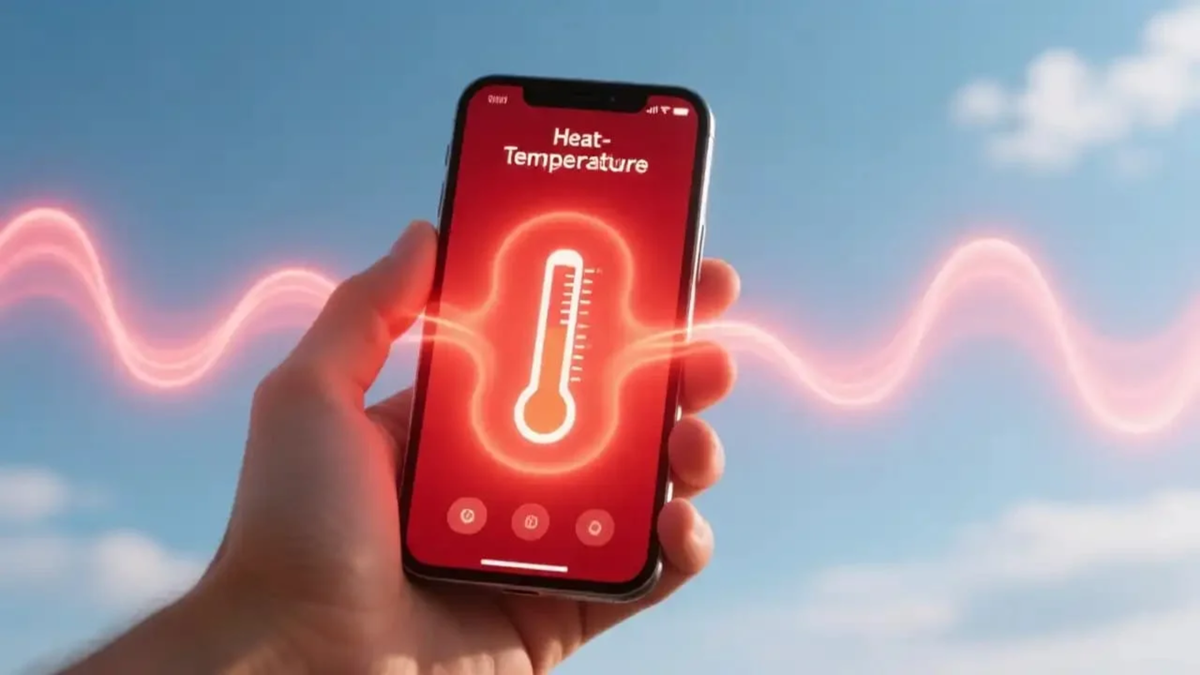
You may have noticed at some point that your phone gets quite hot while in use or during charging. A little warmth is normal, but if your phone heats up frequently, it is not a good sign for the battery. Excessive heat reduces battery lifespan, causes the phone to slow down, and, in some cases, can even pose a safety risk. The good news is that most of the underlying causes stem from our daily habits, which can be easily corrected. Let’s look at how to fix this issue.
Performing intensive tasks while charging
Playing games, watching videos, or engaging in long video calls while the phone is charging is a very common mistake. During this process, the phone has to charge the battery while simultaneously running apps, which subjects it to a double load of heat. Try to let your phone rest while it is charging.
Avoid using cheap or third-party chargers.
Low-quality (local) chargers and cables often fail to provide the correct voltage and current, placing extra strain on the battery. Always use the charger provided by the manufacturer or a certified charger from a reliable brand; this prevents the phone from overheating and protects the battery's health. Damaged or loose cables can also cause harm.
Do not leave your phone in direct sunlight or hot environments.
Leaving your phone on a car dashboard or in direct sunlight is one of the worst things for the battery. When you are out in the heat, keep your phone in a bag or pocket, and try to stay in the shade while using it. Charging your phone while using navigation under the sun is particularly risky. The combination of external heat and the processing demands of apps can cause the phone to overheat, which is dangerous for the battery. Avoid keeping your phone in direct sunlight or hot places.
Bulky or poor-quality cases can also be a major factor
Often, thick or bulky cases prevent the heat generated by the phone from escaping. If your phone gets too hot while charging or gaming, try removing the cover; this might make a difference. Also, ensure that you use a cover made of good-quality material.
Apps running in the background and poor network connectivity
A major reason for overheating is that many apps continue to run in the background even after you close them, placing a load on the processor. Furthermore, in areas with a weak signal, the phone consumes more power trying to search for a network, which causes it to heat up. To prevent this, remove unnecessary apps, and in situations where you don't need connectivity, switch your phone to Airplane Mode.
Failure to update software
Often, people neglect to update their phone's software. Older software versions may contain flaws that negatively impact battery life and performance. It is best to install updates as soon as they become available; this ensures smoother operation and prevents unnecessary strain on the battery.
Essential practices for maintaining battery health
Don't let it drop below 20%: Try to charge your phone before the battery drains completely.
Aim for 80% charge: For daily use, consider stopping the charge at around 80% rather than charging it all the way to 100%.
Monitor battery health: Even if your phone has features to prevent overcharging, keeping it at 100% for long periods is generally not considered good for the battery's long-term health.
What to do if your phone overheats?
If your phone overheats, immediately close resource-intensive apps, unplug the charger, and place the phone in a cool, well-ventilated area. Never place it in a refrigerator or freezer, as the sudden drop in temperature can cause moisture to condense inside the device. If you don't need to use it, switch the phone off for a while to help it cool down faster.
When should you be concerned? If the battery appears swollen, the phone emits an unusual odor, or it begins to overheat, turn it off immediately and take it to a service center. Do not leave such a phone plugged in to charge. In short, by exercising a little caution and making small changes to your habits, you can extend the lifespan of both your phone and its battery.
Disclaimer: This content has been sourced and edited from Amar Ujala. While we modified it for clarity and presentation, the original content belongs to its respective authors and website. We do not claim ownership of the content.
