
Paytm's New Feature: Children Can Make Secure UPI Payments Without a Bank Account; Parents Will Have Full Control..
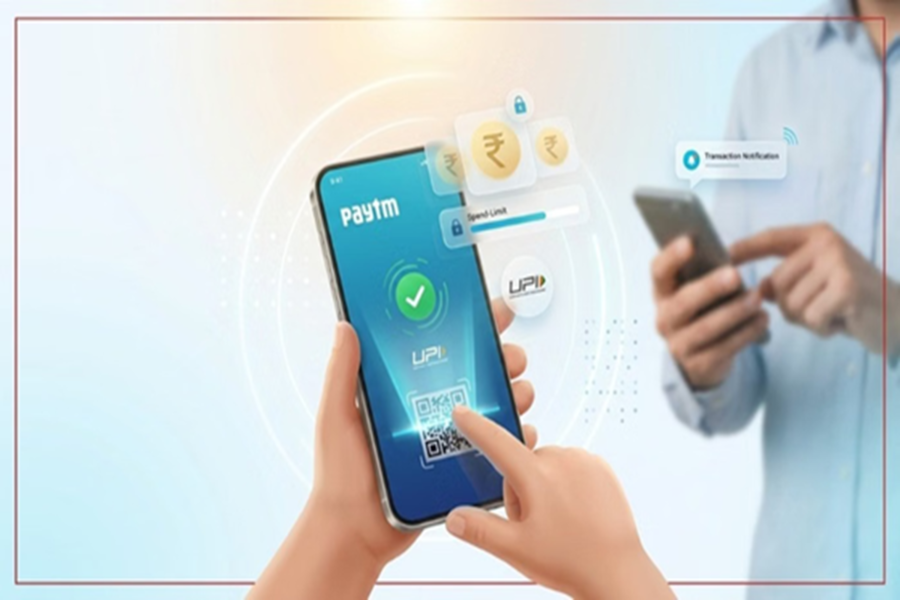
Parent-Controlled UPI Payments: Now, children will no longer need to ask their parents for their phone or an OTP for small, everyday expenses. Paytm has launched a new 'Pocket Money' feature that allows teenagers to make secure UPI payments—even without a bank account—while giving parents complete control over their spending.
About the Paytm Pocket Money Feature...
This is a parent-controlled digital payment feature designed specifically for teenagers and students. The feature is built upon the NPCI's 'UPI Circle' framework. Through this system, parents or any close family member can grant a teenager limited and secure UPI access linked to their own bank account. This means that teenagers can now make online and offline UPI payments directly from their own phones without needing to open a separate bank account.
No More Hassles with OTPs and Borrowing Phones
Until now, making any payment typically required either asking for an OTP or using a parent's phone. Sometimes, if parents were unable to answer their phone in time, the OTP would expire before the transaction could be completed. However, with this new feature, teenagers can now scan QR codes and make payments directly using their own mobile devices. This will make managing small expenses easier and help foster responsible digital payment habits among children.
Parents Get Complete Control
The most significant aspect of this feature is the inclusion of various parental controls designed to ensure that spending remains both secure and limited. Specifically, parents can now set a monthly spending limit, ensuring that the child cannot spend beyond that cap, even if they wish to. Additionally, parents can view transactions in real-time, adjust spending limits at any time, and—if they detect any suspicious activity—immediately revoke UPI access. In essence, the child is granted the authority to make payments, but the control remains firmly in the hands of the parents. Furthermore, details regarding every transaction are instantly relayed to the guardian, making it easier to monitor spending activity.
'Spend Summary' Reveals All Payment Details
Paytm Pocket Money also includes a 'Spend Summary' feature. It categorizes every transaction into distinct categories. This allows both parents and teenagers to easily understand where the majority of their money is being spent—whether the child is spending more at fast-food outlets, or on transportation, mobile recharges, and shopping.
**Specific Security Rules**
Several security limits have also been incorporated to minimize the risk of any potential misuse. You can easily understand these limits through the table provided below:
**Security Rule** | **Security Limits**
**First 30 Minutes After Setup** | The total spending limit will be strictly capped at a maximum of ₹500.
**First 24 Hours** | For security purposes, the total spending limit is set at a maximum of ₹5,000.
**Single Transaction Limit** | A maximum of ₹5,000 can be spent per individual payment.
**Monthly UPI Limit** | A maximum total expenditure of ₹15,000 per month is permitted across the entire UPI network.
**Device Security** | To utilize this feature, it is mandatory for the child's phone to have a device lock enabled.
**Restricted Services** | All forms of international payments and cash withdrawals are strictly prohibited.
**Parental Controls** | Parents can modify the spending limits via the app at any time, or instantly disable the feature by entering their UPI PIN.
The objective of these features is to provide a secure and controlled digital payment experience.
**How to Set Up Paytm Pocket Money?**
If you find this feature useful, you can easily enable it in just a few minutes. To do so, simply visit the Google Play Store (for Android) or the Apple App Store (for iOS) on your smartphone and update the Paytm app to its latest version.
Next, open the Paytm app and tap on the "To Mobile or Contact" option displayed on the home screen.
Here, you will see the "Pocket Money" option; tap on it.
Now, select the name of your child—or the specific contact—for whom you wish to set this up, or simply enter their mobile number.
Scan their UPI QR code or enter their UPI ID.
Complete the verification process by providing the necessary document details (as requested) to ensure security compliance. From the options displayed on the screen, select a monthly spending limit for the child, or enter a custom limit of your choice.
Now, select your primary bank account and complete the setup process by entering your Paytm UPI PIN.
Finally, the user for whom the setup was configured must accept the invitation received on their phone.
Following this, the user will be able to use Paytm UPI directly from their phone.
Disclaimer: This content has been sourced and edited from Amar Ujala. While we have made modifications for clarity and presentation, the original content belongs to its respective authors and website. We do not claim ownership of the content.
