
No More Stress Over WhatsApp Messages While Driving! Chat Even While Behind the Wheel—A New Feature Has Arrived
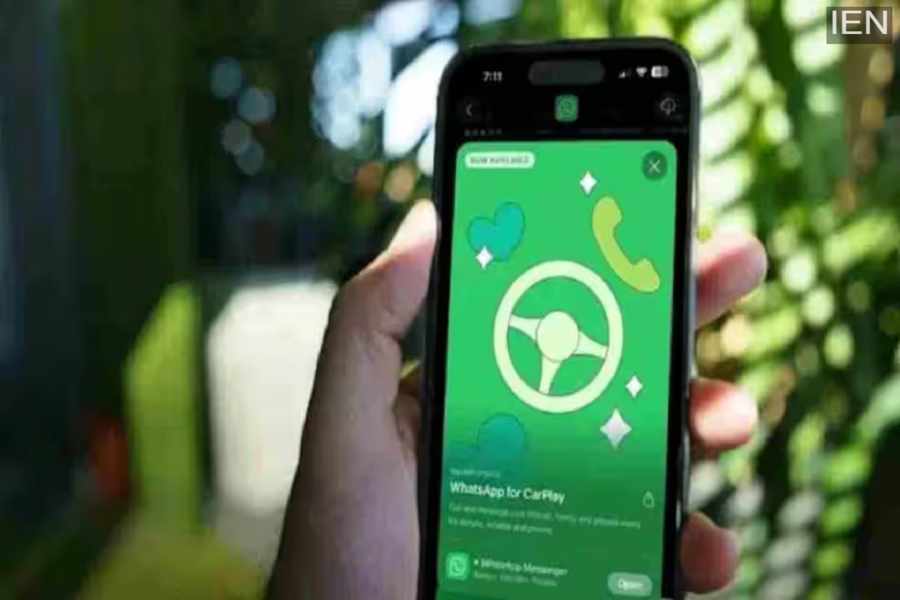
WhatsApp in CarPlay: This new version of WhatsApp has been designed specifically for use within a car environment. Previously, users could listen to or send messages via voice assistants like Siri, but the level of control was quite limited.
WhatsApp in CarPlay: Using WhatsApp while driving has now become easier and safer than ever before. WhatsApp's new integration with Apple CarPlay allows users to access chats, make calls, and view contacts directly from their car's display screen. While this functionality was previously restricted solely to voice assistants, the entire experience has now been transformed thanks to a distinct and improved user interface.
What is the New Version of WhatsApp for CarPlay?
This new version of WhatsApp has been tailored specifically for in-car use. Previously, users could only listen to or send messages through voice assistants like Siri, and the available controls were quite limited. Now, the app appears directly on the car's infotainment screen, allowing you to easily access your chats, make calls, and view your contacts. This shift moves beyond purely voice-based interaction to offer a visual and user-friendly interface.
How Does WhatsApp Work in CarPlay?
As soon as your iPhone connects to CarPlay, WhatsApp automatically appears on your car's display screen. Users can then perform a variety of tasks with ease. You can view recent chats and favorite contacts, make or receive WhatsApp calls, and send messages using voice commands. Additionally, your call history and contact details can also be accessed. However, with safety in mind, the feature does not allow users to open and view full chat threads while the vehicle is in motion; this ensures that the driver's attention remains focused on the road.
Key Features of the New Update
The most significant change introduced in this update is its new, clean, and streamlined interface. It features a dedicated section for "Favorite Contacts," allowing you to instantly reach the people who matter most. Your call history is now also easily accessible, providing details on both incoming and outgoing calls. Contact profiles and a Quick Call option have also been added, making it possible to place calls with minimal effort. Furthermore, the entire interface has been designed in such a way as to minimize distractions while driving.
Benefits for Drivers and Passengers
This feature is highly beneficial for drivers, as they no longer need to hold their phones in their hands. This ensures that their attention remains focused on the road while driving, thereby reducing the risk of accidents. Meanwhile, the feature is equally useful for passengers; during a journey, they can easily make calls or send quick replies. The "Favorite Contacts" feature also makes it easy to instantly reach the people who matter most.
