
No more hassle with full storage! With Google Quick Share, the photos and videos on your phone will be automatically saved to your PC..
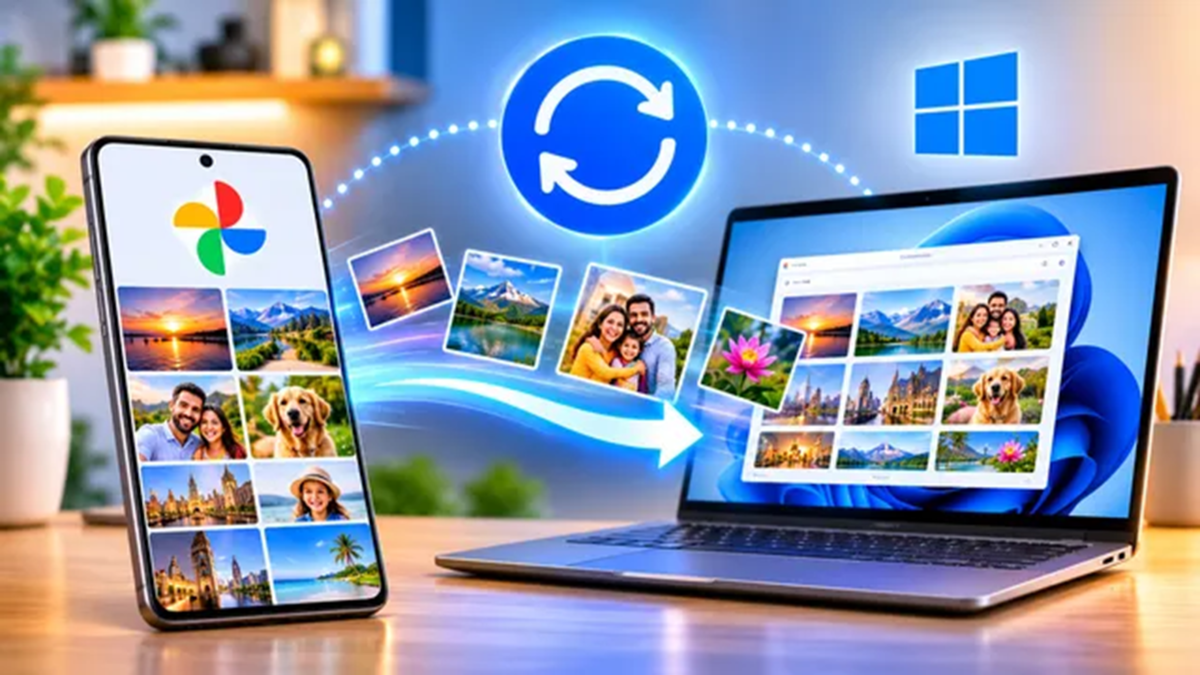
As the number of photos and videos on your mobile device grows, storage space begins to run low. In such cases, you often need to transfer them to a laptop or computer. This process is now becoming easier for Android users. Google has introduced a feature that allows photos and videos from your phone to be automatically backed up to a Windows PC using 'Quick Share.' This eliminates the need to manually select and send files or connect a cable every single time. The feature is being rolled out gradually, so it may not appear on every phone immediately after an update.
What you need to get started:
An Android smartphone with the latest Google Play Services update.
The updated version of the 'Quick Share' app installed on your Windows computer.
The same Google account must be signed in on both your phone and your computer; the phone should also be kept near the computer.
Sufficient storage space on your computer for the backups.
How to set up this feature:
Open the 'Quick Share' app on your Windows PC.
Place your phone near the computer and ensure both devices are signed in with the same Google account.
Once the option becomes available, select the 'Automatic Backup' setting within 'Quick Share.'
After the setup is complete, your phone's photos and videos will be automatically saved to your computer. This setup process is based on preliminary information.
Disclaimer: This content has been sourced and edited from Dainik Jagran. While we have made modifications for clarity and presentation, the original content belongs to its respective authors and website. We do not claim ownership of the content.
