
No more hassle of opening the SIM tray! Here’s how to activate your Airtel eSIM using just an app..
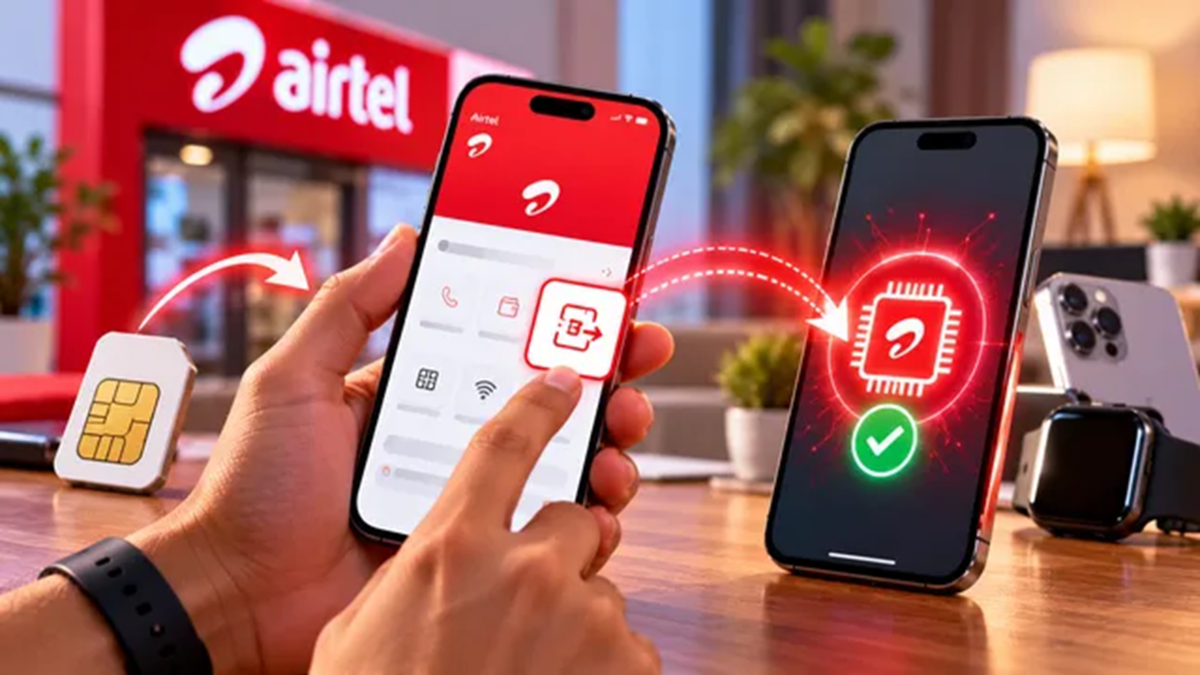
Bharti Airtel, India's second-largest telecom operator, allows its users to easily upgrade to an eSIM. Whether you are a prepaid or postpaid user, you can directly convert your physical SIM to the eSIM service. You can not only upgrade to an eSIM but also transfer your SIM to a new phone. eSIMs make the process simple and hassle-free. The steps to upgrade to an eSIM without any trouble are outlined below.
Airtel eSIM Upgrade: Complete Step-by-Step Process
If you are already an Airtel customer, simply download the Airtel app on your smartphone (available on both iOS and Android). Log in to the app using the Airtel number you wish to switch. Next, go to the 'Home' page and scroll down to the 'Shortcuts' section. Click on the 'Upgrade to eSIM' icon to initiate your eSIM request. Select the device according to your needs—either 'this device' or 'another device'—and enter the 32-digit EID number of that phone.
Airtel will then send you an OTP. Subsequently, you will receive a call from Airtel to complete the verification process; this call will arrive within 10 minutes of submitting the request. Once verification is complete over the call, your eSIM request will be fully submitted and ready for configuration. After this, download the eSIM profile by following the specific steps for your phone's settings. The eSIM will be activated within two hours of the profile being downloaded to your phone.
Once the eSIM arrives on your device, activate the profile and remove the old physical SIM card from your phone. Switching your physical SIM to an eSIM with Airtel is incredibly easy and fast.
Disclaimer: This content has been sourced and edited from Dainik Jagran. While we have made modifications for clarity and presentation, the original content belongs to its respective authors and website. We do not claim ownership of the content.
