
No more hassle of 6-digit PINs on WhatsApp: New security feature coming soon—find out how your account will be secured..
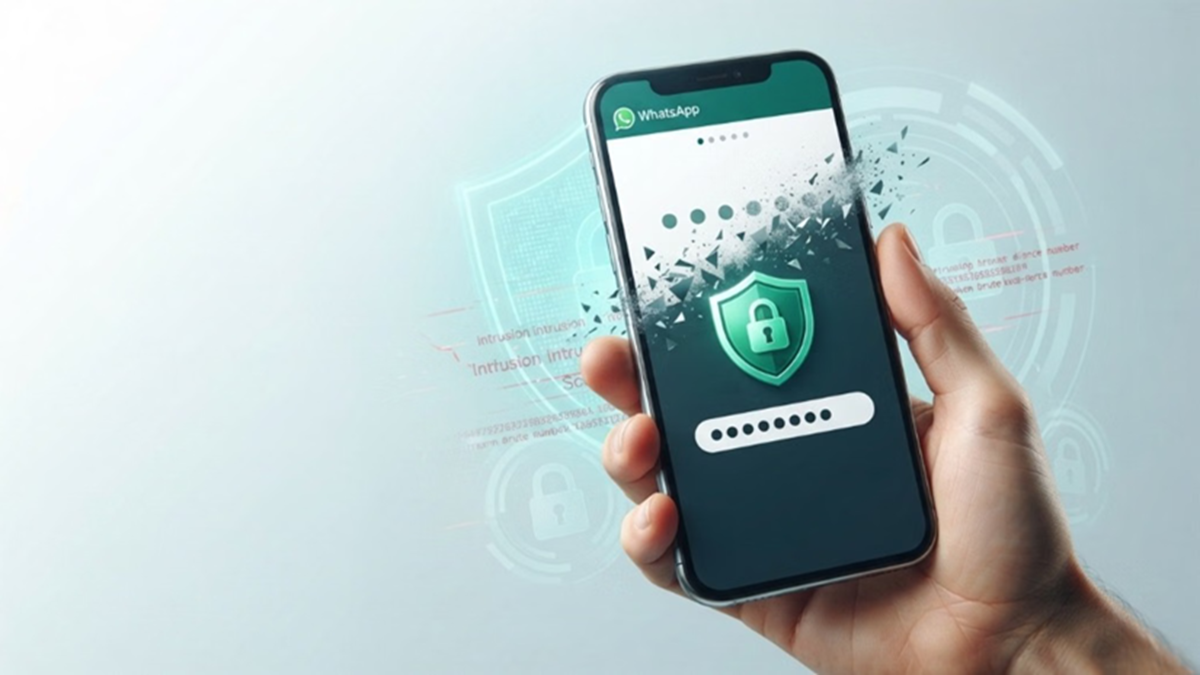
WhatsApp Password Feature: According to a report by WABetaInfo, WhatsApp is continuously working on new features to enhance user privacy and security. As part of this effort, the company plans to introduce a new and more robust version of its two-step verification. The current six-digit PIN system is set to be replaced by a password-based system.
What is the biggest benefit of this new feature?
Currently, WhatsApp's two-step verification requires users to set a six-digit PIN. Replacing this with a strong password could significantly boost security.
Enhanced Cybersecurity: Security codes consisting solely of numbers (PINs) are easier to crack or compromise via brute-force attacks. In contrast, a password combining letters, numbers, and special symbols would be extremely difficult for hackers to crack.
Preventing Account Hacking: This change could drastically reduce the likelihood of unauthorized access or hacking of WhatsApp accounts.
Optional Feature: Adopting this new system will not be mandatory; it is entirely optional. Users can choose to enable or disable it according to their preference.
What is the current status of this feature?
According to WABetaInfo, a website that tracks WhatsApp updates, this new security feature is currently in the early stages of development. It has not yet been made available to general users or beta testers.
Since it is still in the testing phase, the company may modify or even scrap the feature before its official rollout.
How to use two-step verification?
Once this new update rolls out, you will have the option to replace your old 6-digit PIN with a new password. However, until the new password feature becomes available, you can continue using the existing two-step verification.
Open WhatsApp on your phone.
Tap the three dots at the top and go to Settings.
Then, tap on the Account section. Now, select the two-step verification option and turn it on.
Disclaimer: This content has been sourced and edited from Amar Ujala. While we have made modifications for clarity and presentation, the original content belongs to its respective authors and website. We do not claim ownership of the content.
