
New Privacy Center in ChatGPT: Now understand and manage your personal data settings from a single place..
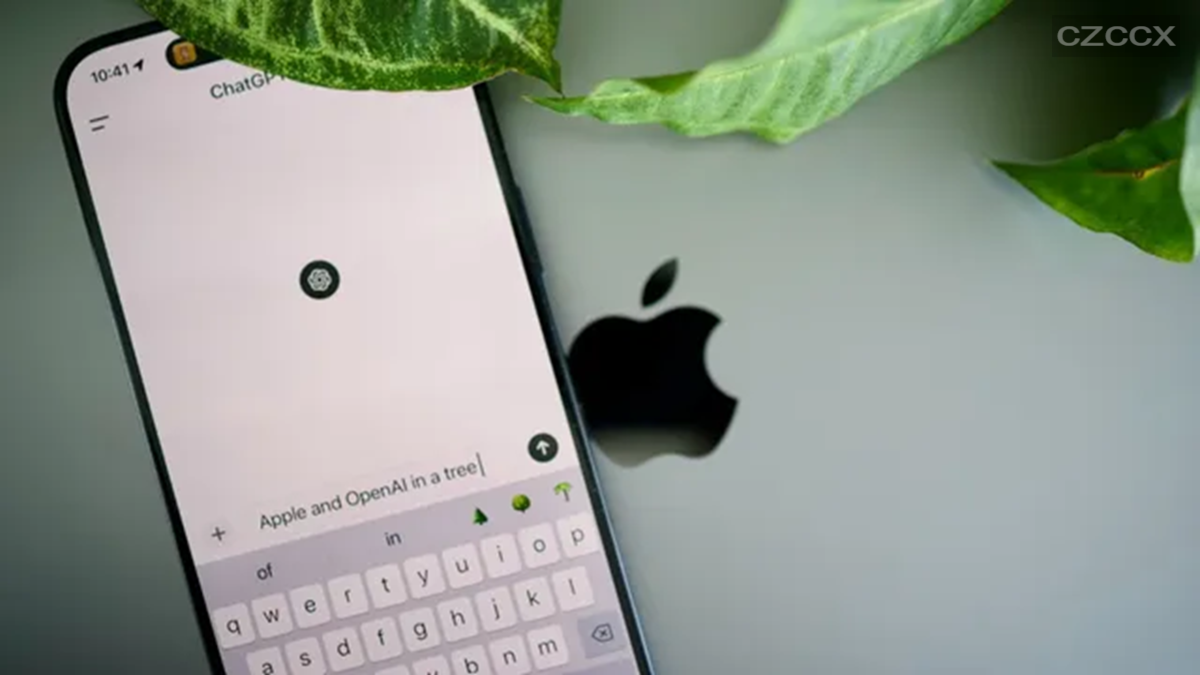
ChatGPT has begun rolling out a new Privacy Center. This new option will appear in the account menu and provide information about privacy-related features and the settings used to manage them. The Privacy Center categorizes these features into three groups: 'Personalised chats and ads', 'Chat privacy', and 'Data use and access'. The 'Personalised chats and ads' category helps users understand how ChatGPT handles features such as memory, personalized chats, ads, data usage, apps, and account security.
ChatGPT Gets a Privacy Center
OpenAI announced the addition of a Privacy Center to ChatGPT in a blog post on Tuesday. This new option explains the function of various privacy controls and provides direct links to manage them within ChatGPT. The company confirmed that this new feature does not replace the existing privacy controls found in the settings; instead, the Privacy Center explains what each control does and helps users locate the relevant setting when they wish to make changes.
Privacy controls will remain available in the settings as before. This feature is available for logged-in ChatGPT Free, Go, Plus, Pro, and Business accounts on the web. It is also rolling out to the ChatGPT apps for iOS and Android. This rollout does not include ChatGPT Enterprise, Edu, or ChatGPT for Healthcare.
OpenAI states that privacy features and controls may vary based on the user's plan, region, account, and workspace settings. Users might not see the Privacy Center immediately during the rollout process.
How to access the Privacy Center in ChatGPT?
Web users can access it by opening the account menu, selecting 'Help', and then choosing 'Privacy Center'.
On iPhone, users can go to 'Settings' and select 'Privacy Center'.
On Android, open 'Settings' and select 'Privacy Center'.
On desktop, users can select 'Privacy Center' from the 'Help' menu. OpenAI states that simply opening the Privacy Center does not automatically change privacy settings, delete conversations or other data, nor does it override an organization's policies.
The Privacy Center organizes related features into three categories. The first is the 'Personalised chats and ads' section, which details features that can influence the personalized ChatGPT experience; it allows users to review information related to 'Memory.' OpenAI confirms that deleting a chat does not automatically delete the 'Memory' saved from that conversation. This section also covers personalized ads and location settings for eligible users.
The second is the 'Chat privacy' section, which provides information about temporary chats and offers the option to start a new temporary chat. Finally, the 'Data use and access' section covers settings related to plugins and apps, model improvement, and data export or deletion.
Disclaimer: This content has been sourced and edited from Amar Ujala. While we modified it for clarity and presentation, the original content belongs to its respective authors and website. We do not claim ownership of the content.
