
Never place these items on top of your Wi-Fi router; they can slow down your internet.
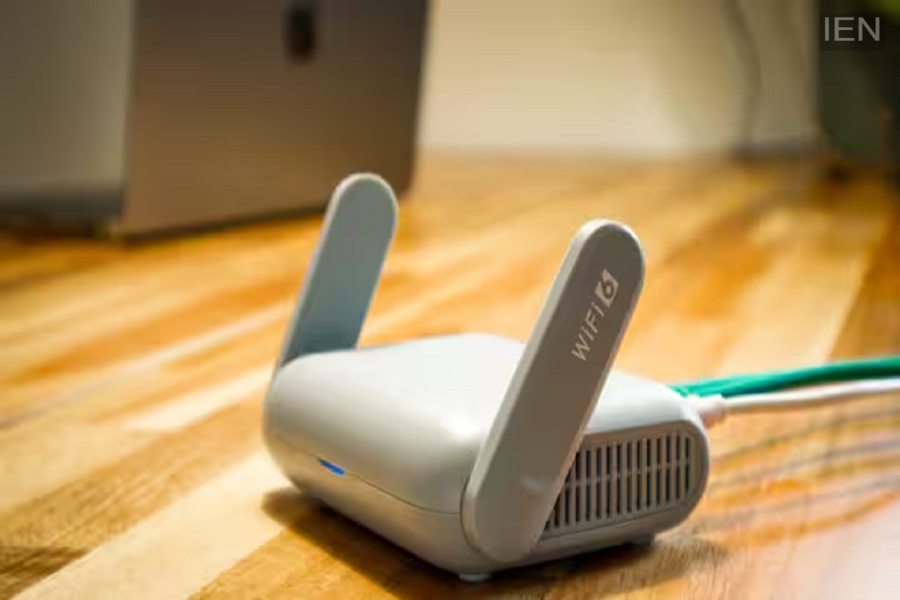
People often blame the internet service provider or a cheap plan for slow speeds, but the real problem is frequently the router's placement or the objects kept near it.
Wi-Fi Router: Nowadays, almost every smart device in the home relies on the internet. Smartphones, smart TVs, laptops, security cameras, smart speakers, and other smart gadgets remain constantly connected to Wi-Fi. Consequently, even a slight drop in internet speed can disrupt everything from video calls and online meetings to gaming and video streaming. While people often attribute this to the internet service or a low-cost plan, the actual issue is often the router's location or items placed around it. Let’s look at what should never be placed on top of a Wi-Fi router, as doing so can significantly slow down even blazing-fast speeds.
If your Wi-Fi router is located in the kitchen or near a microwave, internet speeds may suffer. Microwaves also operate on the 2.4 GHz frequency; when in use, their signals can interfere with the Wi-Fi network, causing slow speeds and frequent connection drops.
Devices such as Bluetooth speakers, wireless headphones, keyboards, mice, gaming controllers, and smart speakers can also affect Wi-Fi signals, especially when placed right next to the router. Since Bluetooth and Wi-Fi often use the same frequency, signals can clash, leading to network issues.
Video baby monitors also frequently operate on the 2.4 GHz frequency. Placing them near or on top of the router can cause signal interference between the two devices, potentially impacting internet speed or network stability. Many people place their routers near refrigerators, steel cabinets, metal racks, or large mirrors. This is not advisable, as metal can block Wi-Fi signals. Large mirrors can also alter the signal's direction, leading to slower network speeds in various parts of the house.
Water absorbs radio signals to a significant extent; if a large container of water or an aquarium is placed between the router and your mobile or laptop, the Wi-Fi range can weaken. Therefore, always place the router in a location away from large quantities of water.
Nowadays, many households have smart cameras, smart home hubs, and other IoT devices constantly connected to the internet. Placing these devices right next to the router puts extra strain on the network, which can negatively impact internet speeds.
For optimal internet speed, place the router in the center of the house so that the signal reaches all rooms evenly. Additionally, always place the router on an elevated surface—such as a shelf or a table—rather than on the floor.
Furthermore, keep the router in an open area; do not hide it inside a cabinet or behind the TV. Also, keep it away from appliances like microwaves and refrigerators, as well as Bluetooth devices and other electronics.
