
Name Error in Aadhaar Card: Here's How to Correct Your Name in Your Aadhaar Card..
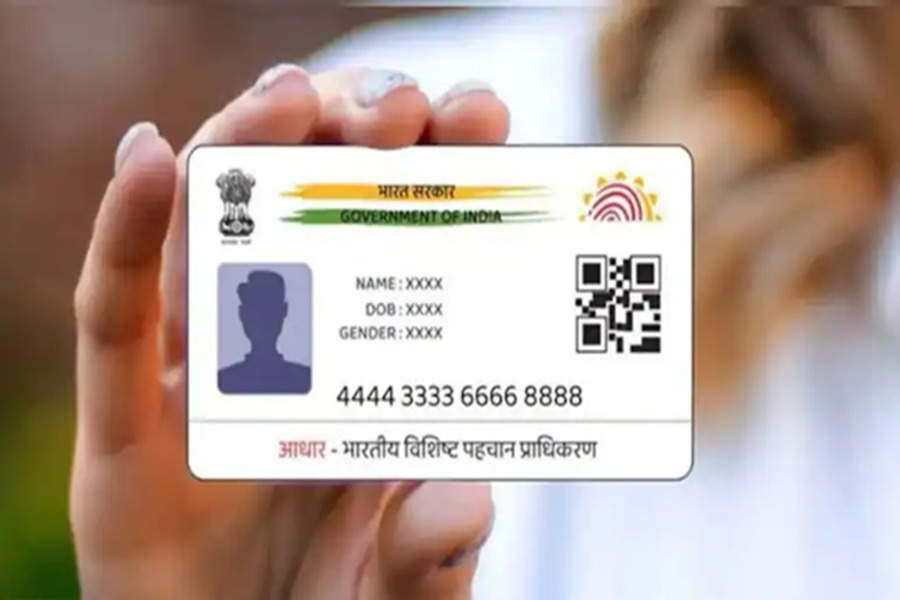
Aadhaar Card Name Update: In the Banswara district of Rajasthan, a college student consumed poison after becoming distressed over a discrepancy in her name across her official documents. The student, Pooja—a resident of Salra Pada village within the Danpur police station area—was unable to secure college admission. The reason for this was the presence of two different names across two of her documents. While the correct name was recorded on her academic marksheet, she faced significant difficulties because her name was listed incorrectly on her Aadhaar card. In light of this incident, we are here today to explain how you can easily update your name on your Aadhaar card. Let's find out...
Updating Details on Your Aadhaar Card
In today's digital era, the Aadhaar card stands as one of the most essential documents. Whether you need to obtain a new SIM card or open a bank account, an Aadhaar card is required for almost every administrative task. Consequently, if any of your details are incorrect, it becomes absolutely crucial to get them updated; otherwise, various important tasks may get stalled. Nowadays, updating your Aadhaar card has become incredibly simple; you no longer need to stand in long queues at an Aadhaar enrollment center. You can easily update your details from the comfort of your own home. Let's walk through the complete process for updating your name on your Aadhaar card.
The Complete Step-by-Step Process for Updating Your Name
Step 1: First, log in to the Aadhaar App.
Step 2: Now, navigate to the "Update My Aadhaar" section and tap on "Name Update."
Step 4: Next, enter the required details and upload the necessary supporting documents as requested.
Step 5: Following this, you must pay the applicable fee and submit your request.
Step 6: You can also check the current status of your request by visiting the "Update Status" section within the app.
How to Update Your Address on the Aadhaar App?
Step 1: For this process as well, open the Aadhaar App.
Step 2: Go to the "Update My Aadhaar" section and tap on "Address Update."
Step 3: Now, enter the details exactly as they appear on the document you intend to submit as proof of address.
Step 4: After filling in the document details and personal information, proceed to pay the applicable fee.
Step 5: Once the payment is complete, submit your request.
Disclaimer: This content has been sourced and edited from TV9. While we have made modifications for clarity and presentation, the original content belongs to its respective authors and website. We do not claim ownership of the content.
