
Mobile Safety Tips: Did your phone get wet in the rain? Don't panic—do this immediately to save thousands of rupees..
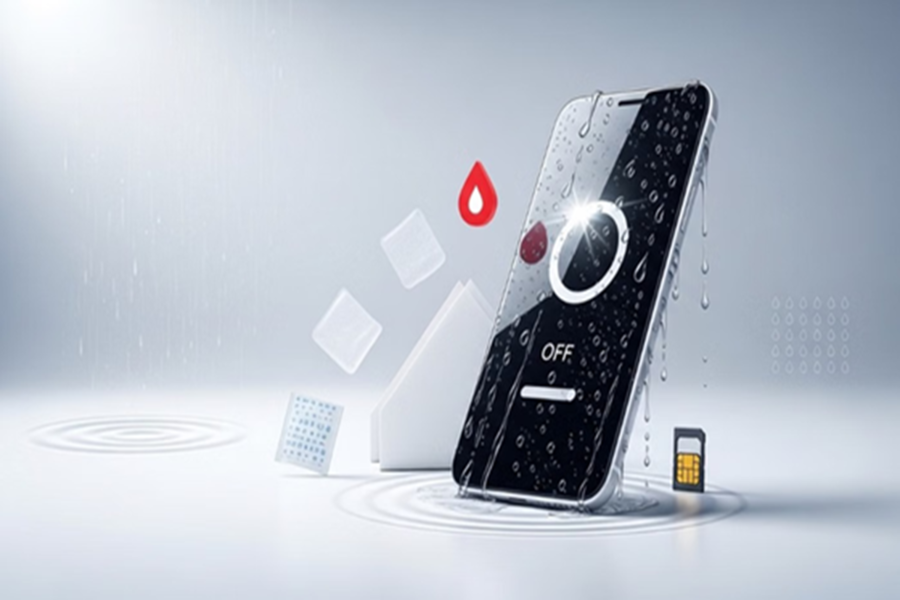
Tips for a Wet Phone: Sudden, heavy rainfall hit many parts of the country today, causing concern for smartphone users caught in the downpour as their devices got wet. If your phone has also gotten wet, do not panic or take hasty action. Simply follow these easy steps...
**First, switch off the phone immediately**
If your phone has fallen into water or gotten wet in the rain, switch it off immediately. If the phone remains on, water can reach the internal circuitry, increasing the risk of a short circuit.
Many people press buttons to check if the phone is working, but doing so can prove harmful. Therefore, turning off the phone without delay is the safest option.
**Remove all accessories immediately**
After turning off the phone, remove all attached accessories. If the battery is removable, take it out.
Also, remove items like the SIM card, memory card, and charging cable, and place them in a dry spot.
This reduces the risk of a short circuit and makes it easier to thoroughly dry the individual components.
**What to do with phones that have non-removable batteries?**
Most modern smartphones do not have removable batteries. In such cases, press and hold the power button to turn off the phone. Since the battery remains inside, the risk of a short circuit is higher if water penetrates the device; therefore, turning it off as quickly as possible is crucial.
**Thoroughly dry the phone and its parts**
After turning off the phone and removing accessories, dry it thoroughly. Paper napkins are considered the best option for this as they absorb moisture quickly. If paper napkins aren't available, a soft, dry towel can be used. Carefully clean the exterior of the phone as well as all the detached parts.
**Silica gel packs are even better**
If you have silica gel packs available, using them can be even more effective. These are the same small packets found in shoe boxes, electronic gadgets, and other packaging. Silica gel absorbs moisture rapidly and can help eliminate any residual moisture inside the phone.
**Turn it on only after it is completely dry**
Give the phone some time to dry. Turn it on only after 24 hours, once you are certain that the phone and all its components are completely dry.
If the phone still does not turn on or if you notice any issues, it is best to take it to an authorized service center.
**Avoid these mistakes**
**Do not use a dryer**
Many people use a hair dryer to dry their phones quickly, but this method can cause damage. The hot air from the dryer can harm the phone's circuits and other sensitive components.
**Do not repeatedly press buttons on a wet phone**
Repeatedly pressing the power button or other buttons after the phone gets wet can force water deeper inside and increase the risk of a short circuit.
**Do not use the USB port or headphone jack**
Do not use the charging port, USB connection, or headphone jack until the phone is completely dry. Moisture in these areas can cause further damage to the phone.
Disclaimer: This content has been sourced and edited from Amar Ujala. While we have made modifications for clarity and presentation, the original content belongs to its respective authors and website. We do not claim ownership of the content.
