
Mobile Data Draining Fast? These Apps Consume the Most Internet—Here's How to Reduce Usage Instantly
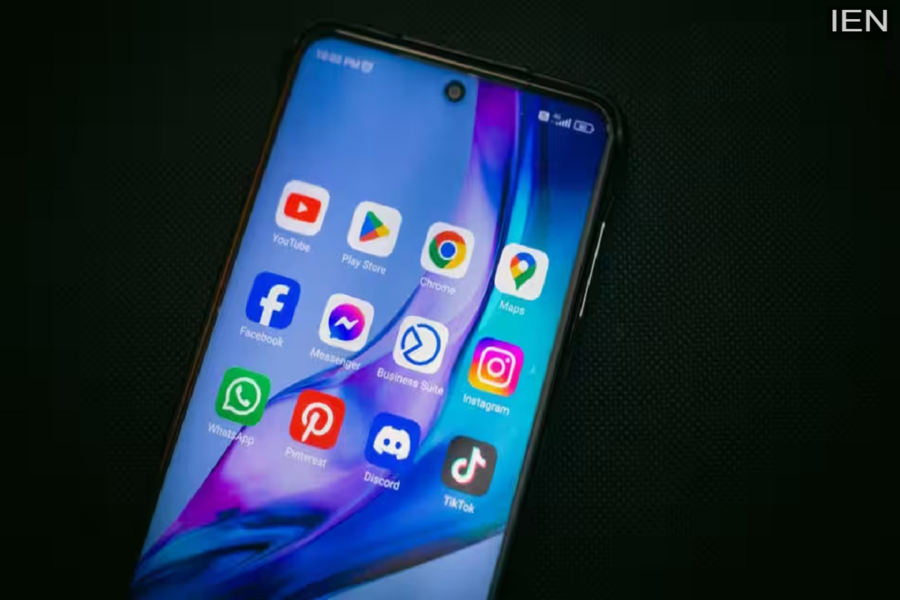
Social media and video streaming apps are the biggest consumers of mobile data. Among these, YouTube ranks at the very top. If a user watches videos or “Shorts” continuously, up to 3GB of data can be consumed in just one hour.
Mobile Apps That Consume the Most Data: In today’s world, mobile data has become an essential necessity in people’s daily lives. From scrolling through social media to attending online classes, making video calls, using OTT platforms, and making digital payments—almost every activity now relies on the internet. Consequently, frustration mounts when a phone’s data allowance begins to deplete rapidly.
Users—particularly those on daily data plans of 1GB or 1.5GB—often complain that their internet runs out by the evening. Many also suspect that their telecom providers are not delivering their full data allocation; however, the actual culprit is often specific phone settings and apps that continuously consume internet data unnecessarily. Certain social media apps and background features consume such vast amounts of data that users remain completely unaware until their entire data allowance is exhausted.
Which Apps Consume the Most Data?
Social media and video streaming apps are the primary consumers of mobile data. Among these, YouTube is considered the biggest data hog. If a user watches videos or “Shorts” continuously, they can burn through as much as 3GB of data in a single hour. Data depletion accelerates significantly when watching high-definition (HD) videos. Instagram is another app that consumes a substantial amount of internet data. Using Instagram for just one hour can consume anywhere between 500MB and 1GB of mobile data. Thanks to features like “Reels,” high-quality photos, and auto-preload capabilities, the app continuously consumes data in the background. Scrolling through videos and “Reels” on Facebook also contributes to increased internet consumption.
Background Apps: Another Major Culprit
Often, users may not even be actively using their phones, yet their data continues to deplete. The reason for this lies with apps running in the background. Shopping apps, mapping services, gaming apps, and social media apps all continuously utilize internet data while operating in the background. This is the reason why data tends to deplete rapidly, even without extensive usage. Google Maps and other navigation apps also consume a significant amount of data; however, they can also be used in offline mode.
Auto-Update Features Can Cause Issues
The automatic updating of apps and software installed on your phone is another major culprit behind data depletion. Often, the Google Play Store or App Store downloads large updates in the background, which can quickly exhaust your entire data allowance. Therefore, experts recommend configuring apps to auto-update only when connected to Wi-Fi.
Adjust These Settings Immediately to Save Data
If you wish to conserve mobile data, you can enable the ‘Data Saver’ or ‘Low Data Mode’ feature on your phone. Available on both Android and iPhone devices, enabling this feature prompts the phone to minimize unnecessary background internet usage. Additionally, disabling automatic media downloads in WhatsApp, enabling the ‘Use Mobile Data’ feature in Instagram, and utilizing ‘Lite Mode’ in the Chrome browser can prove to be quite helpful. Furthermore, Android phones offer ‘Data Warning’ and ‘Data Limit’ features, allowing users to set a daily internet usage cap. Once this limit is reached, the phone automatically halts internet access; this ensures that data is preserved for when it is truly needed, allowing you to stay connected throughout the entire day without running out.
