
Metro Card: Turn your phone into a MetroCard; the process is very easy. Understand the simple steps now..
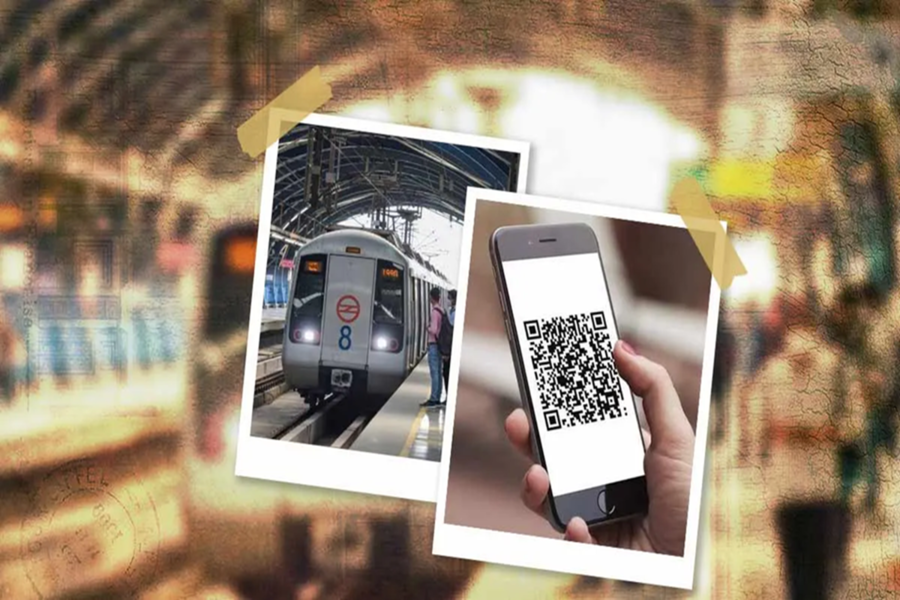
Do you also carry a MetroCard with you when you travel? What if your MetroCard is left at home or gets lost? Do you buy a new card or stand in line for a ticket? What if we told you that you don't need to stand in line for a Metro ticket or card, nor do you need to carry either of them with you? You can actually turn your phone into a MetroCard. This is possible by following a few simple steps. After that, your phone will become your MetroCard, and you can easily travel on the metro without worrying about carrying a physical card. Let's understand how you can do this.
How is it possible to turn your phone into a MetroCard?
Using your phone as a MetroCard is possible because Metro stations now use QR codes for tickets. By following a few steps, you can generate a reusable QR code on your phone. The advantage of this is that you can travel on the metro repeatedly using only that code, and you won't need a physical card or have to generate a new code every time.
Which app will you need?
To turn your phone into a Metro Card, you need to download the Delhi Metro Sarthi App. This app was previously available under the name Momentum 2.0. This app is available on both the Play Store and the App Store, and you can create a virtual smart card through it. Let's understand all the steps.
Understand all the steps:
First, download the Delhi Metro Sarthi App on your phone and log in to the app using your mobile number and OTP. After that:
Click on "Virtual Smart Card" on the app's home page.
Now, recharge your card with a minimum amount of Rs. 150.
After this, a reusable QR code will be activated on your phone, which can be used until the recharge amount is exhausted.
What are the advantages of a virtual card?
Using a virtual card instead of a physical Delhi Metro card has several advantages. First of all, you don't need to carry a card, nor do you need to stand in line to recharge it. Furthermore, if you recharge your card for a whole month at once, there's no risk of your balance getting stuck due to a faulty card when using a virtual card. Additionally, you don't have to deposit the ₹50 security deposit required for a physical card. So, from now on, you too can use your phone as your MetroCard.
Disclaimer: This content has been sourced and edited from Navbharat Times. While we have made modifications for clarity and presentation, the original content belongs to its respective authors and website. We do not claim ownership of the content.
