
Methods to share photos without compromising quality
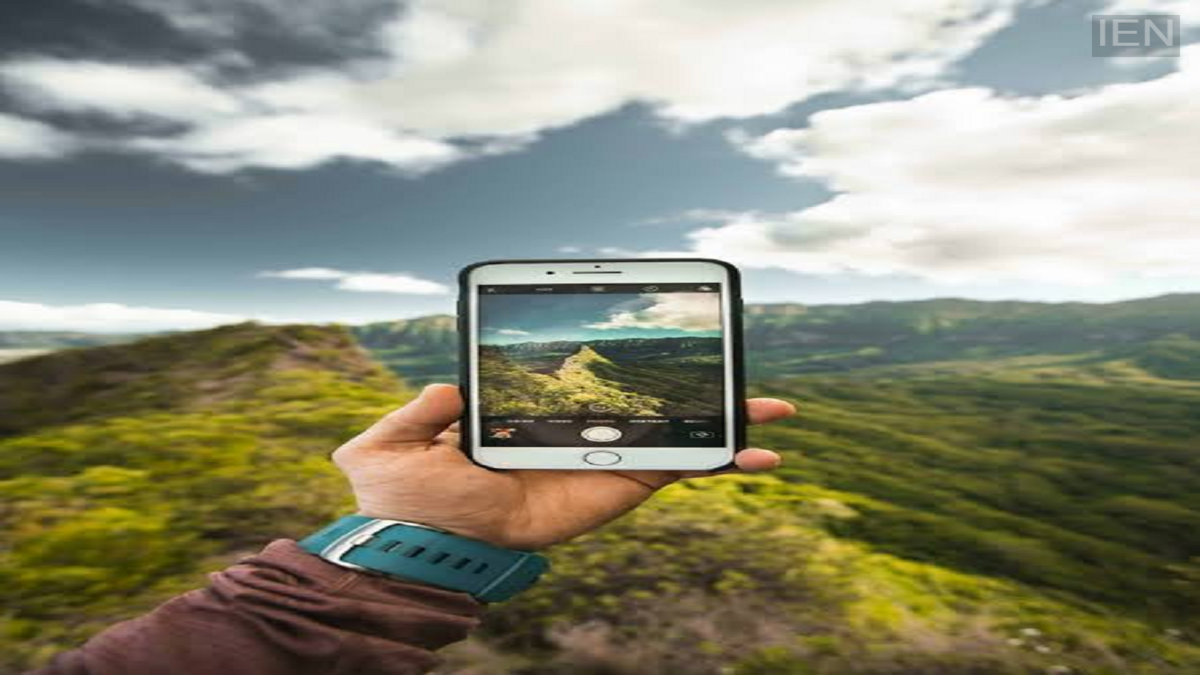
Photo Sharing Tips: Sharing photos or videos via messaging apps often results in a loss of quality and a reduction in file size. To avoid this, you can use email, AirDrop, or cloud storage services.
Photo Sharing Tips: You go on a trip, a friend takes a photo, but by the time it reaches you, the quality has deteriorated significantly. You have likely experienced this situation many times. If the right method isn't used when sharing photos, a drop in quality is inevitable. Apps like WhatsApp compress photos, reducing both their size and quality. Today, we will show you how to share photos without compromising their quality.
Cloud storage comes in handy
Cloud storage is an excellent tool for storing and sharing photos. Google Photos (for Android) and Apple Photos (for iPhone users) allow you to back up your photos and videos to digital servers. You can access them using your ID and password. You can capture photos on your phone and store them in the cloud. By granting your friends access to the cloud storage, they can download the photos in their original, high quality.
Send photos via email
Most people use email for office-related tasks. However, you can also use it to send photos without compromising on quality. Do keep in mind, though, that you need to adhere to file size limits. If you share photos within these size limits, the quality remains intact.
Use AirDrop and Quick Share
It is impossible to discuss sharing photos and files without mentioning AirDrop and Quick Share. Apple users can share files and photos via AirDrop without any loss in quality. Similarly, Android users can transfer photos using Quick Share. Until recently, AirDrop was exclusive to iPhones, but that restriction has been lifted; it now works across both iPhone and Android devices.
This WhatsApp trick will come in handy
When you share photos or videos directly via WhatsApp, both their size and quality are reduced. You can use a simple workaround to avoid this. Instead of sending them using the standard photo option, select the 'Document' option. This allows you to share photos and videos in their original size and quality. This method works on other messaging apps as well, not just WhatsApp.
