
Major Update for WhatsApp Users! You Can Now Easily Recharge Your Mobile Directly Through the App—Here's How..
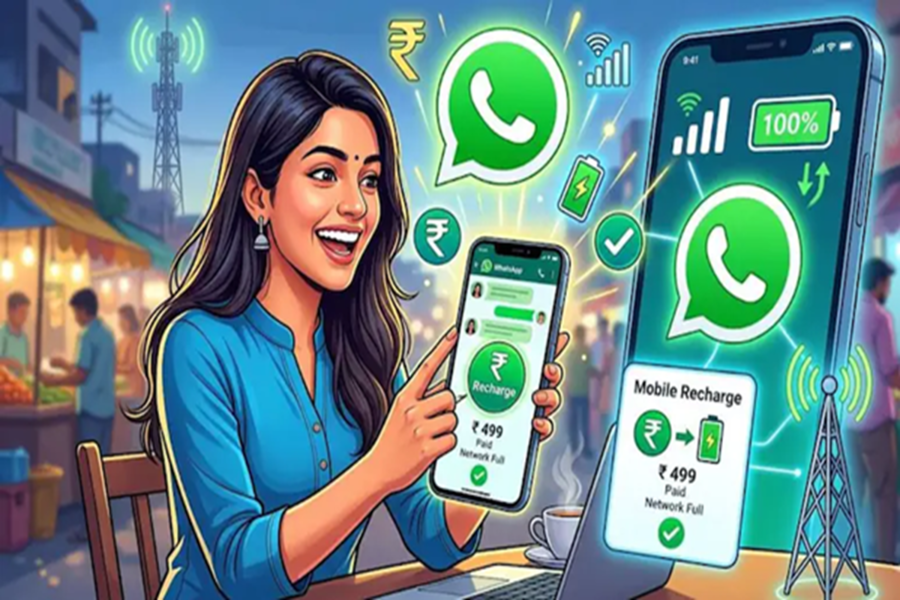
WhatsApp is set to make the digital lives of its users even easier. Now, you will no longer need to hop between different apps to recharge your mobile phone, as WhatsApp is introducing a mobile recharge feature directly within the app itself. With this new update, you will be able to recharge your phone in just a few simple steps—all while you are chatting. Let's explore this in detail...
**Partnership with PayU**
This new WhatsApp feature has been launched in partnership with the payments company PayU. Through this integration, you can easily recharge not only your own mobile number but also those of your friends and family members. This feature is being rolled out gradually to both Android and iOS users and is expected to become available to all users over the coming weeks.
**How Will It Benefit Users?**
This new WhatsApp feature supports prepaid connections from major telecom operators such as Reliance Jio, Bharti Airtel (Airtel), and Vodafone Idea (Vi). Additionally, users can browse available recharge plans, select their preferred plan, and complete the payment in a few simple steps. Payment options such as UPI, debit cards, and credit cards are available for use.
**The ₹ Icon on WhatsApp**
To make this new feature easily accessible for users, a new ₹ icon has been added to the app's home screen. This icon provides a single, convenient access point for payments, recharges, and other services. Through this icon, users can quickly initiate UPI payments and utilize metro ticket booking services available on WhatsApp.
**How to Recharge?**
Tap on the ₹ icon visible on the WhatsApp home screen.
Select the 'Mobile Prepaid Recharge' option.
Select the mobile number you wish to recharge.
Confirm the telecom operator.
Browse the available recharge plans and select your preferred plan.
Choose a payment option (UPI, Debit Card, or Credit Card).
Verify all details and confirm the payment.
Disclaimer: This content has been sourced and edited from NDTV India. While we have made modifications for clarity and presentation, the original content belongs to its respective authors and website. We do not claim ownership of the content.
