
Major Update for PhonePe, Google Pay, Paytm, and BHIM: Make UPI Payments Without a PIN
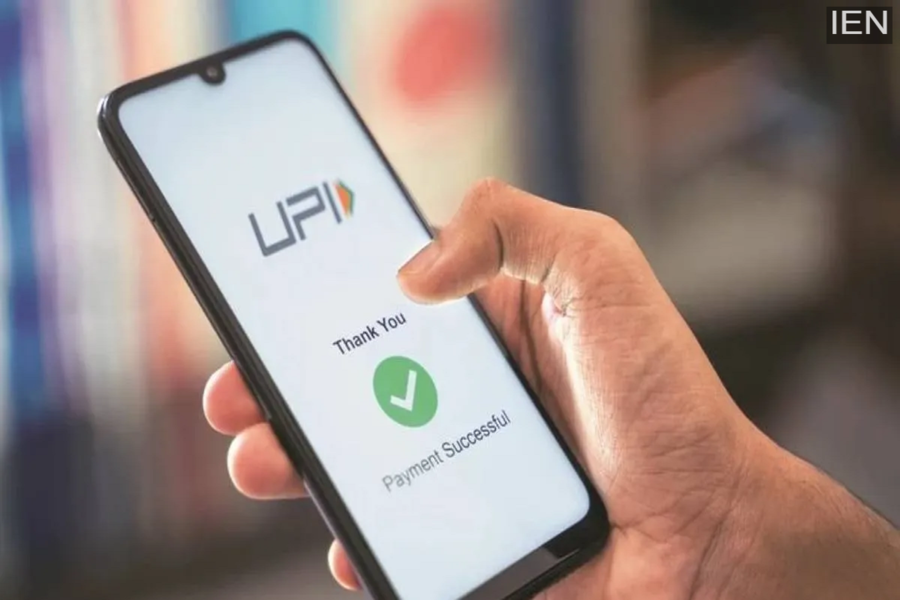
Apps such as PhonePe, Google Pay, Paytm, and BHIM now allow users to make UPI payments without entering a PIN. A biometric payment feature has been rolled out for these applications. The NPCI has now enabled this biometric feature across all these apps. Previously, this feature was available only on select UPI apps on the Android platform; it has now been rolled out for iPhone users as well.
According to reports, this feature was initially rolled out for the Android versions of Amazon Pay and PhonePe. It allows users to make payments of up to ₹5,000 without entering a PIN. Android users can authorize UPI payments using either their fingerprint or Face ID, while iPhone users can avail of this UPI facility with the help of Face ID.
How to Use It?
Users of PhonePe, Google Pay, Paytm, BHIM, and similar apps must first update these applications on their phones. Once you have updated to the latest version of the app, open it.
Next, look for the “Biometric Payment” or “Pay With Face ID” option within the app.
You will then need to select the specific bank account for which you wish to enable the biometric feature.
After making your selection, enter your UPI PIN to activate the biometric feature.
Subsequently, whenever you initiate a UPI payment using that specific bank account, you will be presented with the option to authorize the payment using either Face ID or your fingerprint.
What Are the Benefits?
According to the NPCI, enabling the biometric feature will accelerate the UPI payment process and allow people to conduct contactless digital transactions with greater ease. Specifically, for small-value payments, users will no longer need to repeatedly enter their PIN. After entering the payment amount, they can quickly complete the transaction using their phone’s biometric authentication system. The NPCI notes that a significant portion of daily UPI transactions involves amounts under ₹5,000—payments for which users will now no longer be required to enter a UPI PIN.
