
Linking Aadhaar with Driving License and RC has become mandatory; here is how to complete the process online from the comfort of your home.
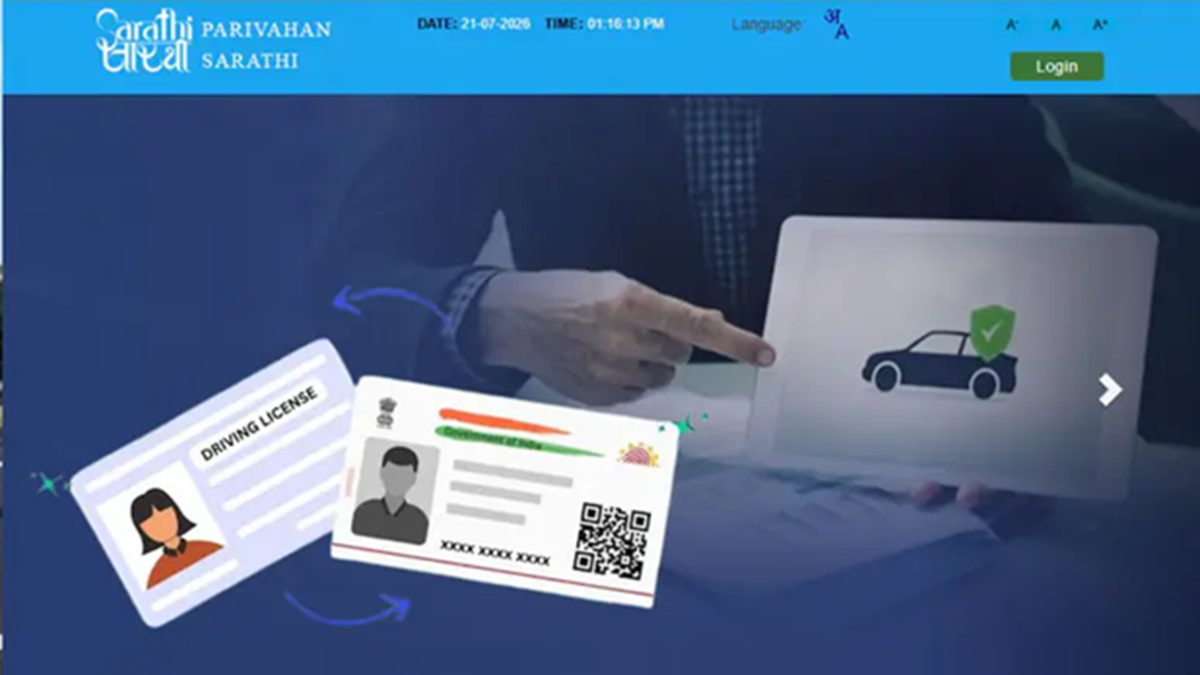
Parivahan Portal Aadhaar Linking Process: The Ministry of Road Transport and Highways and state governments have taken a major decision to make transport-related services transparent, secure, and cashless. Under this initiative, it has now been made mandatory to link your Aadhaar card with your Driving License (DL) and Vehicle Registration Certificate (RC) on the Parivahan Portal.
The government took this decision to eliminate fake or duplicate driving licenses and to provide contactless e-KYC services to vehicle owners without requiring a visit to the RTO office. According to the new rules implemented on July 15, applications for matters such as vehicle ownership transfer and transferring a vehicle to another state will not proceed without Aadhaar verification.
Here is the step-by-step process to link your DL with Aadhaar:
Step 1: Visit the official Parivahan Sewa portal and select the 'Sarathi Portal' option. Step 2: Select your state or Union Territory from the provided drop-down menu. Step 3: Click on the 'Services on Driving Licence' tab on the homepage. Step 4: Enter your driving license number and date of birth, then click on 'Get DL Details'. Step 5: Select the 'Aadhaar Authentication' option for identity verification. Step 6: Enter your 12-digit Aadhaar number and click on 'Generate OTP'. Step 7: Enter the OTP received on your Aadhaar-registered mobile number and submit it. Once the process is complete, your DL will be linked to your Aadhaar.
Here is the online process to link your RC with Aadhaar:
Step 1: Visit the Vahan Citizen Services Portal. Step 2: Select your state and local RTO. Step 3: Navigate to the 'Services' or 'Update Mobile Number/Aadhaar' tab. Step 4: Enter your vehicle details, such as the vehicle registration number, chassis number, and engine number. Step 5: Select 'Aadhaar Authentication' as the verification mode. Step 6: Enter your Aadhaar number and complete the verification by entering the OTP received on your mobile. Important points to remember while linking Aadhaar
Ensure exact name match
The spelling of the name on your driving license or RC (Registration Certificate) must match the name on your Aadhaar card exactly. If there is any discrepancy or mismatch between the two sets of details, the online transfer process will be halted.
Linking a mobile number is mandatory
Aadhaar verification is OTP-based; therefore, ensure that your current mobile number is linked to your Aadhaar card via UIDAI.
What to do in case of a mismatch
If a discrepancy is found between the Aadhaar details and the data on the transport portal, the applicant will have the option to proceed by providing driving license details. However, if there is an inconsistency involving both the RC and the driving license details, the applicant will be required to visit the concerned RTO office with the necessary documents for physical verification.
Disclaimer: This content has been sourced and edited from NDTV India. While we have made modifications for clarity and presentation, the original content belongs to its respective authors and website. We do not claim ownership of the content.
