
Laptop Buying Guide: Which laptop will be best for students in 2026? Learn the complete guide before buying..
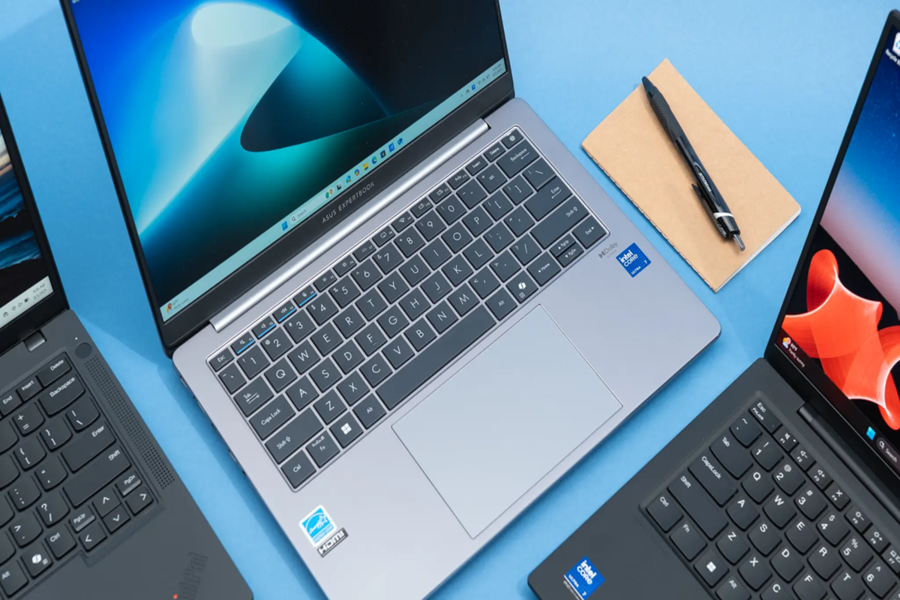
Learning today isn't just about books. Whether in school or college, every student has to attend online classes, prepare projects, and sometimes even perform technical tasks like coding or designing. Therefore, a laptop is no longer a luxury, but a necessity. However, before purchasing a new laptop, it's crucial to understand what you'll be using it for. If your needs are limited to creating assignments, notes, or presentations, a basic model will suffice. However, if you engage in coding, graphic design, or video editing, you'll need a more powerful machine.
What should the processor be?
The most important component of a laptop is its processor, which is considered the brain of the system. This determines how fast and smoothly your laptop will operate. To ensure good performance for years to come, it's best to choose a model with at least an Intel Core i3 or AMD Ryzen 3 processor. If you multitask or perform tasks like coding, an Intel Core i5 or AMD Ryzen 5 may be more suitable. For heavy software or gaming, you may need a processor like an Intel Core i7 or AMD Ryzen 7.
How much RAM will you need?
RAM and storage are equally important as the processor. 8GB of RAM is considered the minimum these days, but if you want your laptop to run smoothly for years to come, 16GB of RAM is a safer option. When it comes to storage, it's wise to replace a traditional hard drive with an SSD, as SSDs are much faster. It's best to choose a laptop with at least a 512GB SSD to avoid a shortage of both speed and storage.
Choose a laptop with more backup capacity.
Students have a busy schedule, sometimes in class, sometimes in the library, and sometimes in group study with friends. Finding a charger frequently can be a hassle. Therefore, it's important to choose a laptop with a battery that can last at least 6 to 8 hours on a single charge.
A smaller laptop will be more convenient.
The weight and screen size of a laptop should also be considered when purchasing one. Since students have to carry their laptops with them every day, a lightweight model is preferable. A laptop weighing less than 1.6 kg is considered convenient. Regarding the screen, a 14-inch or 15.6-inch display is ideal for most students. Also, ensure the screen has a Full HD (1920x1080p) resolution to reduce eye strain and discomfort during long periods of work.
Splash-proof laptops are better. Design and durability are equally important. Minor shocks and water spills on laptops are common among students, so features like sturdy hinges and a spill-resistant keyboard can be beneficial. When purchasing, prioritize a trusted brand and a good warranty. More important than attractive looks is a laptop that is durable and delivers excellent performance over a long period of time.
Disclaimer: This content has been sourced and edited from Amar Ujala. While we have made modifications for clarity and presentation, the original content belongs to its respective authors and website. We do not claim ownership of the content.
