
Is your phone's network constantly switching between 4G and 5G? Here’s how you can resolve the issue..
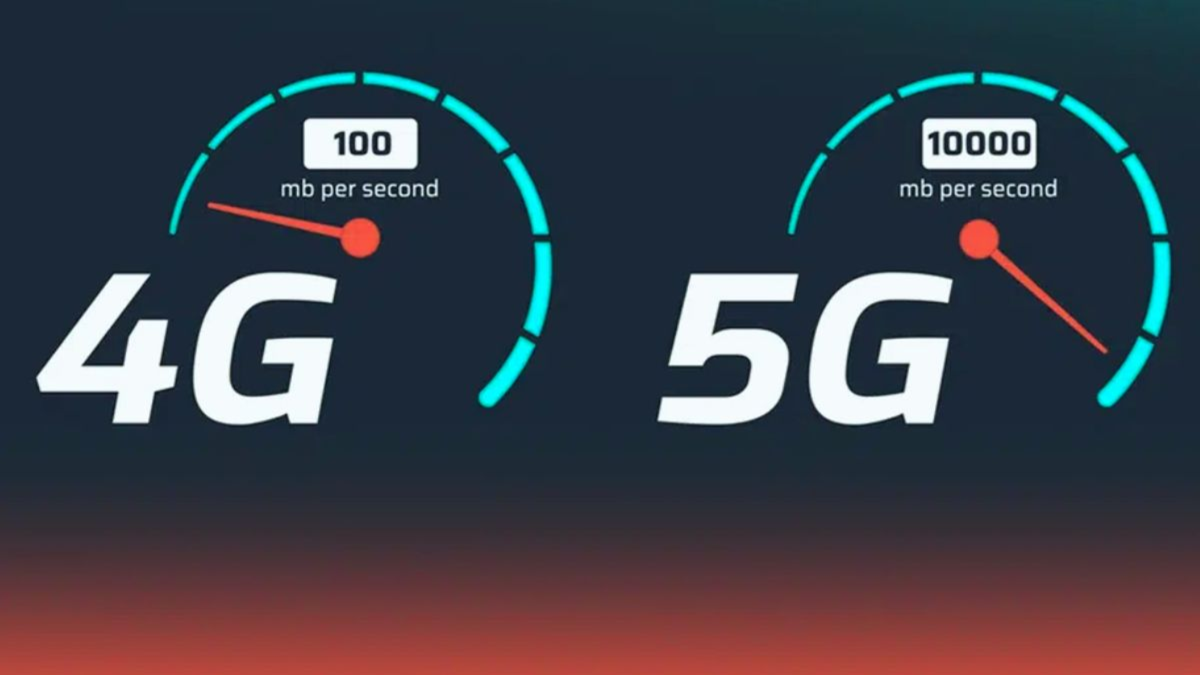
Nowadays, 5G connectivity is becoming common even in smartphones with a starting price of around ₹10,000. However, some devices may frequently switch between 4G and 5G networks. This can lead to significant fluctuations in internet speed and cause issues while watching online videos, playing games, or making video calls. If you are facing this problem, here are a few simple ways to try and fix it. Let’s take a look...
Adjust Network Settings
If the 5G network in your area is unstable, your phone might repeatedly switch back to 4G. In such cases, go to your phone's settings and check the 'Preferred Network Type' option. If the 4G network is more stable in your area, you can select 4G for the time being. Conversely, in areas with a strong 5G network, you can set it to '5G only' mode.
Toggle Airplane Mode
Sometimes, this issue arises due to a temporary glitch in network connectivity. To resolve this, turn on 'Airplane Mode' for about 10–15 seconds, then turn it off. This will prompt your phone to reconnect to the best available mobile network.
Restart Your Phone
If the network keeps switching, restarting your smartphone can also be helpful. This can resolve various temporary network-related issues. Additionally, network problems can sometimes be caused by outdated software or bugs related to the modem; therefore, check your phone's settings and ensure your system is updated.
Disclaimer: This content has been sourced and edited from Dainik Jagran. While we have made modifications for clarity and presentation, the original content belongs to its respective authors and website. We do not claim ownership of the content.
