
Is your phone tracking your location every moment? Turn off this setting now.
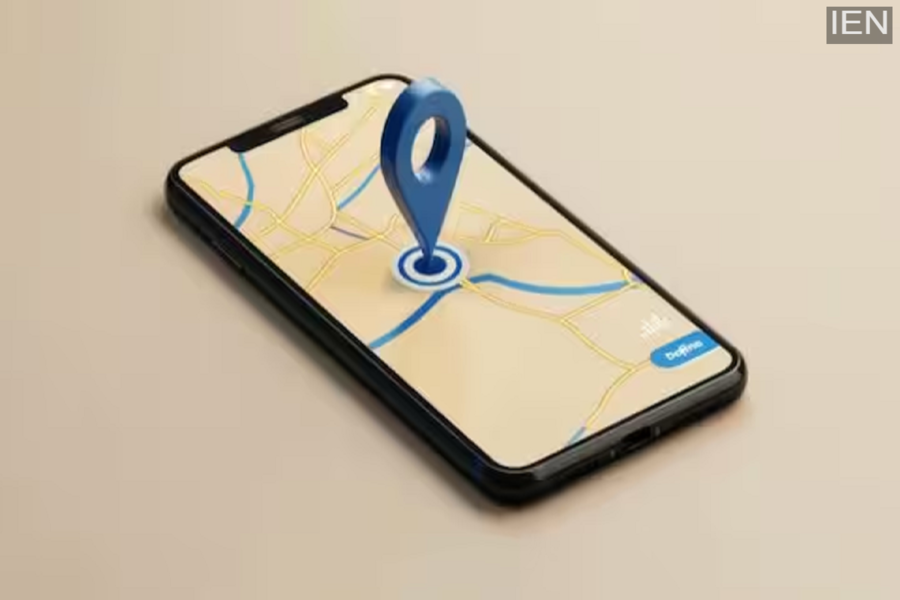
Tech Tips: Some apps require location access to function effectively.
Smartphones have become an essential part of our daily lives. We use mobile apps for various needs, such as sending messages, online shopping, using social media, and navigation. However, many people are unaware that several apps collect location data not only while in use but also while running in the background. This not only impacts your privacy but can also increase battery and data consumption. The good news is that you can easily control this unwanted location tracking by adjusting a few simple settings.
While some apps do need location access to function properly—such as map apps for directions, cab services for identifying pickup points, and weather apps for providing accurate local forecasts—many social media, e-commerce, and ad-supported apps also collect your location data. Companies use this information to understand your preferences, travel habits, and shopping behavior in order to show you more targeted advertisements.
If you use an Android smartphone, limiting location tracking is quite simple. Go to your phone's settings, open the 'Location' section, and view the list of app permissions. Here, you can see which apps have access to your location. For apps that do not require constant location access, you can restrict permission to "only while using the app" or disable it entirely.
Additionally, you can use the 'Privacy Dashboard' to check which apps have recently accessed your location. iPhone users can also review their location settings by navigating to Settings > Privacy & Security > Location Services. This section displays a list of all apps and the location permissions granted to them. If an app has been granted permission to access your location at all times, you can change this setting to allow access only while using the app or to disable it completely. iPhones also offer a "Precise Location" option; turning this off ensures that apps receive information about your approximate area rather than your exact location, thereby enhancing your privacy.
Experts recommend periodically reviewing app permissions. People often hastily grant all requested permissions when installing a new app and subsequently forget about them. It is important to question why a simple game, flashlight, or shopping app might be requesting access to your location. If an app appears to be seeking excessive permissions, the best course of action is to either remove it or restrict its access.
Controlling location tracking offers benefits that extend beyond just privacy. When fewer apps utilize location data in the background, battery consumption decreases, and in some instances, mobile data usage is also reduced. Therefore, if you want your smartphone to last longer, consume less data, and maintain your control over personal information, regularly checking your location settings is a highly useful and prudent step.
