
Is your location history falling into the wrong hands? Here’s how to stop apps from tracking you..
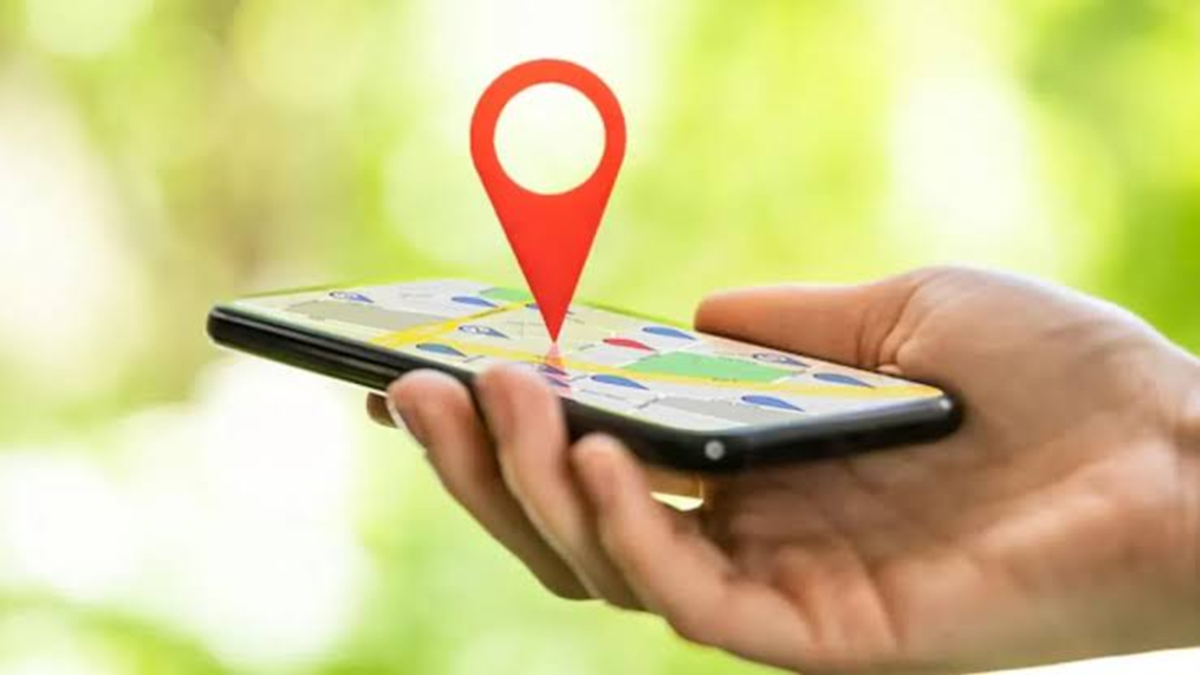
A smartphone is something you carry with you everywhere, making it a constant companion throughout the day. However, while this device is highly useful in many ways, it can also pose a significant threat to your privacy. One reason for this is that your smartphone keeps a record of all the places you visit. Furthermore, some apps may store your travel patterns and location data, which can become a major privacy concern—especially if this data falls into the wrong hands. The good news is that by managing your location settings, you can prevent unnecessary tracking and safeguard your privacy. Let’s look at how you can stop apps from tracking your location.
How to remove location access on your smartphone?
Preventing apps from tracking your location is quite simple. However, the exact steps may vary slightly depending on the device you are using. If you are using an iOS device, go to Settings > Privacy & Security > Location Services. You will see a list of apps along with the level of access each one has. Review the location access for all your apps; you can change the settings for any of them to 'Always', 'While Using the App', or 'Never'.
On the other hand, if you are using an Android device, go to Settings > Location > App location permissions. From there, you can review individual apps and adjust their access permissions.
If you are unsure whether or not to revoke location access for a particular app, simply ask yourself one straightforward question: "Does this app really need to know where I am?" And if the answer is 'no,' you can prevent the app from tracking you. While a maps app might genuinely need your location, a game, a shopping app, or a simple calculator certainly does not. Revoking access for apps that don't need it is a simple yet significant win for your privacy.
What could happen?
When you grant an app permission to use your location, it can leverage that information to provide features tailored to your current whereabouts. For instance, a maps app can offer navigation, while a weather app can display local weather conditions.
However, concerns arise when more apps than you might expect gain this access. For example, a malicious app could expose your current location—or the places you frequent—to dangerous or ill-intentioned individuals. Furthermore, it could reveal your daily routine and the areas where you spend your time; this is certainly not the kind of information you would want every app to have access to.
Disclaimer: This content has been sourced and edited from Dainik Jagran. While we have made modifications for clarity and presentation, the original content belongs to its respective authors and website. We do not claim ownership of the content.
