
Is your iPhone battery draining fast? Apple shares five amazing tips..
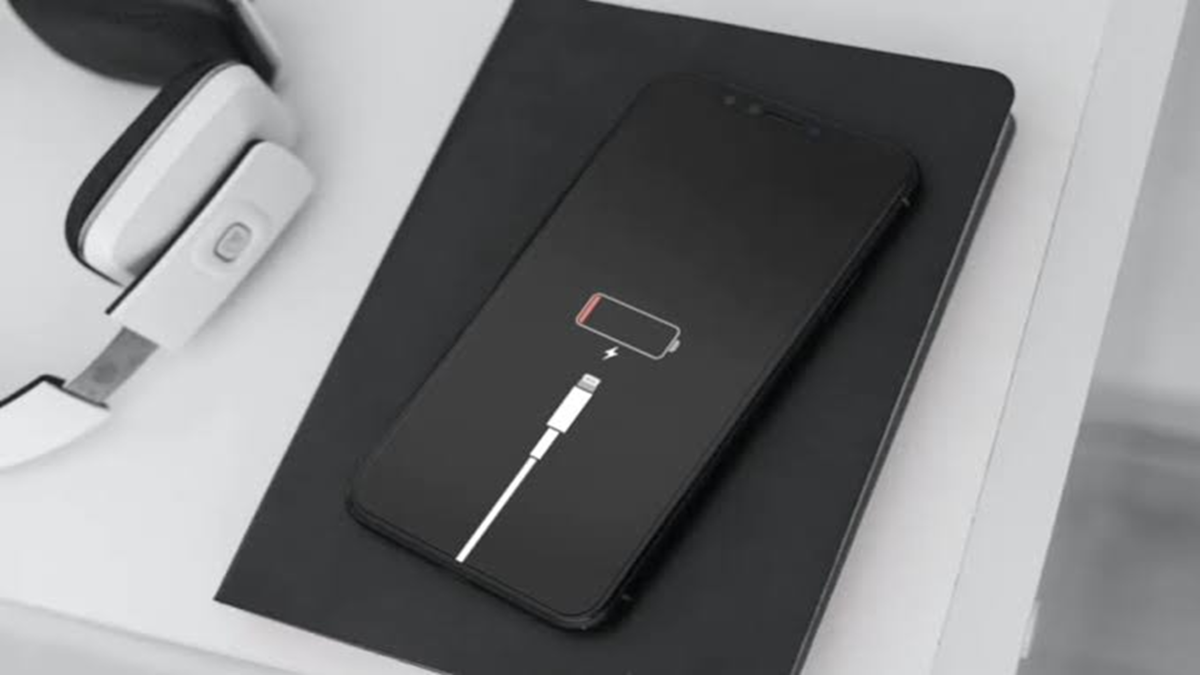
When using an iPhone, the battery can sometimes drain much faster than expected due to heavy usage. This often happens when we—knowingly or unknowingly—overlook certain important practices. If your iPhone battery is also draining quickly, you can follow the tips outlined in this article.
**Keep the software (iOS) updated**
Apple’s primary recommendation is to always keep your iPhone updated to the latest operating system (iOS). New updates often include bug fixes and power-saving features that help reduce battery drain.
To update, go to **Settings**, then tap **General**, and select **Software Update**. If an update is available, tap **Download and Install** and follow the on-screen instructions.
**Avoid extreme temperatures**
Temperature has a significant impact on your iPhone's battery. According to Apple, the ideal temperature range for an iPhone is between 16°C and 22°C.
Users should avoid using the device in temperatures exceeding 35°C (such as in direct sunlight or inside a hot car), as this can permanently reduce battery capacity.
**Do not charge the phone in high temperatures**
Charging an iPhone in a hot environment is detrimental to battery health. If the battery temperature becomes too high, the software may limit charging to 80% as a safety precaution.
Additionally, battery life can temporarily decrease in extremely cold temperatures; however, performance usually returns to normal once the phone reaches a standard operating temperature.
**Why should you remove thick back covers while charging?**
Some thick or low-quality phone cases trap the heat generated during charging, preventing it from dissipating. Apple recommends removing the back case immediately if your iPhone becomes unusually hot while charging.
Excessive heat during charging can permanently damage the battery's lifespan (long-term capacity).
Keep the battery at 50% when storing for a long period.
If you plan to store your iPhone turned off for several months, never leave it fully charged (100%) or completely discharged (0%).
Apple recommends storing the phone with a 50% battery charge.
Storing it completely discharged can cause the battery to enter a deep discharge state, rendering it unable to hold a charge again. Before storing, turn the device off completely and keep it in a cool, dry place with a temperature below 32°C.
Disclaimer: This content has been sourced and edited from Amar Ujala. While we modified it for clarity and presentation, the original content belongs to its respective authors and website. We do not claim ownership of the content.
