
Is someone else using a SIM card registered in your name? Here’s how to check and get it deactivated..
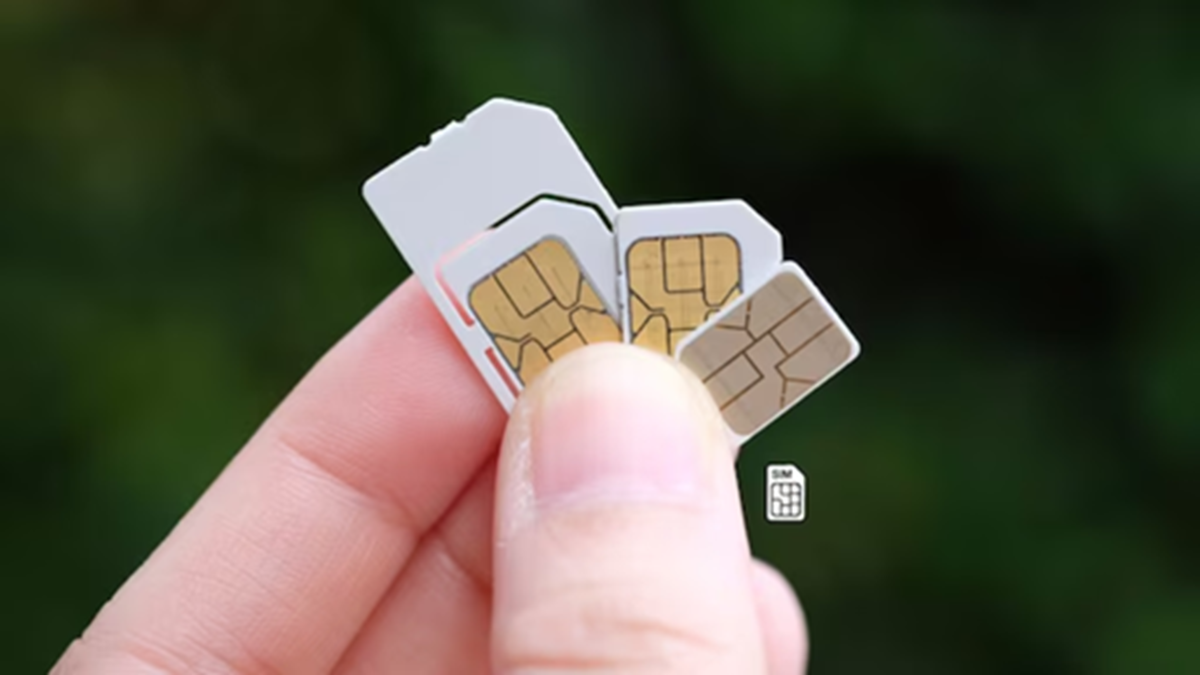
The issue of fake SIM cards has become increasingly common. Someone might misuse your Aadhaar card to obtain a SIM card in your name. If that SIM is later used for scams, fraud, or illicit activities, the police will approach you first, potentially landing you in unnecessary trouble. The government has provided a simple solution to this problem: the TAFCOP portal (Telecom Analytics for Fraud Management and Consumer Protection).
This is an official portal of the Department of Telecommunications (DoT) under the 'Sanchar Saathi' initiative. It allows you to check how many SIM cards are active in your name from the comfort of your home and immediately report or deactivate any unknown or fake SIMs.
How to check SIM cards on the TAFCOP portal? (Step-by-step)
Open a browser on your mobile or computer and visit the official website: tafcop.sancharsaathi.gov.in
Enter your 10-digit mobile number on the homepage (use the number linked to your Aadhaar so you can receive an OTP).
Enter the captcha code displayed on the screen and click on ‘Validate Captcha’ or ‘Send OTP’.
You will receive an OTP on your mobile; enter it to log in.
Once logged in, a list of all active mobile numbers registered in your name will appear on the screen.
(For privacy reasons, only the first two and last four digits of the numbers are visible).
Here, you can easily see the total number of SIM cards registered in your name. In India, a maximum of 9 SIM cards can be registered in one person's name (6 in some states).
How to deactivate fake or unknown SIM cards?
If you see a number in the list that does not belong to you or is no longer needed:
Select the appropriate option next to the number:
'Not My Number' – if the number is unknown or fake.
'Not Required' – if the number belongs to you but you are no longer using it.
'Required' – if the number is valid and currently in use.
Select the unknown or unnecessary number and click the 'Report' button.
Click 'OK' when asked for confirmation. You will receive a reference number as soon as the report is submitted; please make a note of it.
Within a few days, the concerned telecom company (Jio, Airtel, Vi, BSNL, etc.) will deactivate that SIM card. This process is completely free of cost.
Important Points
Make it a habit to check this every 3–6 months.
Do not share a copy of your Aadhaar card with anyone.
Be personally present when purchasing a SIM card.
If the issue persists, call 1930 (Cyber Helpline) or file a complaint at cybercrime.gov.in.
The TAFCOP portal is a powerful tool for ensuring the digital security of subscribers. It allows users to proactively avoid issues related to fraudulent SIM cards. Visit tafcop.sancharsaathi.gov.in to check your status. A little precaution can save you from major trouble. Keep track of the number of SIM cards registered in your name and stay safe.
Disclaimer: This content has been sourced and edited from News18 Hindi. While we have made modifications for clarity and presentation, the original content belongs to its respective authors and website. We do not claim ownership of the content.
