
Is it right or wrong to restart your Wi-Fi router every day? You’ll be surprised by the facts
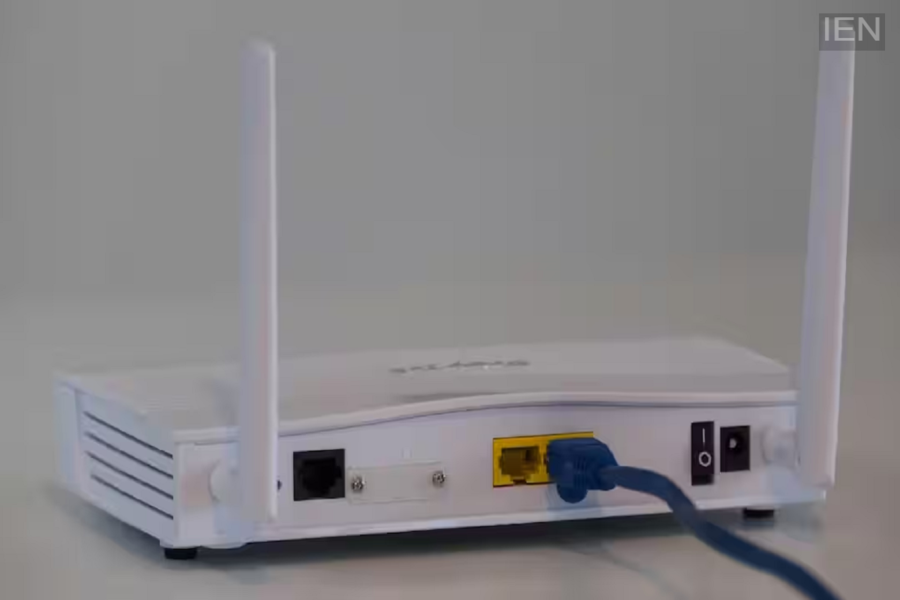
Wi-Fi Router: A router functions like a small computer that continuously processes data.
Wi-Fi Router: Wi-Fi routers have become the backbone of internet connectivity in homes, offices, and even small businesses. However, when the internet slows down or disconnects frequently, the first piece of advice people give is to restart the router. This raises the question: is it actually right to restart the router every day? Let’s find out the truth behind this.
What happens when you restart a router?
A router functions like a small computer that continuously processes data. If left running for extended periods, unnecessary data can accumulate in its memory (RAM). Restarting clears this memory, allowing the device to start fresh.
This is why internet speeds often feel faster after a restart, and minor network-related issues are resolved.
Is a daily restart necessary?
In most cases, there is no need to restart the router every day. Modern routers are designed to operate continuously for weeks or even months.
If your internet is running normally, turning the router off and on daily offers no significant benefit. However, for some older routers or models with limited RAM, periodic restarts can improve performance.
How often should you restart it?
Technical experts generally advise that restarting the router once a week or once every 15 days is sufficient. This refreshes the device's memory and helps maintain optimal performance over the long term.
If your router is consistently slow, devices are failing to connect, or the network keeps dropping, restarting it can be a good solution. When should you restart immediately?
Restarting the router immediately can be beneficial in certain situations:
The internet suddenly becomes very slow.
The Wi-Fi network is visible, but the internet isn't working.
You experience frequent disconnections.
A new firmware update has been installed on the router.
The network becomes unstable after connecting multiple devices.
There is also an automatic restart feature.
Many advanced routers today come with a 'Scheduled Reboot' or 'Auto Restart' feature. This allows the router to restart itself at a set time, so users don't have to do anything manually.
