
Is it okay to charge your phone using a laptop? One mistake could lead to serious damage.
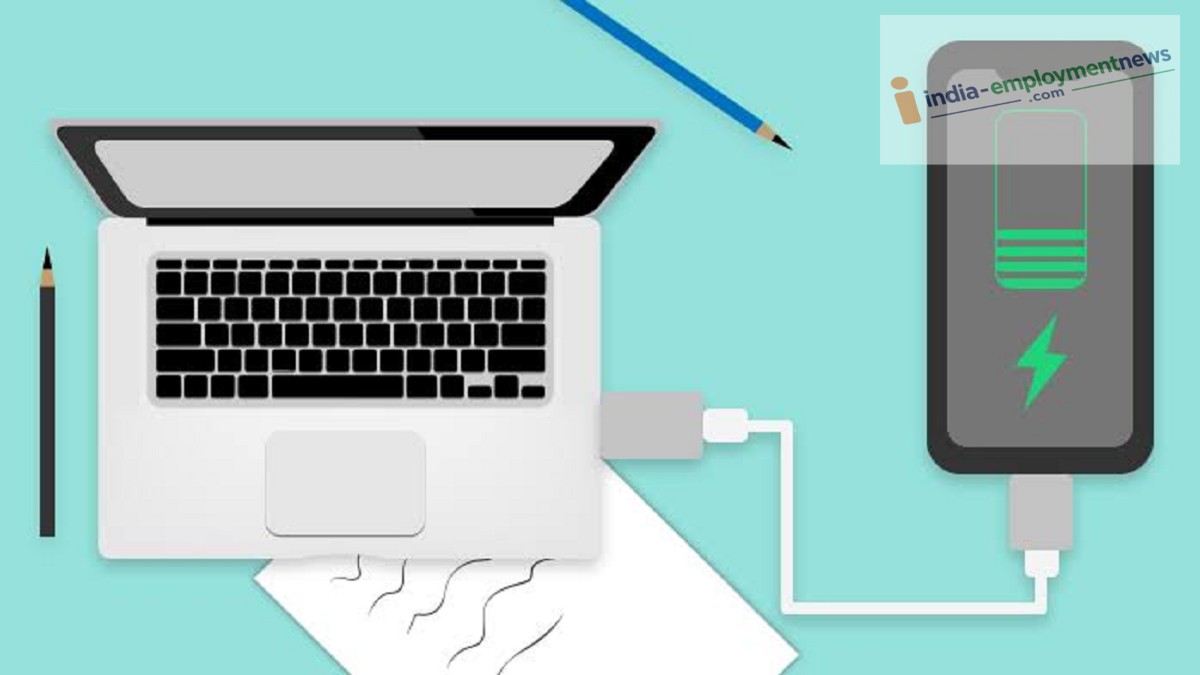
Tech Tips: If your laptop and charging cable are in good condition, charging your phone via the laptop is generally considered safe.
Tech Tips: Laptop usage has grown rapidly. They are used for everything from office work to entertainment, and even children's education now relies on them. It is common to see people charging their smartphones using a laptop's USB port. But is this advisable? Let’s find out the facts.
Is it safe to charge a phone using a laptop?
If your laptop and charging cable are in good condition, charging your phone via the laptop is generally considered safe. Essentially, the USB port provides a standard power supply sufficient for charging a phone. However, the process may take significantly longer compared to using a wall charger.
Is it okay to charge your phone using a laptop? One mistake could lead to serious damage.
Modern smartphones come with safety features that protect the device from overcharging or excessive current. However, charging speeds via a laptop are often much slower than those achieved with a wall charger, primarily because most USB ports offer lower power output.
One mistake could lead to serious damage.
However, a single mistake while charging your smartphone via a laptop can land you in serious trouble. The biggest mistake is charging your phone using an unfamiliar or someone else's laptop.
Such systems can pose a risk of data theft or malware infection. Connecting your phone to a computer via USB opens a channel not just for charging, but also for data transfer.
If "File Transfer" or "Data Transfer" mode is accidentally enabled on your phone, your personal information could be compromised. Therefore, you should always use a trusted laptop and, when necessary, ensure the "Charge Only" mode is activated on your phone.
Why is charging slow?
If you have noticed that charging your phone via a laptop takes longer than usual, there could be several reasons for this:
USB 2.0 ports provide less power.
Older laptops do not support fast charging.
Faulty or low-quality USB cables.
Continuous use of the phone while charging.
If your laptop supports USB-C Power Delivery (PD), your phone might actually charge quickly.
Does it affect the laptop's battery?
Charging a smartphone using your laptop naturally causes the laptop's battery to drain faster. This happens because charging the phone requires an additional power supply.
Is charging a phone via laptop a good idea? One mistake could cause significant damage.
Generally, there are no major issues if the laptop is plugged into a charger. However, charging multiple devices simultaneously for extended periods could damage your system.
Keep these points in mind:
If you charge your phone using your laptop, you should be aware of a few important things:
Always use an original or high-quality USB cable.
Avoid charging your phone using unfamiliar or public computers.
Keep the phone in "Charge Only" mode.
Avoid resource-intensive tasks like online gaming or video editing while charging.
Do not use a USB port if it is loose or damaged.
Stop charging if the laptop starts overheating.
When should you use a wall charger?
If you need a quick charge or your phone supports fast charging, the original wall charger is the best option. You should ideally charge your phone via a laptop only in emergencies; this helps preserve your laptop's battery life.
