
Is it a good idea to turn on your phone or laptop immediately after unboxing it? Most people are unaware of this important point..
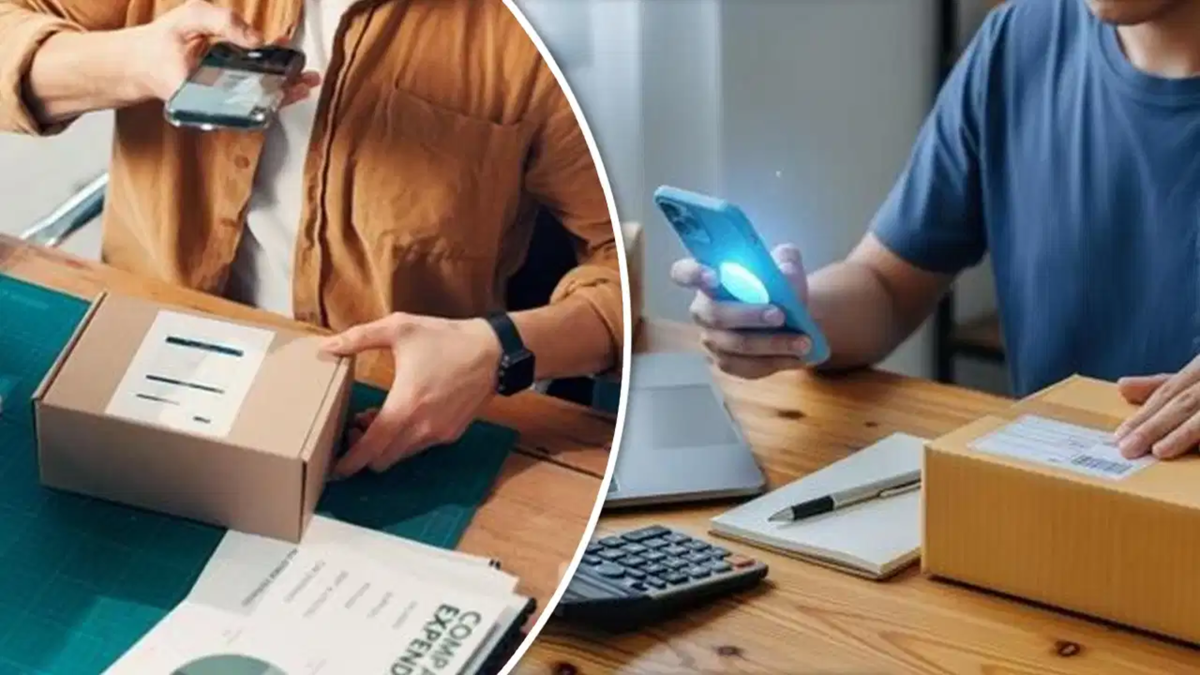
Ordering a new smartphone or laptop from the comfort of your home via online shopping has become quite easy. However, issues can sometimes arise after receiving the product—problems that could end up being costly for you. Often, when a new gadget arrives, people get excited and immediately open the box to start using it. It is, however, crucial to take certain precautions before doing so.
In fact, e-commerce companies have recently made their return and replacement policies much stricter. If you receive a damaged phone, a counterfeit product, or a faulty device, you will need to provide evidence along with your complaint. In such cases, an "unboxing video" can be extremely helpful. That said, there are three key points to keep in mind while recording such a video.
Ensure the package, shipping label, and company seal are clearly visible.
Do not start opening the box the moment you begin recording. First, capture the courier package on camera from all sides. Show all six sides to demonstrate that the package was not tampered with during delivery.
Next, hold the shipping label—found on the package—up to the camera. Your name, order ID, and tracking number should be clearly visible. Once you take the product box (for the phone or laptop) out, record its brand seal as well as the IMEI or serial number printed on the back. If the seal appears already opened or broken, make sure to highlight this in the video.
Inspect the device thoroughly before turning it on.
After opening the box, do not rush to press the power button. First, carefully examine the screen, the device's body, the camera lens, and the charging port. Pressure applied during delivery could cause the screen to crack or leave marks on the body.
Additionally, show the charger, cables, and any other accessories included in the box on camera. Sometimes, items may be missing, or original accessories might have been replaced with other objects. Having all these items recorded in your video ensures you have solid evidence should you need to file a complaint.
Do not stop the video midway.
The most important aspect when recording an unboxing video is to ensure the recording remains continuous. Pausing the video, editing it, or moving the device out of the camera's field of view can weaken your claim. Therefore, place the phone on a stand or seek assistance from someone else.
Once you have finished inspecting the device, turn it on while keeping it in view of the camera. If the phone fails to power on, or if green or yellow lines appear on the screen, ensure these are also captured in the recording. Only stop the video once the device has fully powered on and reached the home or setup screen. An unedited, continuous video recorded in this manner can serve as strong evidence for a return or replacement request.
Disclaimer: This content has been sourced and edited from TV9. While we have made modifications for clarity and presentation, the original content belongs to its respective authors and website. We do not claim ownership of the content.
