
iPhone: Who will be entitled to your iPhone after your death? What do the rules say?
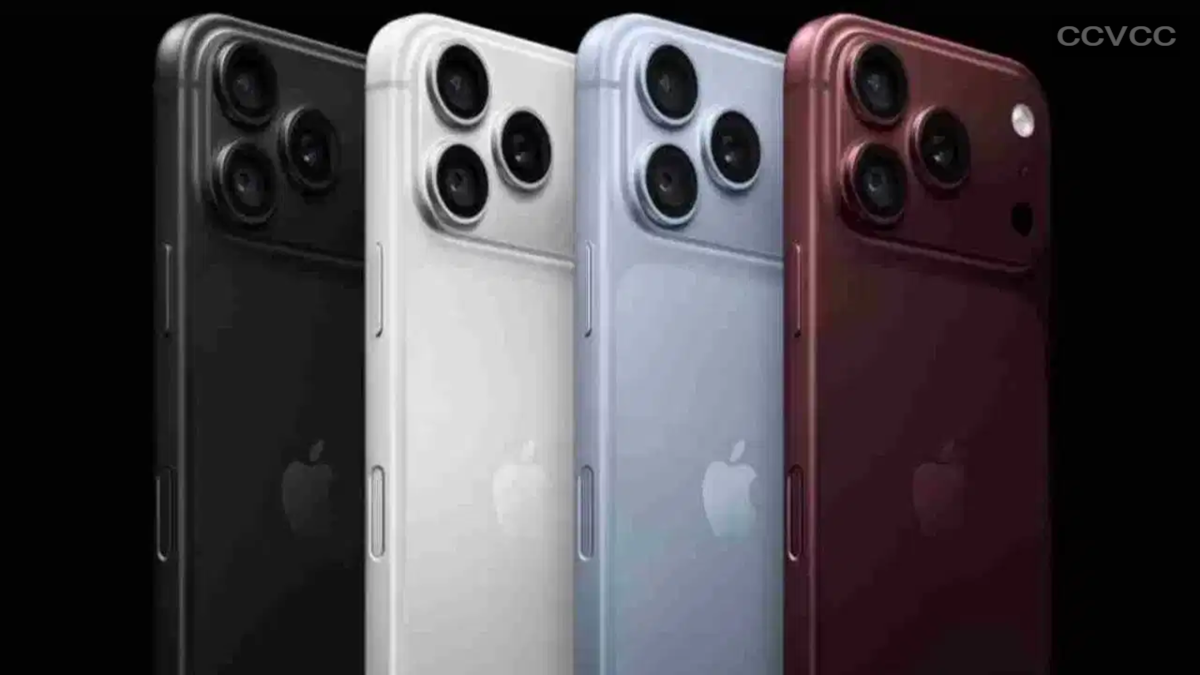
Have you ever wondered what will happen to the photos, important files, and other digital information stored on your phone after you are gone? Nowadays, smartphones are used for much more than just calls and messages; they store a wealth of personal and essential information related to our lives.
iPhones, in particular, boast robust security features. Personal data is safeguarded using passcodes, Face ID, and other security measures. This raises a question: if an iPhone user passes away, how can their family or a trusted individual access their Apple Account and the data within it? To address this need, Apple introduced the "Legacy Contact" feature. This allows users to designate a trusted person during their lifetime who can gain access to specific data in their Apple Account after their death.
What is Apple's Legacy Contact feature?
Simply put, a Legacy Contact is someone you designate in advance to access certain information linked to your Apple Account after you pass away. This feature is available on iOS 15.2, iPadOS 15.2, and macOS 12.1 or later versions. Users can appoint a trusted friend or family member as their Legacy Contact.
Apple provides a unique access key for this purpose. This key can only be used after the user's death. When the Legacy Contact requests access to the data from Apple, they must provide this access key along with the necessary documentation. In other words, simply being named as a Legacy Contact does not grant immediate access to your data; access to eligible data is granted only after Apple's verification process is complete.
What can a Legacy Contact access?
A Legacy Contact can gain access to specific data stored in the Apple Account. However, this does not mean they will have access to every part of the account. Under Apple's system, certain sensitive information and content related to purchases are not made available to the Legacy Contact. For instance, access is not granted to your passwords or certain subscribed or purchased media content.
Therefore, this should not be viewed as the same as knowing an iPhone's passcode or bypassing the phone's lock. The purpose of the Legacy Contact feature is to facilitate the handling of a user's digital data through a defined process following their death.
How do you add a Legacy Contact on an iPhone, iPad, or Mac?
If you wish to set up a Legacy Contact in advance, you can follow this process on an iPhone or iPad:
First, open Settings.
Tap on your name or Apple Account at the top.
Next, go to Sign-In & Security.
Select the Legacy Contact option.
Tap on Add Legacy Contact.
Confirm your identity using Face ID, Touch ID, or your device passcode.
Add the trusted person you wish to designate as your Legacy Contact.
Once the setup is complete, it is crucial to keep the Access Key provided by Apple safe, as it may be required later when requesting access to the data.
How do you set up a Legacy Contact on a Mac?
If you use a Mac, you can add a Legacy Contact from there as well.
To do this, first open the Apple Menu and go to System Settings. Then, click on your Apple Account and open the Sign-In & Security section.
You will find the Legacy Contact option there. Select Add Legacy Contact and fill in the required information. Finally, confirm your identity using Touch ID or another available security method.
Will the Legacy Contact immediately gain access to your data?
No. Simply designating someone as a Legacy Contact does not grant them immediate permission to view your Apple Account data. After the user's death, a specific process established by Apple must be completed to access the data. This may require documents such as a death certificate and the unique Access Key.
In other words, merely setting up a Legacy Contact while you are alive does not give the other person access to your personal data. This feature is specifically designed to transfer digital information to a trusted person following a defined process after death.
Disclaimer: This content has been sourced and edited from TV9. While we have made modifications for clarity and presentation, the original content belongs to its respective authors and website. We do not claim ownership of the content.
