
iPhone Tips: Who should have the iPhone passcode? Can anyone crack its lock?
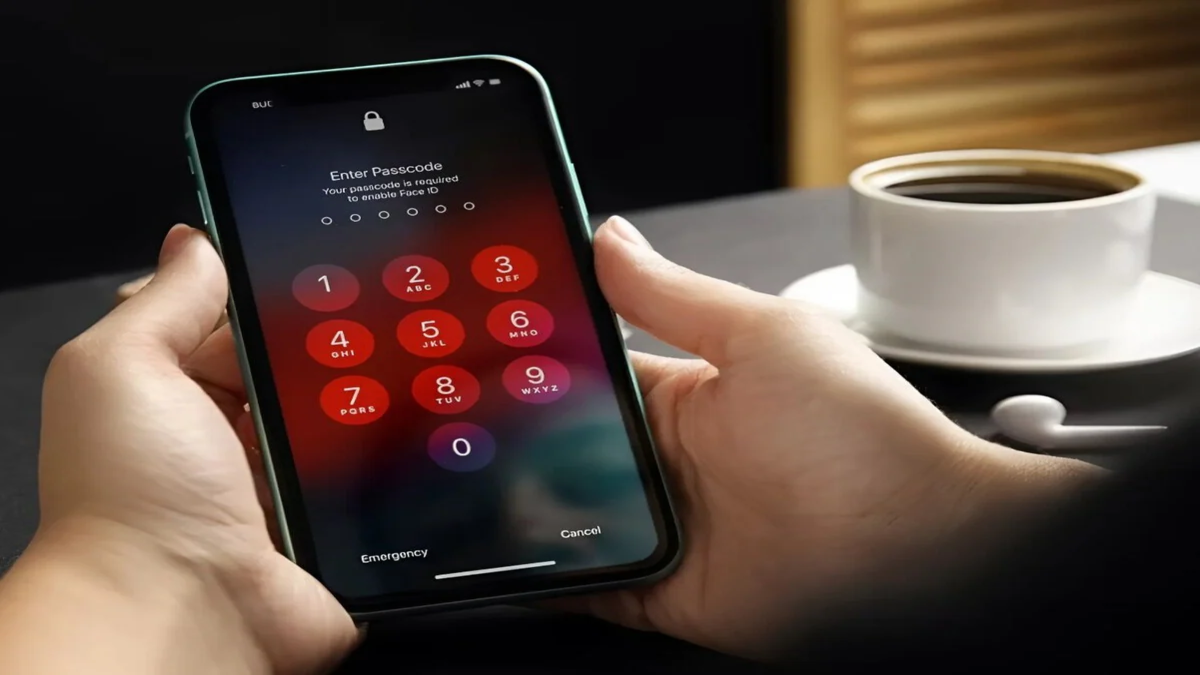
Amid the investigation into the death of IIT-Bombay student Sahil Wakode, his iPhone could serve as crucial digital evidence for the police. However, the fact that the phone is passcode-protected presents a significant technical challenge for investigative agencies. Reports indicate that even Sahil's acquaintances did not know the passcode, making it difficult to access the data stored on the device.
This situation raises an interesting question: who should actually know an iPhone's passcode? Can Apple or the police unlock the phone without it? And if your own iPhone gets locked, how can you use it again? Let’s answer the questions that might be crossing your mind.
Why is the iPhone passcode so important?
An iPhone passcode is not merely a way to lock the screen; it is a vital component of data security. According to Apple, setting a passcode activates the iPhone's data protection system, securing certain data through encryption.
This is why, even if the phone falls into someone else's hands, accessing the private information inside is not easy. While features like Face ID and other biometrics offer convenience, there are specific situations—such as after restarting the phone—where the iPhone requires the passcode.
Should family or friends know the passcode?
There is no single rule regarding this. A passcode is a piece of private security information, and generally, there is no need to share it with anyone. However, individuals may choose to share it with a highly trusted person based on their specific needs. It is important to understand, however, that possessing a passcode and having the legal authority to view the phone's data are two different things. Therefore, writing the passcode down in an accessible place or sharing it with multiple people can increase security risks.
What to do if your iPhone gets locked?
If you cannot remember your iPhone's passcode, the official method provided by Apple is to reset or erase the phone. In newer iOS versions, under certain conditions, the device can be reset directly from the Lock Screen using the "Forgot Passcode" option. Requirements such as having your Apple Account details and having "Find My" enabled beforehand may apply. Please note that this process will erase the phone's data and settings. If a backup exists, the data can be restored after the setup process.
You can also restore the iPhone using a computer via Recovery Mode. However, this method does not allow you to access the existing data on the phone without the passcode; its purpose is to make the device usable again.
What happens if the wrong passcode is entered repeatedly?
If the wrong passcode is entered repeatedly on an iPhone, the security system activates. After several failed attempts, you may see "iPhone Unavailable" or "Security Lockout" on the screen. In such a situation, you cannot simply unlock the phone by entering the passcode again.
If you do not remember the correct passcode, you may need to erase or reset the device to use it again. This can be done using on-screen options, Recovery Mode, or official features like "Find My." Keep in mind that erasing the device removes all existing data. If you have a backup on iCloud or a computer, you can restore your data from that backup during the setup process.
Resetting the iPhone directly if you have forgotten the passcode
If you have forgotten your iPhone passcode and the "Forgot Passcode?" option appears on the screen, you can erase the phone directly from the Lock Screen under certain conditions.
This process typically requires your Apple Account details and password. Once your identity is verified, the iPhone can be erased and set up again. This method removes the old passcode and allows you to start using the phone afresh; consequently, the device's existing data may be erased.
**Erase Data Remotely Using 'Find My'**
If your iPhone is lost or stolen, the 'Find My' feature proves very useful. If 'Find My' is already enabled on the device, you can choose to erase it remotely using another Apple device or the 'Find My' service. Once the erase command is received, the iPhone wipes its data as soon as it connects to the internet. This feature is primarily designed to prevent personal information on the phone from falling into the wrong hands.
However, it is important to understand that the purpose of a remote erase is to wipe data, not to retrieve existing data from a locked iPhone. Therefore, the phone must be set up again after this process.
**Restore via Computer Using Recovery Mode**
If the iPhone is not functioning normally or is locked due to the passcode, Recovery Mode is an official option. To do this, you must connect the iPhone to a Mac or Windows PC via a USB cable and put it into Recovery Mode. You can then select the 'Restore' option using Finder on a Mac or the Apple Devices app on a Windows PC.
Disclaimer: This content has been sourced and edited from TV9. While we have made modifications for clarity and presentation, the original content belongs to its respective authors and website. We do not claim ownership of the content.
