
iPhone Tips: How to Screen Record with Audio on iPhone? Learn the Step-by-Step Method..
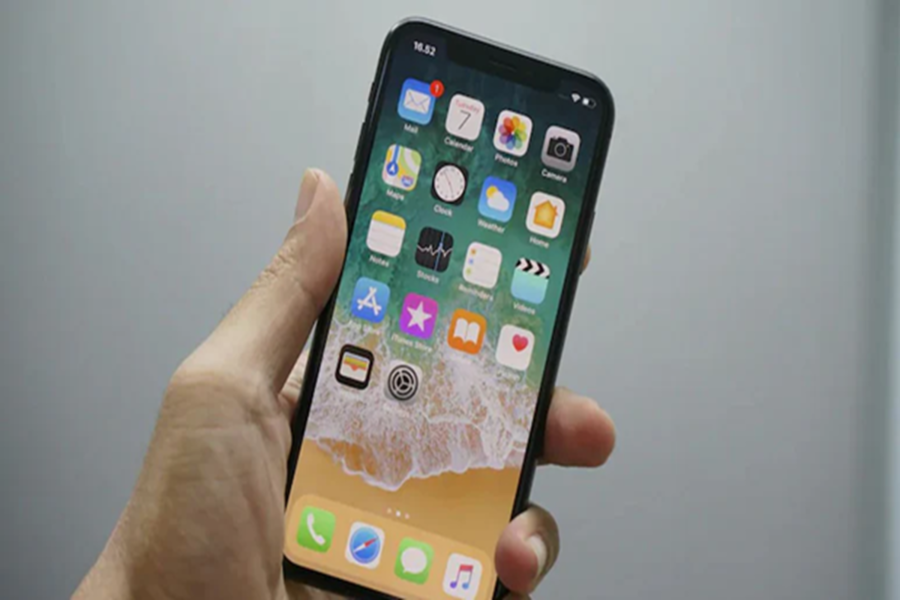
Screen Recording on iPhone: Screen recording is a very useful feature on your mobile phone. However, many iPhone users complain that they can't find this feature on their phones. If you're one of them, this article could prove to be very helpful. Here, we're showing you a very easy, step-by-step method for recording your screen with audio on your iPhone. Let's find out:
How to Screen Record on iPhone?
First, unlock your phone.
Now, swipe down from the top-right corner. Doing so will open the Controls menu. You'll see the Screen Recording sign.
If the sign isn't visible, tap the '+' symbol in the left corner.
Then tap 'Add a Control' at the bottom.
A new tab will open. Search for 'Screen Recording' in the search bar.
Tapping Screen Recording will add it to your Controls menu.
Now, whenever you need to record your screen, swipe down from the top-right corner of your phone and long-press on Screen Recording.
Tapping the Screen Recording button will initiate a 4-second countdown and start recording. A red indicator will appear at the top during recording.
How to record with voice?
If you want to record with your voice, long-press the Screen Recording button. You'll find the Microphone Audio option. Turn it on and tap Start Recording. Your voice will be recorded along with your screen.
How to stop recording?
To stop recording, tap the red status bar at the top and select Stop. The recording is automatically saved to the Photos app, where you can view, trim, or delete it.
Keep in mind:
Some apps, such as streaming platforms, don't allow screen recording. In these cases, the video may appear black.
For better recording, turn on Do Not Disturb and put your phone on silent.
Disclaimer: This content has been sourced and edited from NDTV India. While we have made modifications for clarity and presentation, the original content belongs to its respective authors and website. We do not claim ownership of the content.
