
iPhone Tips: Does your iPhone stay on silent? Turn on this hidden automation feature right now..
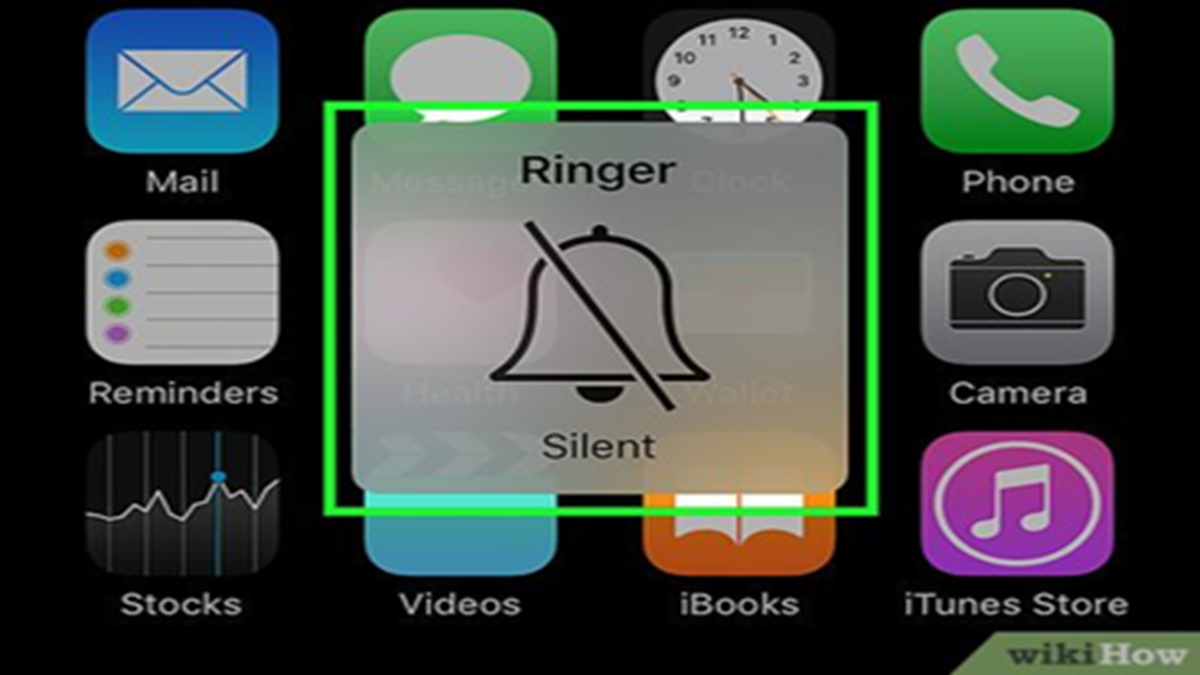
It often happens that we put our iPhone in silent mode during a meeting, at the office, or in a specific location and forget to switch it back to ring mode. Consequently, we sometimes miss important calls and notifications. If this happens to you frequently, there is no need to worry anymore; a hidden iPhone feature can completely resolve this issue.
Apple’s Shortcuts app offers various automation features that allow you to configure your iPhone to automatically turn Silent Mode on or off at a specific time or location. Once set up, you won't need to change the settings manually every time.
How to create an automation?
Follow the steps below to set up this feature on your iPhone:
First, open the Shortcuts app.
If you cannot find the app, go to the App Library and search for it.
Next, tap on the 'Automation' tab located at the bottom.
Tap on 'New Automation' (+).
Now, set a trigger based on your needs.
For example: Time of Day (every morning or at a specific time)
Arrive (upon reaching a specific location)
Leave (upon leaving a specific location)
If you want your phone to automatically exit Silent Mode every morning, select 'Time of Day' and set the desired time (e.g., 7:00 AM).
Then, tap 'Next' and select 'New Blank Automation' or 'Add Action'.
Type 'Set Silent Mode' in the search box.
Select the 'Set Silent Mode' action and set it to 'Off'.
Finally, tap 'Done'.
Now, your iPhone will automatically exit Silent Mode every morning at the scheduled time.
Disclaimer: This content has been sourced and edited from Dainik Jagran. While we have made modifications for clarity and presentation, the original content belongs to its respective authors and website. We do not claim ownership of the content.
