
iPhone Secret Codes: Check Network Strength and Hidden iPhone Features with a Single Dial..
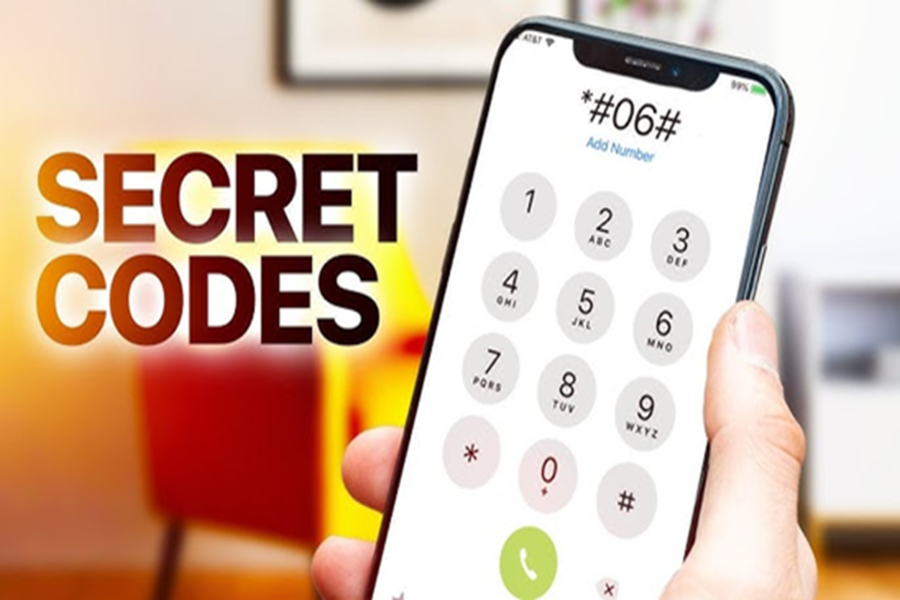
While new features on Apple iPhones may sometimes arrive later compared to Android devices, Apple consistently goes above and beyond to ensure user convenience—often in ways that seem almost understated. The software on Apple devices is renowned for prioritizing user safety and delivering an exceptional user experience. When it comes to the iPhone, a wealth of hidden features lies tucked away behind the standard settings menus. To access these features, users are required to utilize specific codes.
In technical parlance, these codes are referred to as USSD (Unstructured Supplementary Service Data). To use them, one simply needs to open the phone's dialer. Here, we provide details on several such secret iPhone codes that allow you to unlock and access these hidden features.
**Field Test Mode**
**Code:** *3001#12345#*
With this code, users can view technical information regarding their mobile network. In addition to checking the signal strength received by the iPhone, users can also view cell tower information. This code also provides details regarding the mobile number and the network carrier.
**IMEI Number**
**Code:** *#06#**
This code remains the same for both Android and iPhone devices. By dialing it, users can retrieve their device's IMEI (International Mobile Equipment Identity) number. This number is crucial for blocking or tracing an iPhone in the event that it is stolen.
**Call Forwarding**
**Code:** *#21#**
If you wish to determine whether your calls are being forwarded to another number, you can use this code to find out. Through this code, you can check not only for call forwarding but also whether your data and messages are being forwarded.
**Call Waiting**
**Code:** *#43#**
You can use this secret code to verify whether the Call Waiting feature is currently activated on your device.
Please note that some secret codes related to Call Waiting and Call Forwarding may yield slightly different results depending on the specific network of your telecom operator. Additionally, it is possible that some codes may not work, as telecom companies frequently modify them or keep them disabled. Furthermore, we advise against dialing any unfamiliar codes, as some of them could reset your phone's settings.
Disclaimer: This content has been sourced and edited from Dainik Jagran. While we have made modifications for clarity and presentation, the original content belongs to its respective authors and website. We do not claim ownership of the content.
