
iPhone: How to create a video from multiple Live Photos on iPhone? Learn the step-by-step method..
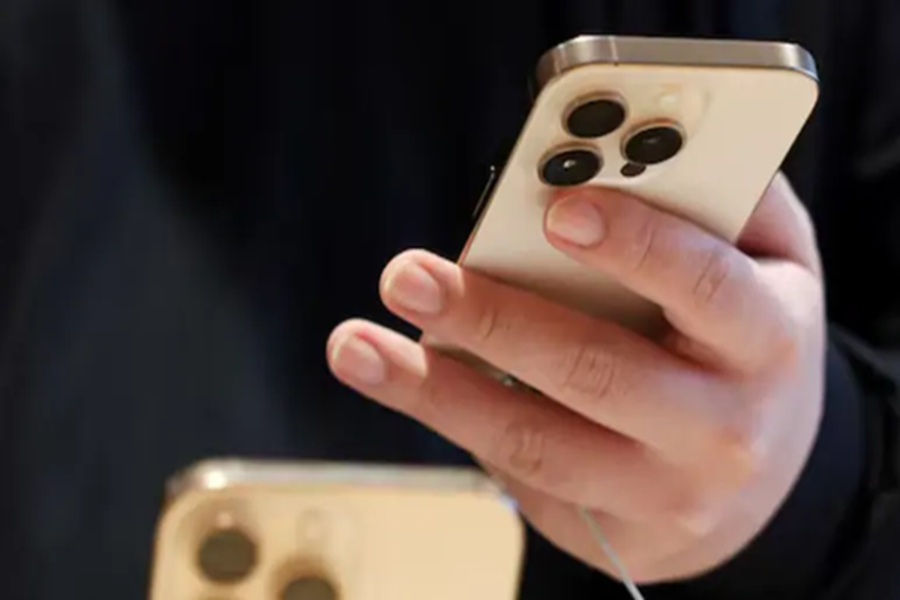
How to create a video from multiple Live Photos on iPhone: The Live Photos feature on iPhone makes your memories even more special. When you take a photo, your iPhone records the seconds before and after it. This adds slight movement and sound to the photo. But did you know that you can also create a full video by combining multiple Live Photos from your iPhone? This feature is especially useful if you have multiple Live Photos from a trip, party, family function, or special occasion and want to easily share them by converting them into a single video. The good thing is that this doesn't require a separate app; everything is done right from within the iPhone's Photos app. Let's learn how:
Easy way to create a video from multiple Live Photos
Step 1 - Open the Photos app
First, open the Photos app on your iPhone. You'll see an option like 'Collections' or 'Albums' at the bottom. Tap on it.
Step 2 - Go to the Live Photos section.
Now, scroll down and tap Live Photos under the 'Media Types' section. You'll see all the Live Photos saved on your phone.
Step 3 - Select Live Photos.
Tap Select in the top right. Tap the Live Photos you want to convert to videos. A small checkmark will appear above each photo.
Step 4 - Open the Menu.
Now, tap the three dots (⋯) in the top right of the screen. This will open a small menu.
Step 5 - Select Save as Video.
You'll see the Save as Video option in the menu. Tapping this will combine all your selected Live Photos into a single video.
Where to find the video?
You can find the created video in the Photos app's Library or in the Videos section under 'Media Types'. The video's date is the same as the Live Photos taken, so it won't necessarily appear at the top.
Also, keep these things in mind:
The order of Live Photos in the video will be in the same order in which they were taken.
The movements in each Live Photo combine to form a continuous video.
You can easily edit, share, or export this video.
This iPhone feature lets you turn many of your small memories into a beautiful video.
Disclaimer: This content has been sourced and edited from NDTV India. While we have made modifications for clarity and presentation, the original content belongs to its respective authors and website. We do not claim ownership of the content.
